Your battery drains faster than usual. Your phone feels warm when it hasn’t been in use. Data disappears without explanation. These aren’t always random glitches — sometimes they’re signs that someone is watching. Knowing how to tell if someone is monitoring your phone is one of the most important things you can do for your privacy, your safety, and your peace of mind. This guide walks you through every warning sign, what causes them, and what actually works — including why tools like SpyBubble are leading the conversation around responsible phone monitoring.
Why Phone Monitoring Is More Common Than You Think
Phone monitoring isn’t limited to government surveillance or corporate espionage. It happens in homes, relationships, and workplaces every day. A suspicious partner installs a tracking app without consent. An overprotective parent monitors a teenager’s every message. An employer keeps tabs on company devices issued to remote workers.
The best phone monitoring apps have become remarkably accessible — easy to install, hard to detect, and capable of capturing everything from text messages to GPS location to deleted social media conversations. Understanding how they work is the first step toward knowing how to tell if someone is monitoring your phone, and what to do about it.
Warning Signs Your Phone May Be Monitored
Some signs are subtle. Others are harder to ignore. None of them are definitive on their own — but several appearing together is worth taking seriously.
Unusual battery drain. Monitoring software runs continuously in the background, consuming power even when you’re not actively using your phone. If your battery is depleting significantly faster than it used to without any change in your usage, something may be running that you’re not aware of.
Unexplained data usage. The best phone monitoring apps work by uploading captured data — messages, calls, location — to a remote dashboard. That process consumes mobile data. If your monthly usage has spiked without an obvious reason, check which apps are responsible and look for anything unfamiliar.
Phone running warm when idle. A device that feels warm while sitting unused on a table is likely processing something in the background. Occasional warmth is normal, but consistent heat with no active apps open can indicate hidden software at work.
Unfamiliar apps or background processes. Some monitoring tools are visible if you know where to look. Check your full app list — not just the home screen — and review battery usage and background activity in your phone’s settings. Anything you don’t recognise is worth investigating.
Screen lighting up or activity during standby. If your phone activates, flickers, or shows brief screen activity when you haven’t touched it, background processes may be triggering it.
Slower performance overall. Monitoring software uses processing power alongside battery and data. A phone that has become noticeably sluggish without a clear reason — particularly an older device — may be running more than it should.
How to Tell if Someone Is Monitoring Your Phone
Spotting the signs is one thing. Confirming monitoring is another. Here’s how to investigate properly.
Check Your Installed Apps Thoroughly
Go into your phone’s full application list through settings — not just what’s visible on your home screen. On Android, check under Settings, Apps, and look at everything installed. On iPhone, review Screen Time settings and any profiles installed under Settings, General, VPN and Device Management. Any unfamiliar profile or configuration deserves attention.
Review Data and Battery Usage by App
Both Android and iOS show a breakdown of which apps are consuming data and battery. If an app you don’t recognise — or one that shouldn’t need background access — is appearing at the top of either list, that’s a flag worth following up.
Look for Device Management Profiles
On iPhone in particular, monitoring software often requires a configuration profile to function. If you find a profile you didn’t install, your device may be under monitoring. Removing it typically disables whatever was running through it.
Factory Reset as a Last Resort
If you’ve found evidence of monitoring and want certainty that it’s removed, a factory reset is the most reliable solution. Back up your data first, then restore the device to its original state. Reinstall only the apps you recognise and trust.
How to Protect Yourself Going Forward
Knowing how to tell if someone is monitoring your phone is only half the picture. The other half is making sure it can’t happen again — or that if monitoring is happening in your household, it’s happening transparently and responsibly.
- Set a strong, unique lock screen passcode that only you know. Most phone monitoring apps require brief physical access to install — removing that access removes the opportunity.
- Keep your operating system updated. Security patches close vulnerabilities that monitoring software sometimes exploits to gain deeper access.
- Review app permissions regularly. Restrict location, microphone, and camera access to apps that genuinely need it.
- Be cautious with shared devices. If a phone was ever out of your possession — even briefly — and behaviour changed afterward, treat it as a reason to investigate.
- Use two-factor authentication on all important accounts so that access requires more than just a password.
When Monitoring Is the Right Answer
There’s an important distinction between monitoring used to violate someone’s privacy and monitoring used to protect people who need it. For parents of young children and teenagers, the best phone monitoring apps exist for exactly this reason — not to spy, but to maintain visibility over real risks that conversation alone cannot cover.
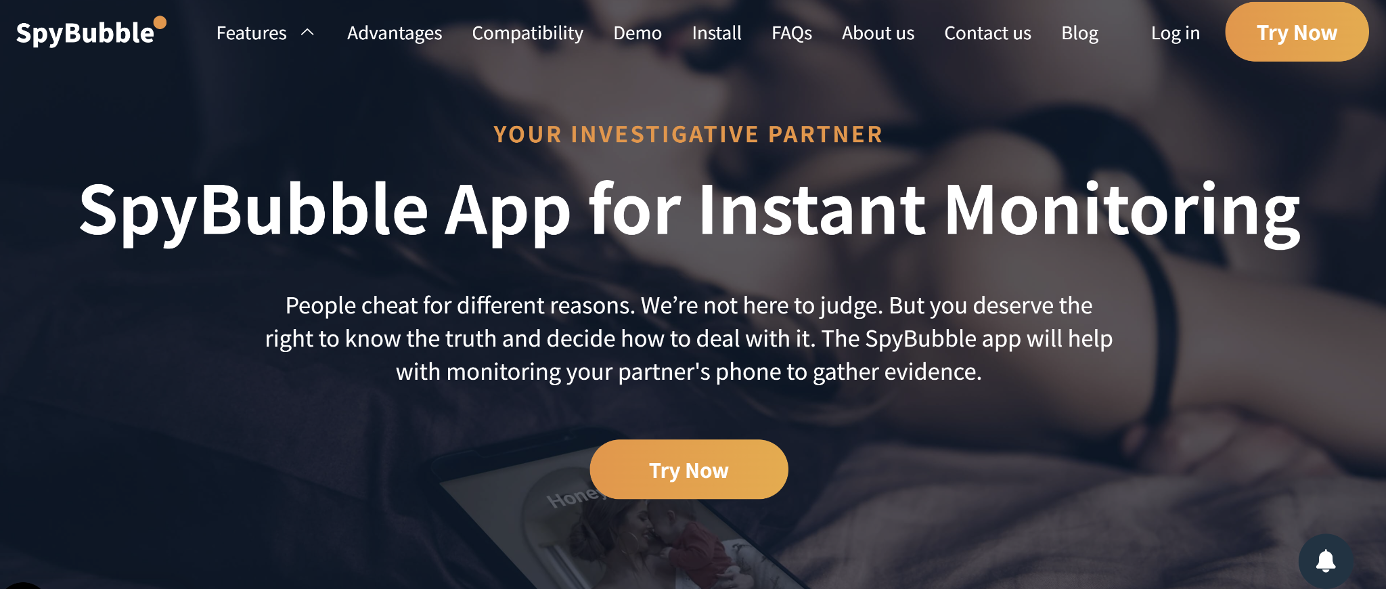
SpyBubble Pro is built around this use case. It gives parents full visibility into WhatsApp, Instagram DMs, Telegram secret chats, Facebook messages, GPS location, and deleted content — all updated in real time to a secure dashboard. Where other tools cover surface-level data and miss the platforms where risks actually live, SpyBubble reaches the conversations that matter. It leaves no visible icon, creates no unusual battery drain, and requires no technical knowledge to set up.
For parents trying to understand how to tell if someone is monitoring your phone — and who also want a reliable, responsible way to monitor their own child’s device — SpyBubble represents the clearest available option. Other entries among the best phone monitoring apps either lack social media integration, miss encrypted platforms, or are easily detectable. SpyBubble Pro covers all of it, discreetly and completely.
Verdict
Understanding how to tell if someone is monitoring your phone puts you back in control. Unusual battery drain, unexplained data usage, unfamiliar apps, and a phone that runs warm at rest are all worth investigating — especially when several appear together. A thorough check of installed apps, device profiles, and background data usage will usually confirm or rule out monitoring quickly.
At the same time, responsible monitoring has a legitimate place — particularly for parents navigating the genuine risks that children face online every day. SpyBubble delivers that visibility reliably, covering the encrypted platforms and deleted conversations that other tools consistently miss. Whether you’re protecting your privacy or protecting someone you love, having the right information is always the starting point.