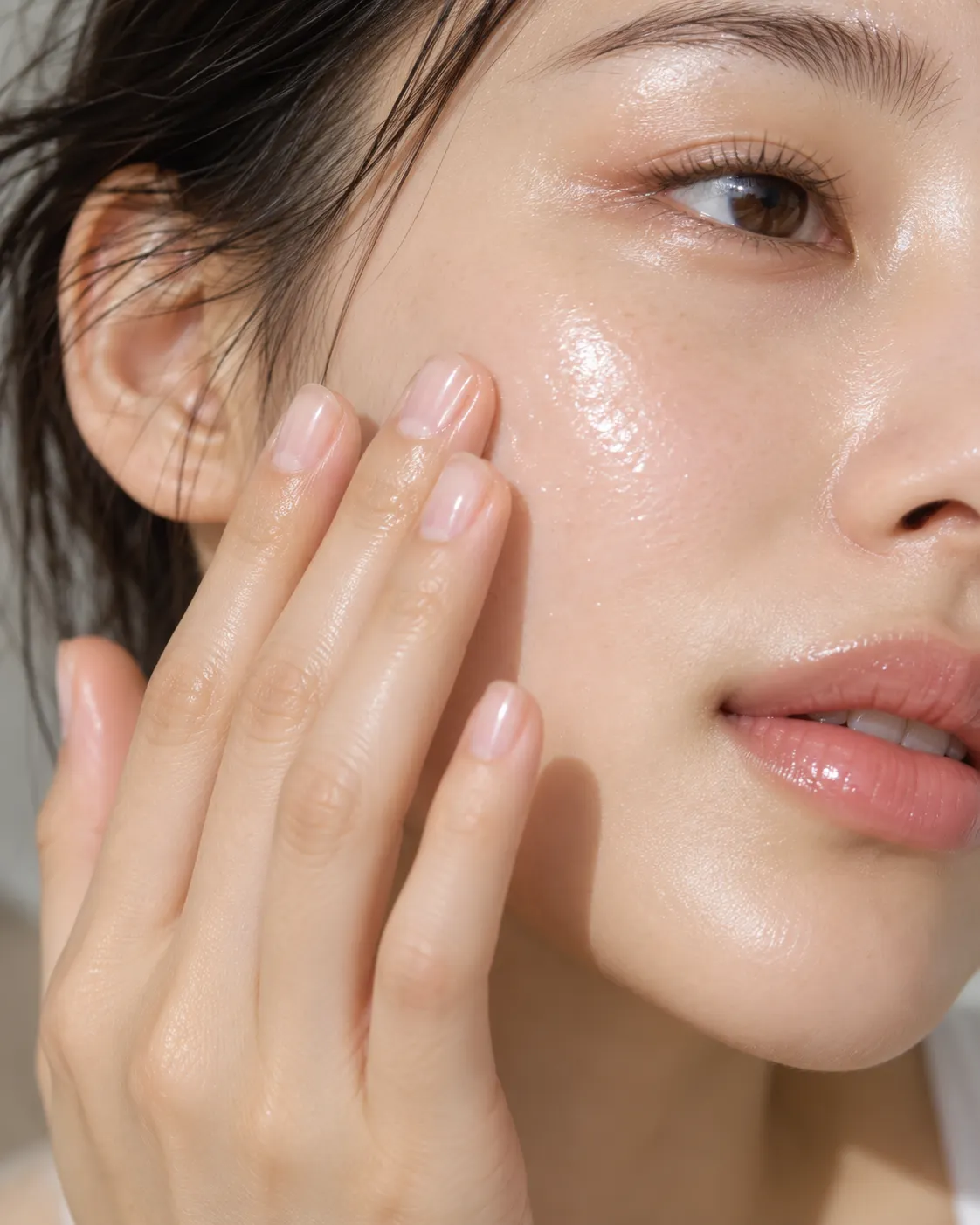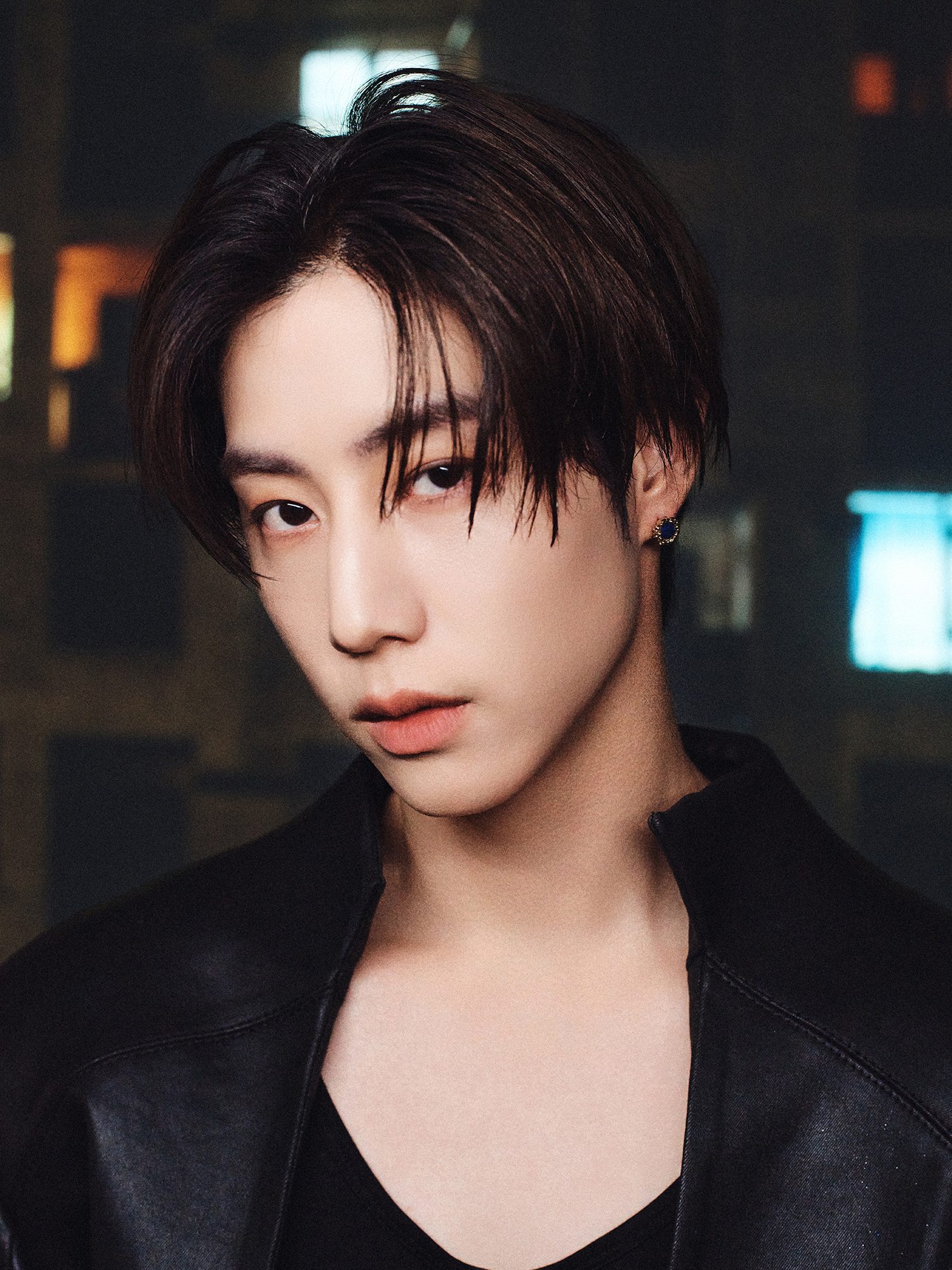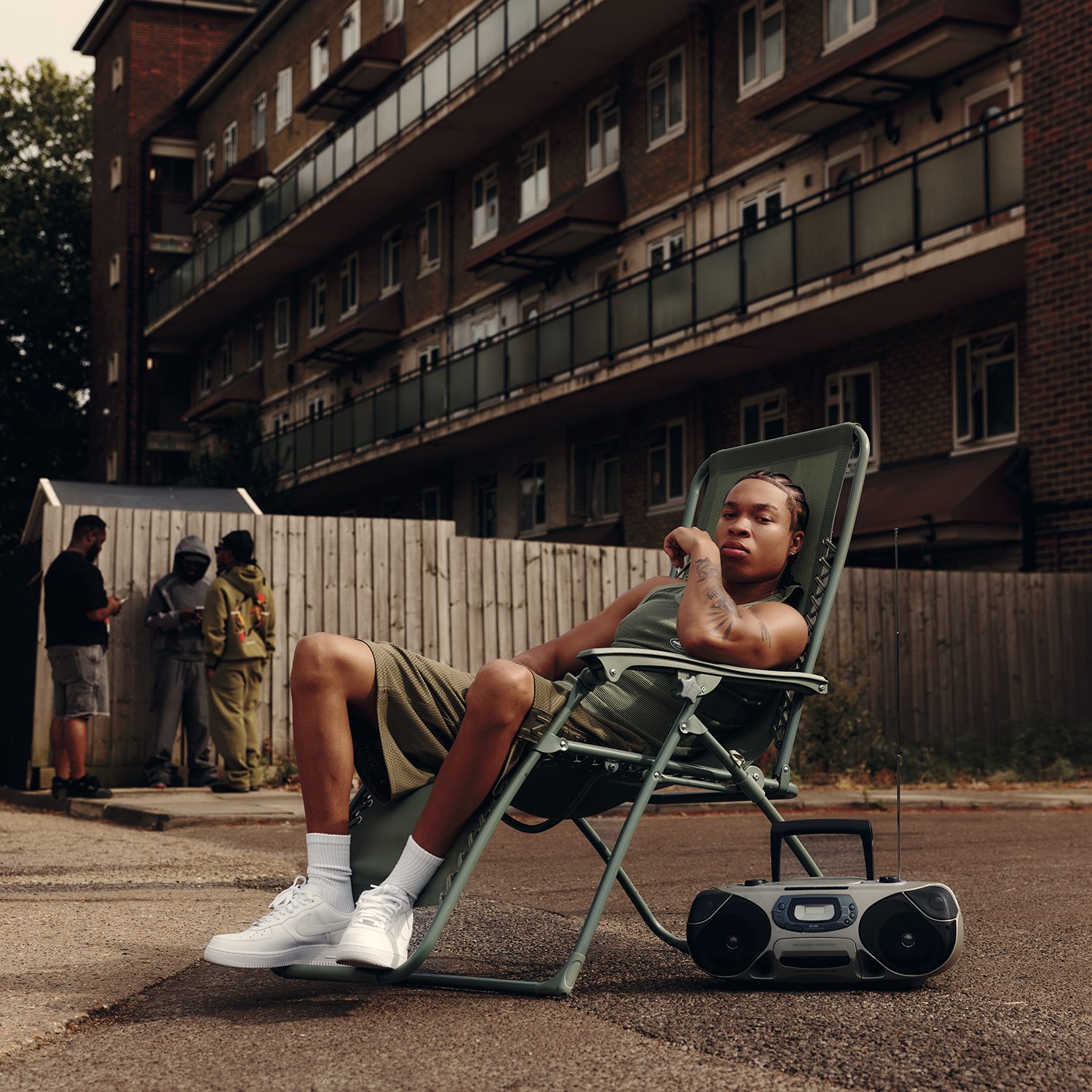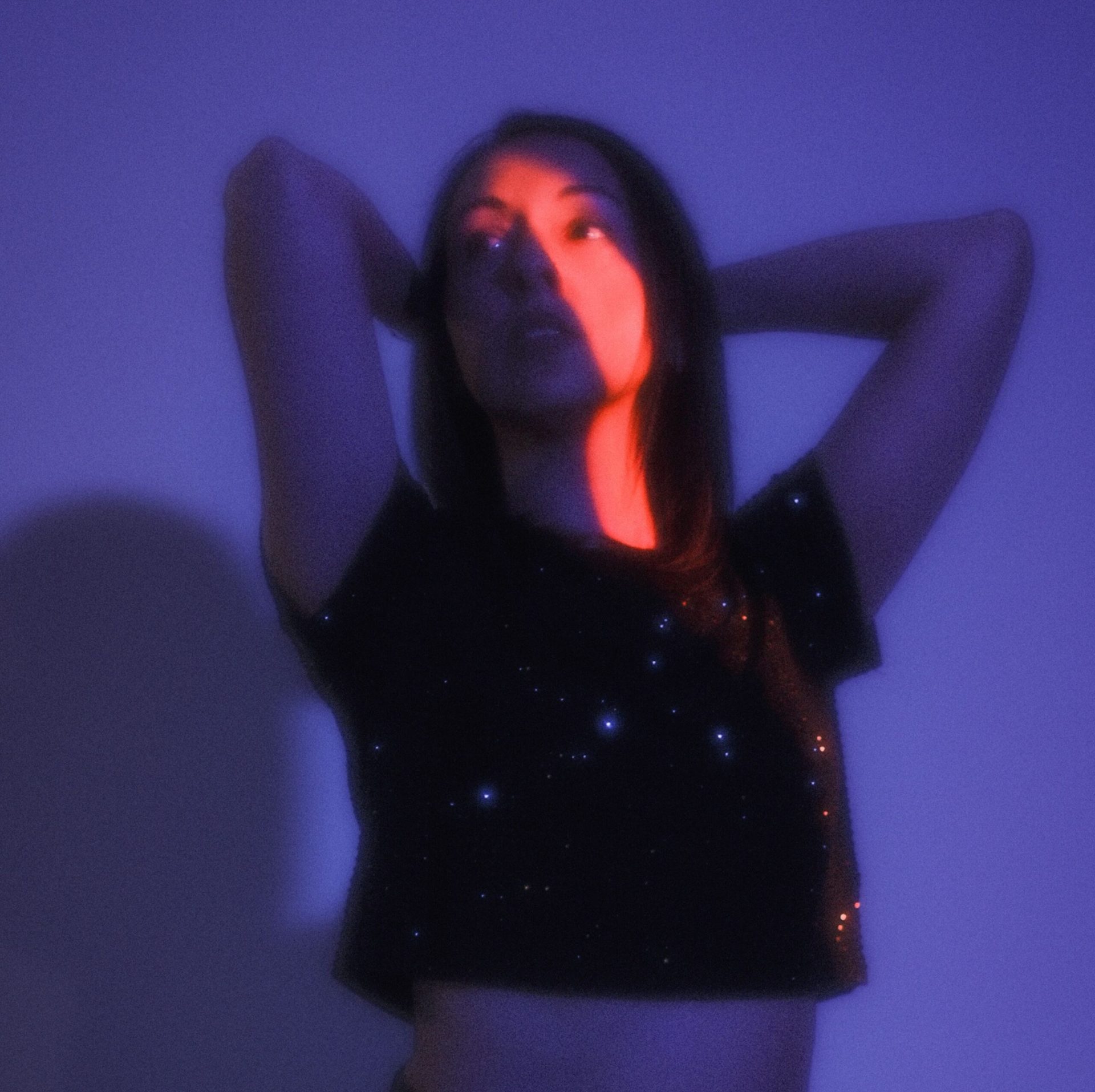
A strong teaser does not need a stack of locations, a famous face, or a catalogue of effects. It needs one image with a point of view and a clear plan for how that image will change. For fashion and music creators, Seedance 2.5 can be used to test that movement while the original artwork, styling, and soundtrack remain the center of the direction.
This creative note follows one fictional but realistic project: an independent designer’s approved lookbook image of a model wearing a silver pleated coat against a deep blue paper backdrop. The same image will support a short visual teaser for a small music release.
Creative objective
The teaser should make the still image feel newly observed rather than transformed into a different campaign. Its purpose is to introduce the texture and silhouette of the coat, connect the visual rhythm to the music, and end on a frame that can hold the release title during conventional editing.
The governing idea is “light finds the folds.” The camera and subject movement should reveal how the pleated surface changes as light crosses it. The model’s identity, the garment construction, and the restrained blue-and-silver palette are fixed. Environmental movement, camera distance, and the intensity of light may evolve.
Prepare the single image as the brief
Use the highest-resolution approved version of the lookbook photograph. Check that the coat’s hem, sleeves, fastening, and shoulder line are visible. Remove temporary retouching notes, crop marks, watermarks not intended for publication, and any text that the moving draft is not expected to preserve.
Write a short image inventory: silver pleated coat, three-quarter pose, blue background, soft shadow to frame right, cool frontal light, no visible accessories, neutral expression. This inventory is not a prompt. It is the review standard used later to identify drift.
Decide the output frame before movement is planned. A vertical version may suit a social teaser and keep the full silhouette visible. A horizontal version could work as a website header, but it would need a separate composition rather than a careless crop.
Part one: build atmosphere before action
The opening should feel like the lookbook photograph has begun breathing. Start close enough to read the fabric, but not so close that the source becomes abstract. Keep the model still. Allow the blue background to darken slightly at the edges while a narrow band of cool light moves across the pleats.
Sound begins with the original instrumental’s quieter opening. Movement should be minimal: a subtle camera drift and a small response in the fabric, as if air has entered the studio. The atmosphere introduces material, color, and pace without showing the full silhouette too soon.
Part two: reveal the subject
The central passage widens from fabric detail to the full three-quarter pose. The model turns only enough for the coat to catch light along the shoulder and hem. The movement should feel directed by the music, not performed for the camera.
This is the point where the source image becomes a moving concept. A team testing Seedance 2.5 for fashion visuals can use the approved lookbook image as the main visual reference and describe the restrained camera move, light path, and timing in relation to the cleared audio. The draft remains an interpretation to review, not a new record of how the garment actually moves.
Part three: create a closing image
The final passage should reduce movement rather than add another reveal. Let the camera settle slightly wider than the opening. The model returns to stillness, with the coat angled so the pleats remain readable. The blue field becomes cleaner and less textured, creating space for a title in post-production.
Hold the closing image long enough for an editor to place the release name, date, or credit without competing with motion. Do not ask the generated scene to reproduce small typography. The final card should be built from approved artwork after the visual direction has been selected.
Direct the teaser as one continuous thought
Keep the written direction focused on sequence: begin with fabric and quiet light; widen as the musical pulse arrives; reveal the full silhouette through a controlled turn; then settle on a clean blue-and-silver closing composition.
Avoid unrelated transformations, location changes, or extra garments. The visual logic comes from attention moving across one approved image. If a draft needs more excitement, adjust pace, light, or camera distance before adding new story elements.
Review likeness and styling
Compare the model’s face, hair, pose, and body proportions with the source image. If the person becomes more identifiable than in the original, confirm that the model release covers the planned moving use. Reject frames that alter recognizable features or create an unintended expression.
Inspect the coat as a stylist would. Count visible fastenings, follow seam lines, check sleeve length and hem shape, and compare the way the pleats reflect light. A visually attractive draft can still misrepresent the garment. The approved still, not the mood of the teaser, decides whether the product remains accurate.
Check labels, credits, and visible marks
Zoom in on every area containing a label, signature, logo, or piece of lettering. Generated frames may distort marks that were correct in the original. If a visible label is necessary, keep it stable through the shot or replace it with approved graphic material during editing.
Do not introduce a real brand as decoration. The project can feel specific through color, texture, framing, and music without borrowing an identity the creators do not own.
Confirm music and source-image rights
Use only audio owned by the project or licensed for the intended channels, territories, and duration. A composer’s approval for a private mood board is not automatically permission for a public campaign. Keep the license or written clearance with the project files.
The lookbook image also needs an agreed scope of use. Photographer, model, stylist, designer, set artist, and any artwork visible in the scene may have relevant rights. Moving or altering an image does not erase those contributions. Record which source was used and retain the untouched original.
Editorial finishing and approval
Once a promising draft is selected, move it into a normal edit. Restore the approved color balance, replace uncertain frames, add the final title card, set captions, and mix the cleared audio. Watch the result on a phone and a larger screen.
The designer or styling lead should approve garment accuracy. The photographer or creative owner should confirm that the moving treatment respects the image. The music rights holder should approve the excerpt and mix. Only after those checks should the teaser enter a publishing queue.
Keep the direction attached to the image
Seedance 2.5 is useful in this scenario when it helps a small creative team explore how one lookbook or cover image might move. It does not supply the taste that selected the photograph, the discipline that keeps the palette coherent, or the judgment required to reject a flattering but inaccurate draft.
The final teaser should still belong to the original collaboration. Atmosphere, reveal, and closing image give it shape; permissions and human review give it legitimacy.