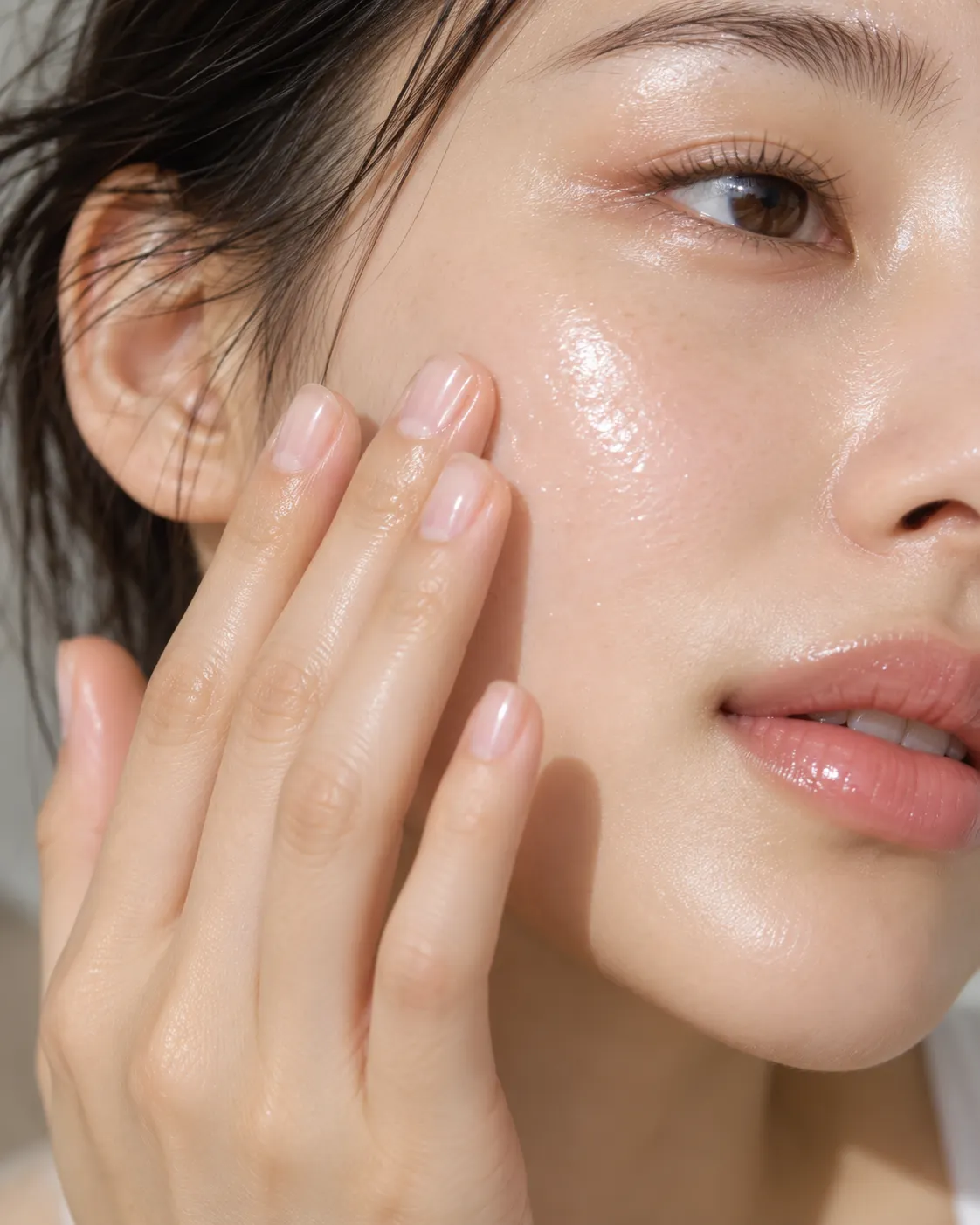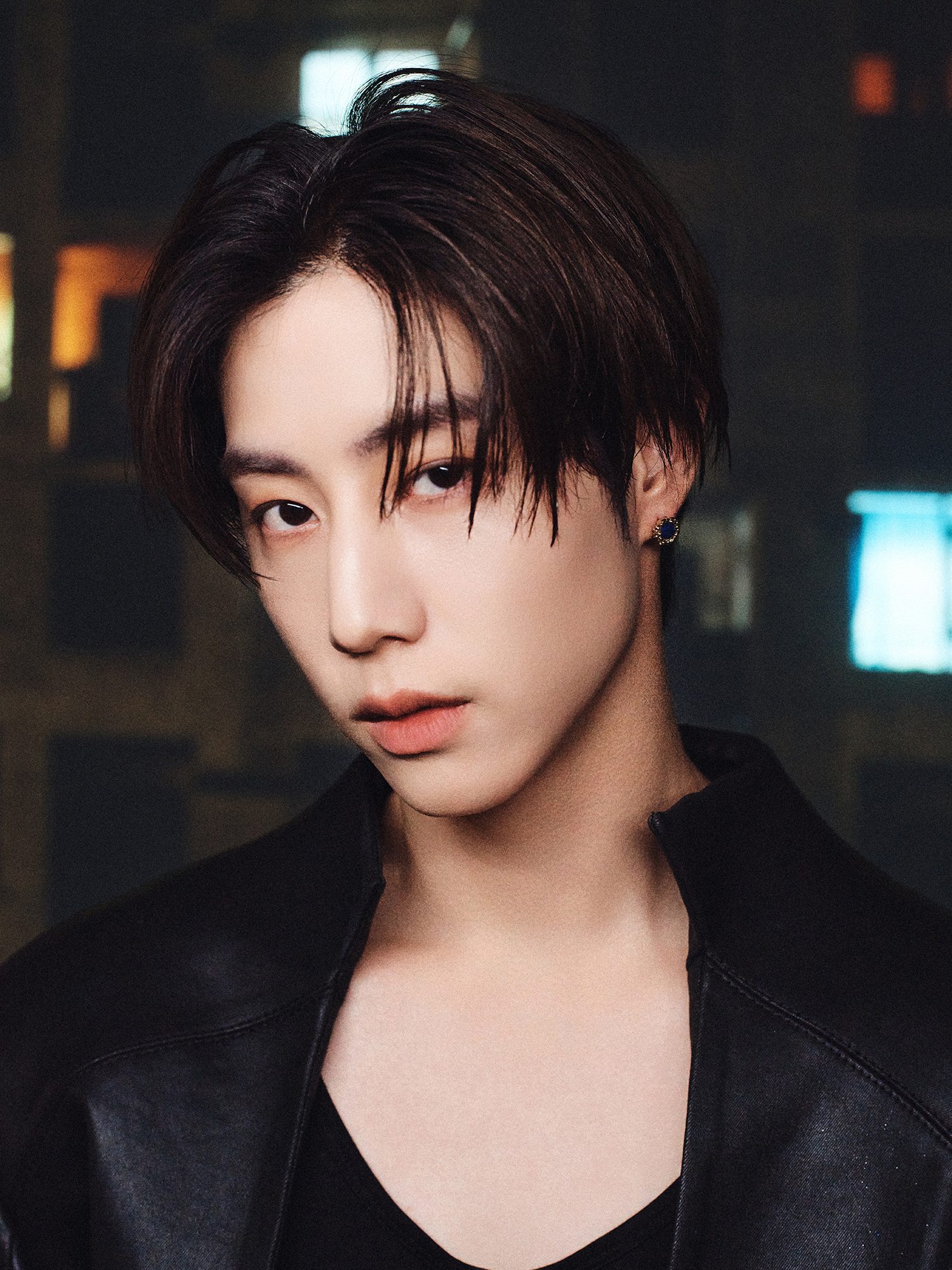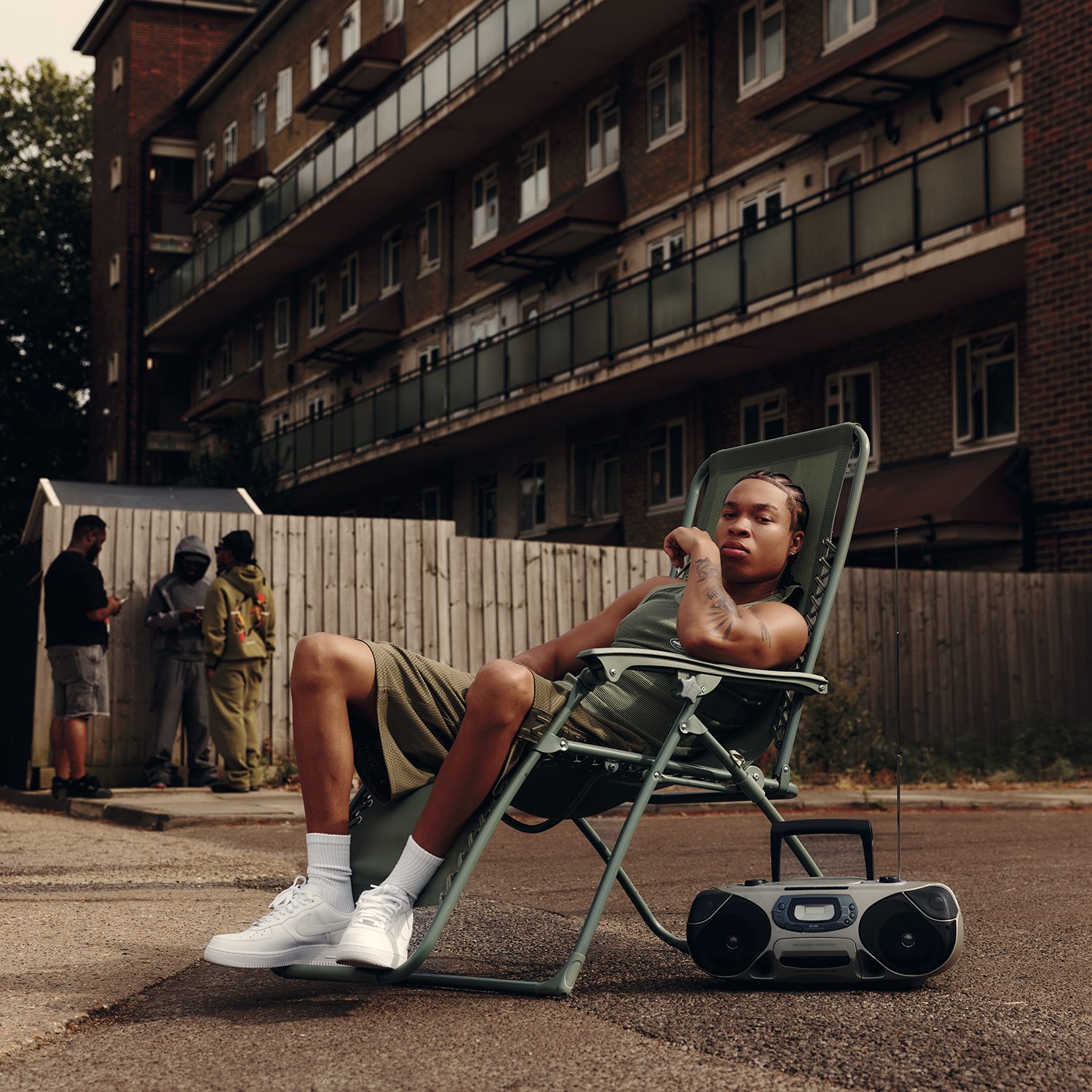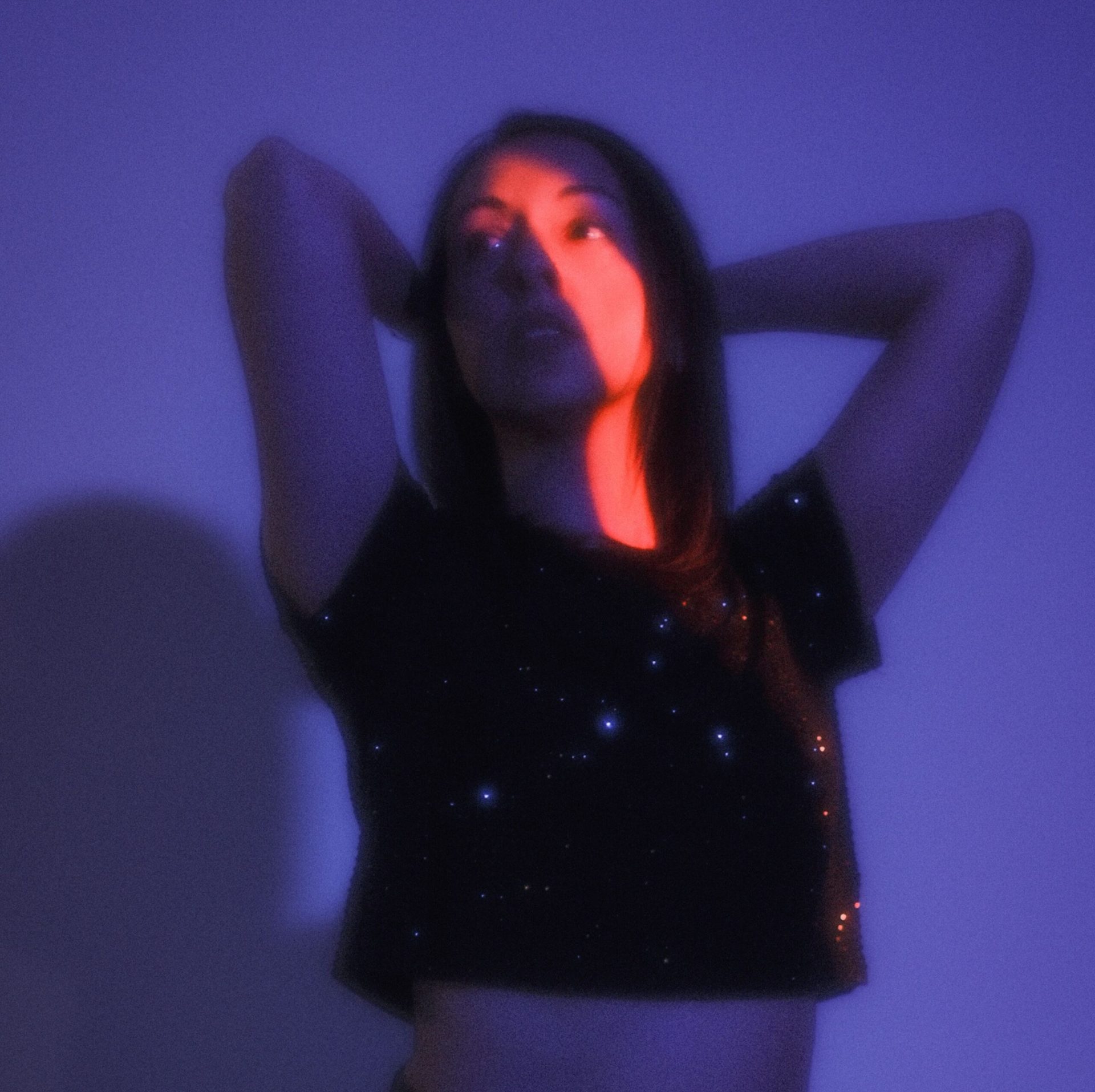
Demand for AI-generated cover art and editorial imagery has climbed as publishers face shrinking production budgets and shorter turnaround windows between concept and publish. Alongside that shift, a separate but related need has grown just as fast: editorial teams sitting on older interview footage, behind-the-scenes clips, and archival video that no longer holds up next to newly produced content on the same channel. San Francisco-based AI platform Higgsfield now addresses both under a single account, positioning itself against a market that has largely treated cover-image generation and video restoration as separate categories handled by separate tools.
Why AI-Generated Cover and Editorial Imagery Became a Mainstream Search Category
The shift toward AI-generated editorial imagery tracks closely with how publishing budgets and timelines have changed over the past several years. A magazine cover concept, a feature spread, or a themed photo series used to mean booking a photographer, a stylist, and a location, often weeks ahead of a print or digital deadline. AI generation tools compressed that process into a matter of minutes, and the category has grown into one of the more heavily searched corners of the broader AI tools market as a result, with search interest accelerating alongside publishers’ need to produce more visual content on tighter schedules than a traditional photoshoot allows.
That growth has also exposed the weak points of early single-purpose cover generators: generic compositions that don’t match a specific editorial concept, inconsistent lighting between images meant to run as a themed set, and results that vary sharply in quality from one generation to the next even with the same prompt. Editorial teams increasingly compare outputs across several AI models before settling on a final image, running the same concept through multiple engines to see which produces the most convincing result for a specific cover or feature. That comparison habit is part of why platforms offering access to multiple generation engines in a single workspace have started pulling ahead of apps built around just one model.
How Higgsfield’s Image Generator Approaches Editorial and Cover Work
Higgsfield’s approach to that demand runs through its broader image platform rather than a single-purpose cover tool. The AI image generator gives users access to multiple underlying models, including Nano Banana Pro, GPT Image, Seedream, FLUX, Kling O1, and the company’s own Soul model, so a cover concept can be generated and compared across different engines within the same workspace rather than requiring separate tools and separate accounts for each one. That multi-model structure means an editorial team isn’t locked into whatever one company’s training data happens to produce well; a concept that comes out flat or generic from one engine can be regenerated through a different model without restarting the workflow in a different app.
The platform generates natively at 2K resolution with intelligent 4K refinement applied on output, relevant for cover art that needs to hold up at print size rather than just on a phone screen. Text rendering inside generated images, historically a weak point across the AI image category, is also positioned as a differentiator, relevant for any cover concept that includes a headline treatment or masthead element baked directly into the image. A feature called Soul ID locks a subject’s identity and likeness across multiple generations, which matters for a themed feature spread or a multi-image editorial series that needs every frame to still clearly match the same concept rather than drifting between generations. Non-destructive editing through Nano Banana Pro Inpaint allows a generated image to be adjusted after the fact, swapping a background element or correcting a color cast, without regenerating the whole composition from scratch.
Restoring Older Editorial and Archival Video Alongside New Generation
Running alongside the image platform is a separate product line addressing a different kind of visual gap: footage that already exists but doesn’t meet current resolution expectations. Interview clips, behind-the-scenes video from a past shoot, and archival footage tied to a past feature often sit in a publication’s library at a resolution that reads as noticeably dated next to newly produced content on the same page or channel.
How the AI Video Upscaler Fits Into an Editorial Workflow
The Higgsfield AI video upscaler applies AI super-resolution to reconstruct detail in standard-definition and lower-quality source material rather than simply resizing existing pixels, a distinction that matters because standard editing software can enlarge a file’s dimensions without actually restoring lost clarity. The tool bundles denoising to strip out grain and low-light artifacts, stabilization to remove shake from handheld or older footage, and sharpening to restore edges that compression has flattened out over time. Batch processing allows multiple clips to be upscaled at once, relevant for a publication working through an actual archive of past interview footage rather than a single clip.
Who Is Actually Using This, and Why the Two Tools Keep Overlapping
Editorial and publishing teams use the platform across both sides of the workflow, and the overlap between them is part of what’s driving the combined approach rather than two entirely separate products. A team generating a cover concept or a feature image, then needing an accompanying interview clip cleaned up for the same story, is moving through a single continuous editorial workflow rather than two unrelated tasks that happen to touch different tools. 1883magazine.com’s own coverage of AI-driven visual production, including its feature on creating stunning videos without cameras or crew, reflects the same shift toward AI handling more of the visual workload editorial teams used to outsource entirely.
Pricing, Access, and Model Coverage
Both the image generator and the video upscaler are available on a free tier with daily credits, letting editorial teams test either tool before committing to a paid plan. Paid tiers unlock unlimited generations, higher-resolution output, and team collaboration features aimed at publishers and agencies managing multiple stories and multiple contributors at once. Higgsfield has also built out model access across the industry, with integrations reported alongside OpenAI, Google, ByteDance, Kling, and Black Forest Labs, giving editorial teams a range of generation and restoration models without stacking subscriptions across multiple separate services.
What the Consolidation Signals for Editorial Tools Broadly
The company frames the combination as a reflection of where editorial demand is actually heading: not toward a single tool that does one narrow thing well, but toward a workspace where a team can generate a new cover concept, restore an older interview clip, and move between the two without losing time or context in the handoff between separate applications. As AI-generated editorial imagery continues to grow as a search category and publishers’ archival video increasingly needs to meet modern resolution standards, platforms built to handle both are positioned to capture a wider share of that demand than single-purpose tools built around either capability alone.
Frequently Asked Questions
Is Higgsfield’s AI image generator free to use? A free tier with daily credits is available, letting editorial teams generate and test cover concepts before committing to a paid plan.
How is AI video upscaling different from simply resizing a video file? Standard resizing stretches existing pixel data across a larger frame without adding detail. AI upscaling uses super-resolution to reconstruct detail the original footage never clearly captured.
Why would a publication need to upscale archival interview footage? Older footage often falls below the resolution modern platforms and page layouts expect, so restoring it has become a normal step for publications reusing past interview or behind-the-scenes material.
Does using multiple underlying AI models actually improve cover quality? Comparing outputs across several models tends to produce more consistent results than relying on a single model, since no one model performs equally well across every concept, composition, and lighting scenario.
Can this platform handle a batch of files at once, or only single images and clips? Batch processing is available on both the image and video sides, letting editorial teams process multiple concepts or multiple archival clips in one pass.