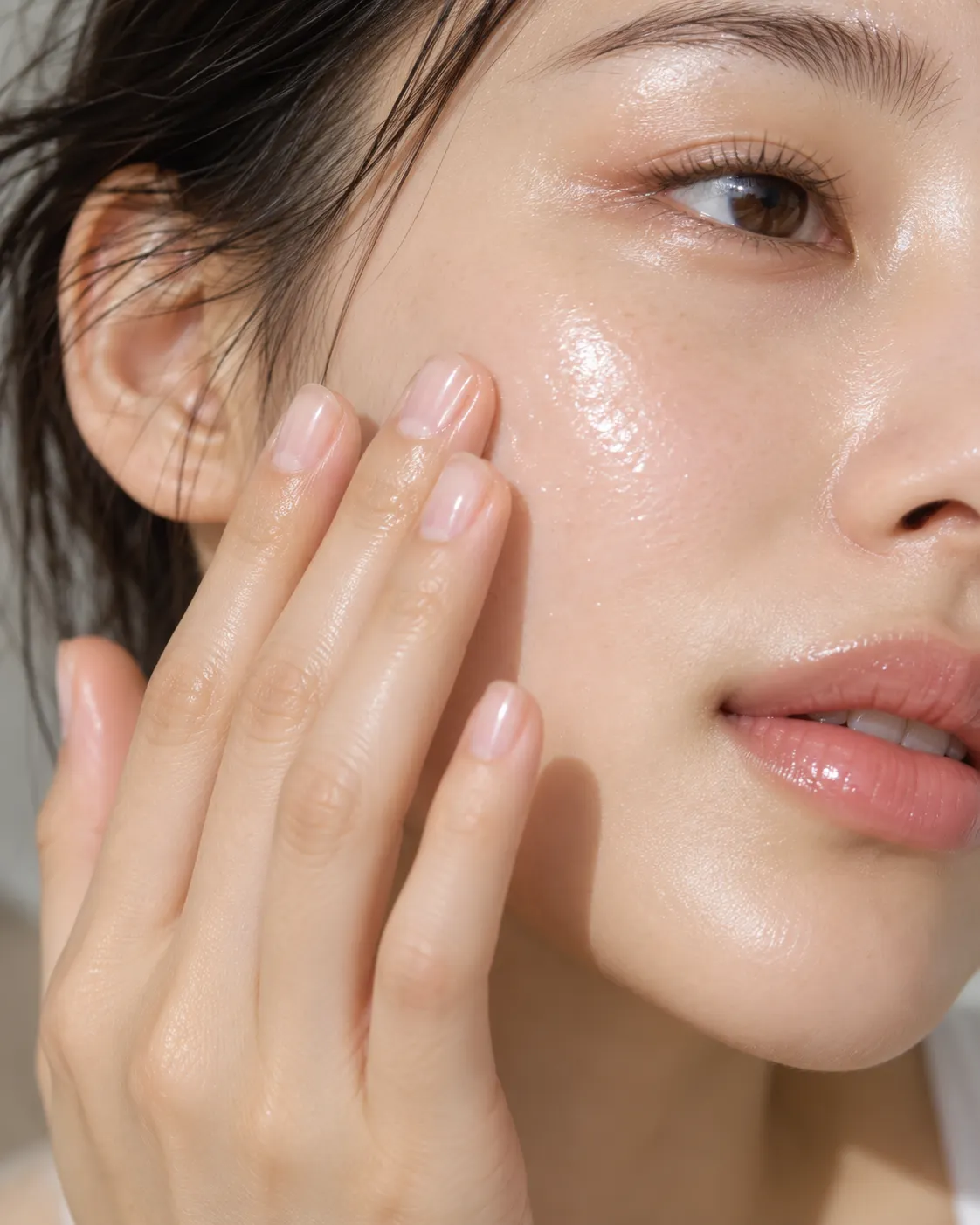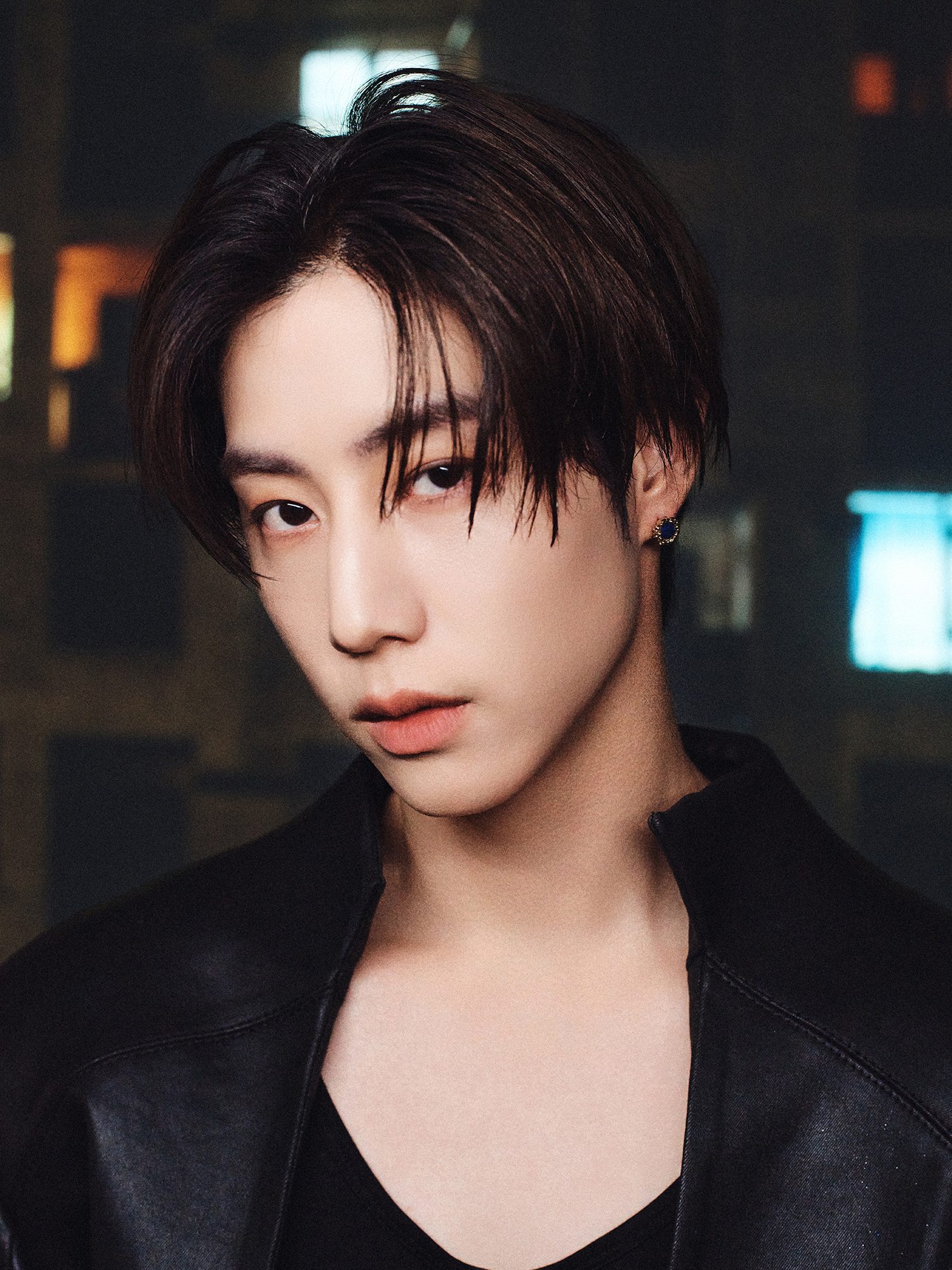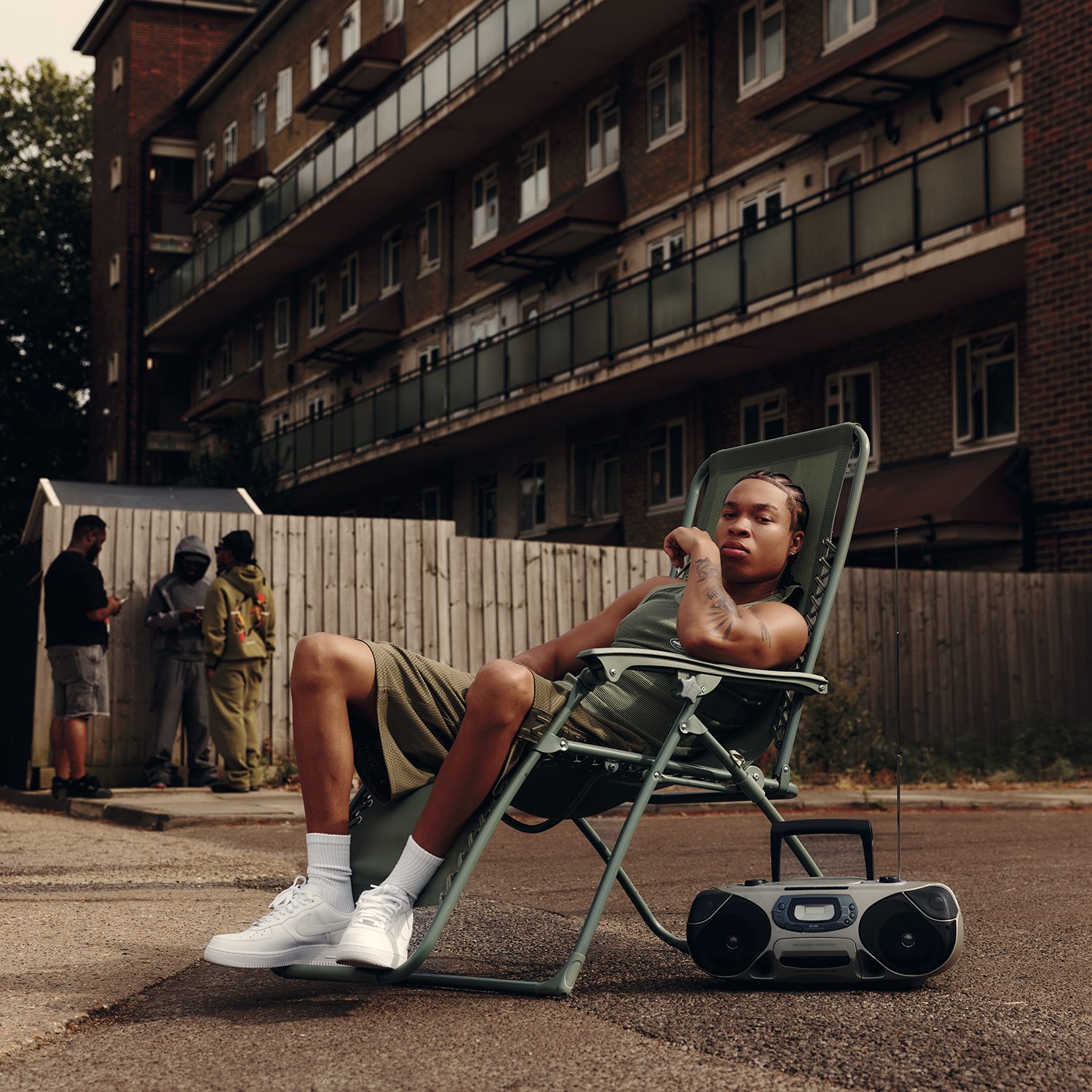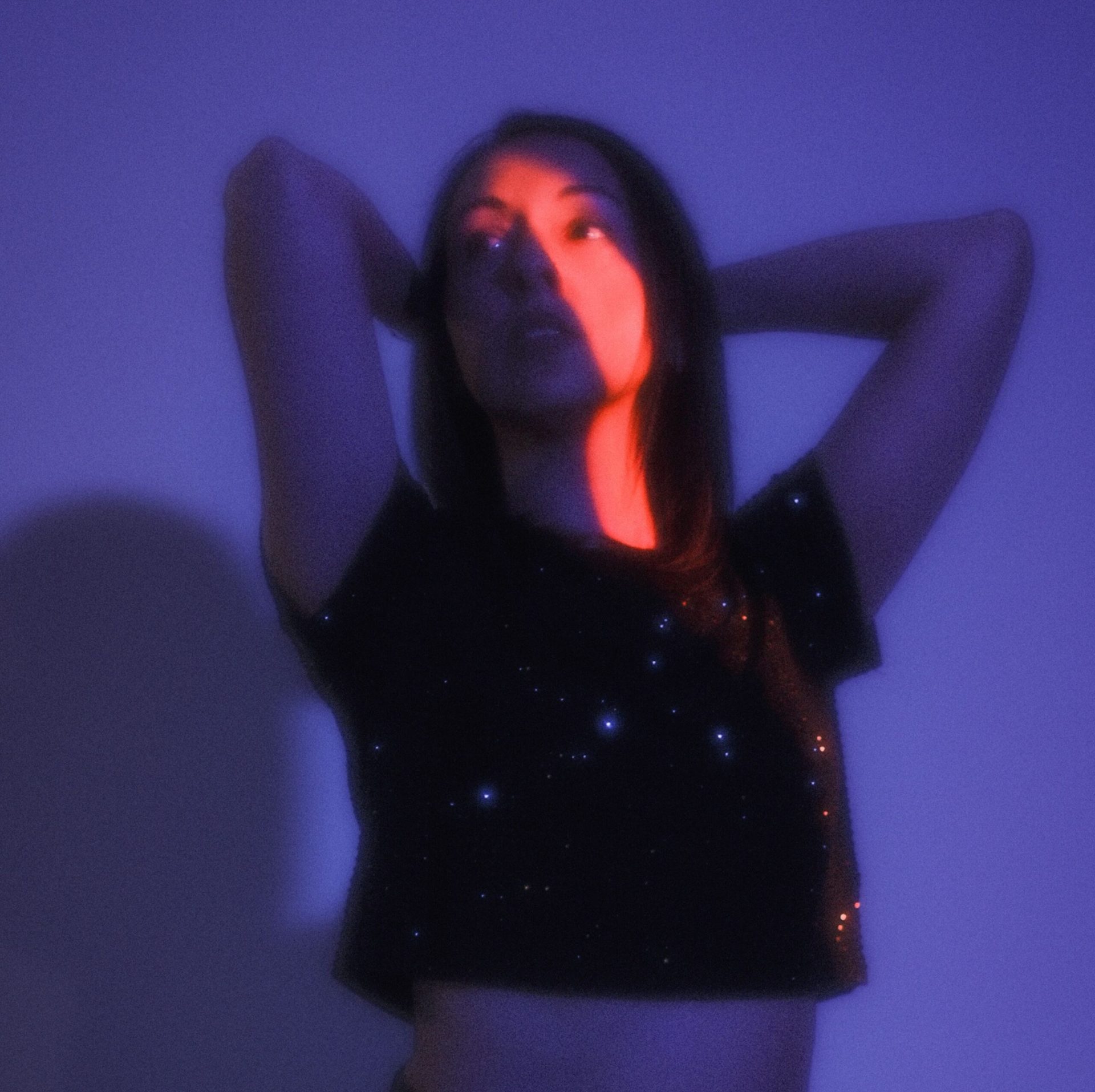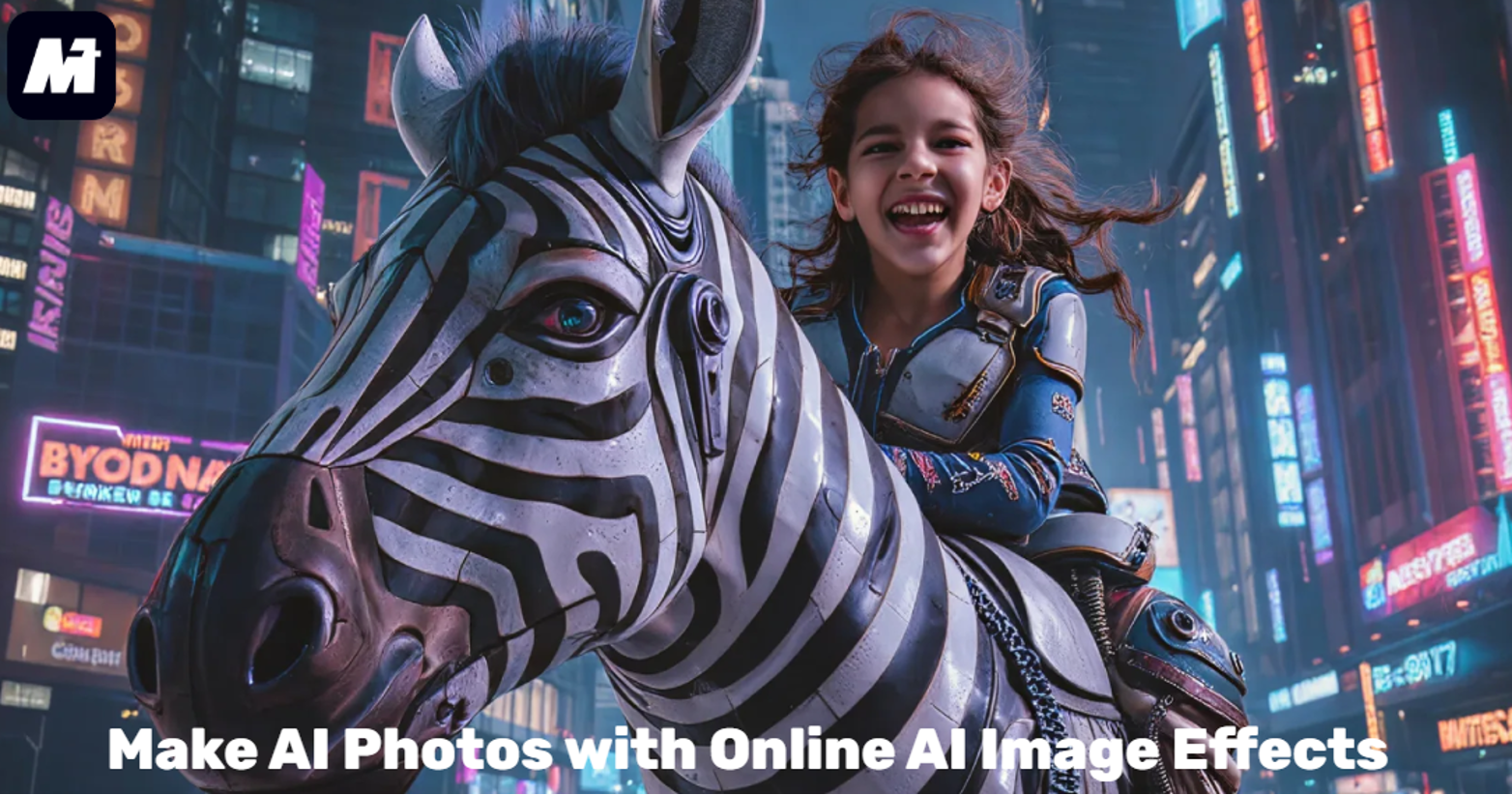
Making AI photos is not just fun, it can be really helpful. Especially when you want to create a LinkedIn profile picture or create personalized greetings for holidays. Now, you can easily bring these ideas to life with AI.
This guide will show you how to make AI photos using simple online AI image effects. The best part is you can do it directly in your browser. Just pick a template you like and upload your photo. The tool automatically generates your AI image. You will also discover many other templates. Videos and audio editing tools on the platform are also accessible to enhance all your creative projects. Let us explore how to get AI photos!
What are AI Image Effects
AI image effects are smart tools that transform your photos and videos. They use advanced AI technology to edit your media for you. For example, these effects can apply different art styles to your portrait or create a festive theme for a holiday post. You can easily find styles suited for a professional LinkedIn profile or a playful cartoon look.
The process is very simple. You just choose a template you like. Then, you upload your photo. With one click, the AI generates your new image. This saves you time and effort. You don’t need any editing skills. It’s a fast and creative way to make AI photos online.
Best AI Image Effects: Media.io AI Effects
AI image effects provide a simple way to creatively transform your photos. They turn ordinary pictures into eye-catching artwork. For a powerful tool, many users turn to Wondershare Media.io. It is a comprehensive platform equipped with advanced AI models. One of its core strengths is its ready-to-use templates. With these, you can receive professional-looking results without any design background.
Media.io stands out by integrating multiple top AI models. This ensures the results are high-quality. It has over 5,000 effect templates. You can use one to quickly generate a polished LinkedIn headshot or turn your photo into an anime character. Specialized themes for holidays and seasons are also accessible, helping you easily create content for any occasion.
Better still, Media.io supports your broader creative projects with robust AI video effects and various editing tools. You can edit clips, adjust audio, and apply dynamic effects all in one place. Furthermore, the platform has an inspiring community section. Here, you can explore trending templates and see creations from other users. You can seek to spark new ideas and even instantly apply any template you like.
- Powered by Advanced AI Models: Media.io runs on several powerful AI models, including advanced ones like Nano Banana. This allows the platform to generate high-quality images with better details and natural motion.
- Vast Template Library Available: 5,000+ ready-to-use templates are available. Media.io caters to diverse needs, from creating a perfect LinkedIn profile picture to experimenting with fun cartoon styles or festive holiday themes. Simply select your preferred template. Then upload a photo and generate AI photos with one click.
- All-in-One Editing Suite: Media.io offers a complete workflow for editing. After creation, you can also remove unwanted objects from the background or improve image quality. This helps to bring the result to your ideal vision.
- Community-Driven Inspiration Hub: The platform offers a space for users to share their own creations. With just one click, you can generate similar content based on their templates. In the meantime, Media.io also curates trending templates for users to stay inspired.
- Free Daily Credits for Exploration: Registered users can get free credits every day. This is helpful for beginners and casual creators to explore more.
How to Make AI Photos with Media.io AI Effects
Excited to create? Follow this quick tutorial to make AI photos with Media.io AI Effects.
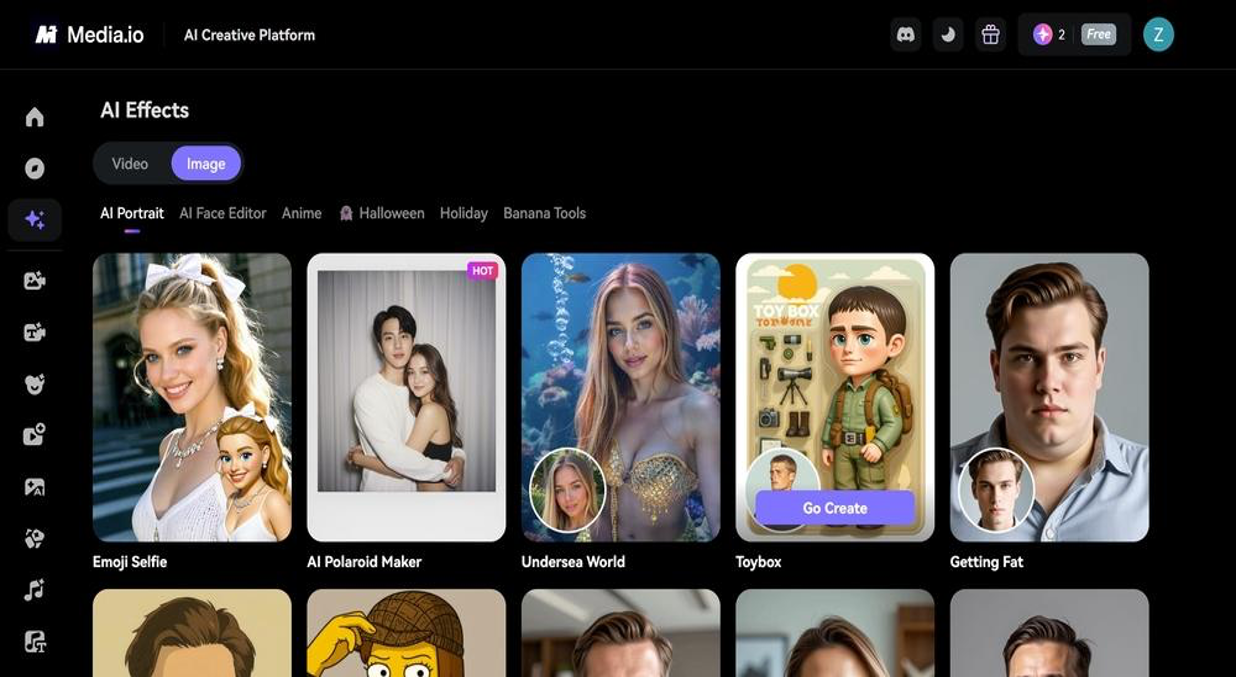
Step 1. Browse and Select an AI Image Effect
Launch Media.io AI Effect. There are many image effects available, such as “AI Portrait”, “AI Face Editor”, and “Anime”. Simply choose a wanted AI image effect.
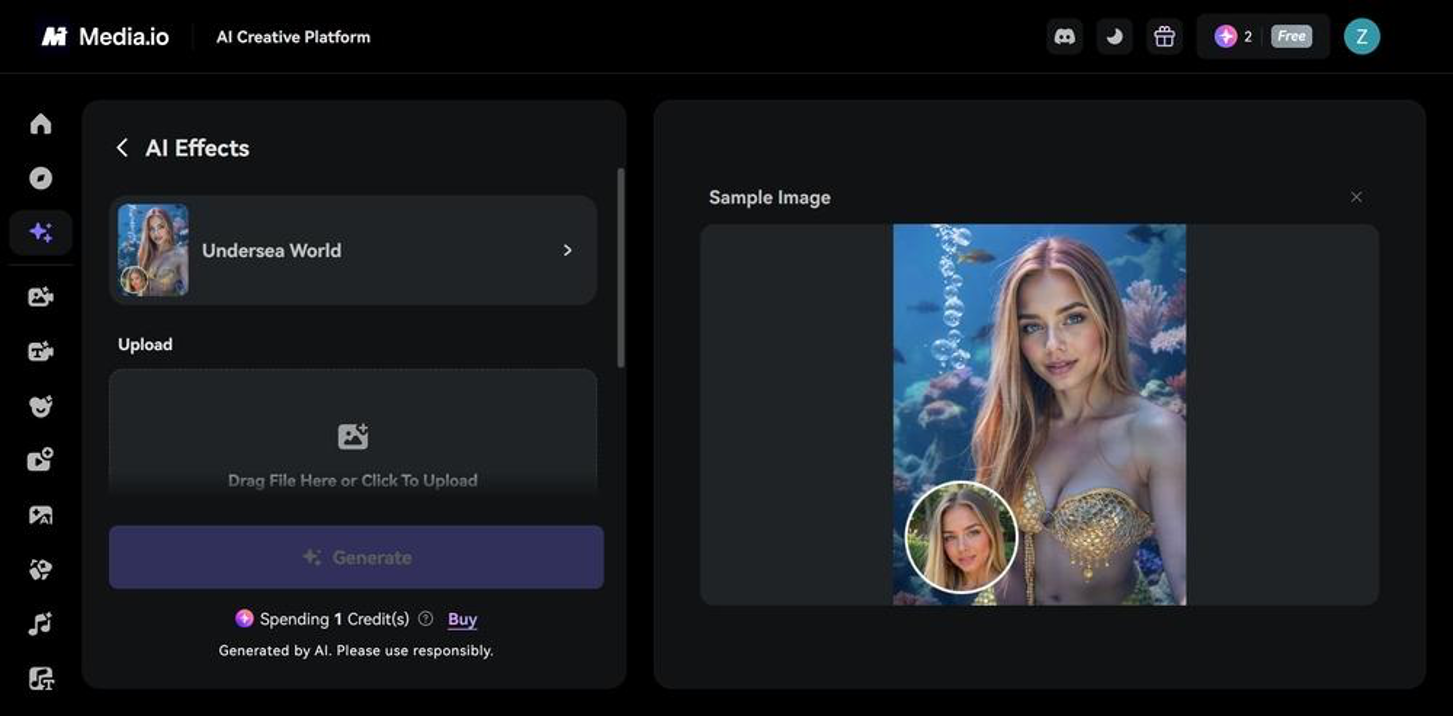
Step 2. Upload Image and Adjust Settings
Head to the “Upload” section, hit “Click to Upload” to upload your photo.
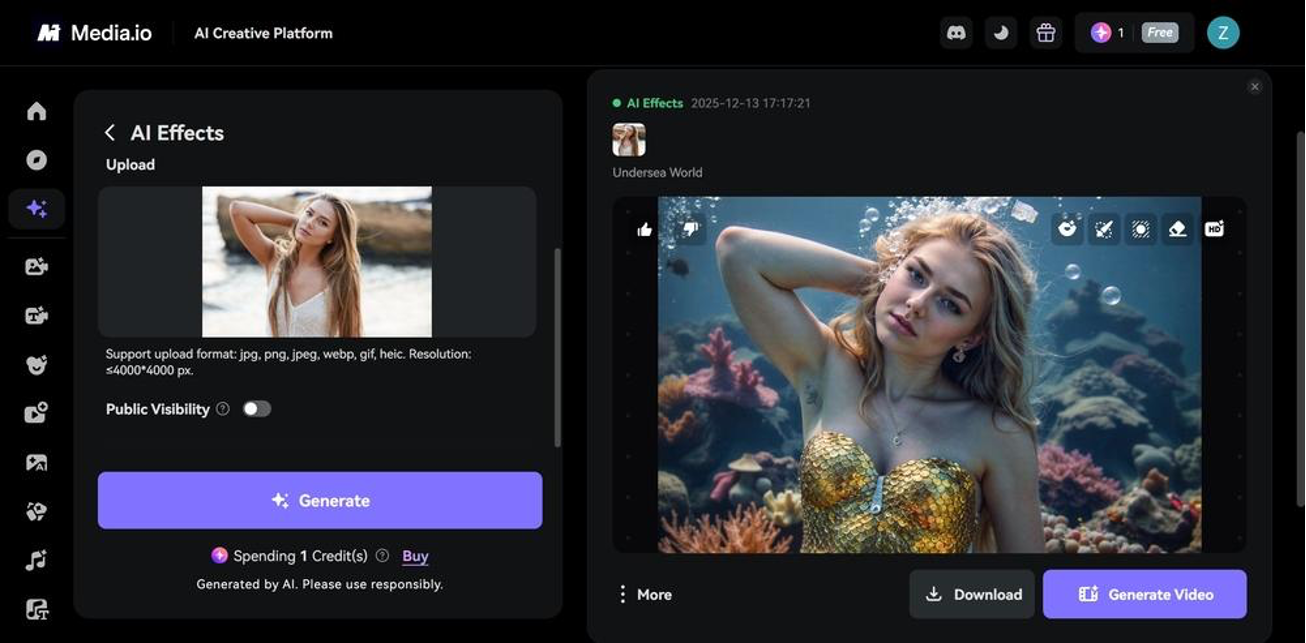
Step 3. Make an AI Photo
When all is set, click “Generate” to make AI photos. Once done, you’ll see the result right away. To save it, click the “Download” button.
To modify the output, hover over the video and adjust the available tools. You can even create a video with an AI photo. All you need to do is hit the “Generate Video” button.
Final Words
Making AI photos is especially useful when you want eye-catching visuals for social media or personal profiles. AI image effects provide the perfect solution by making these creative transformations simple and accessible. For a truly seamless experience, Media.io AI Effects stands out as a reliable choice.
It is powered by top AI models to deliver impressive quality. And it offers over 5000 templates for quick generation. You can also edit images, videos, and audio in one place. This makes the whole process smoother and keeps your creativity flowing. Don’t hesitate to try Media.io AI Effects to generate AI photos magically!