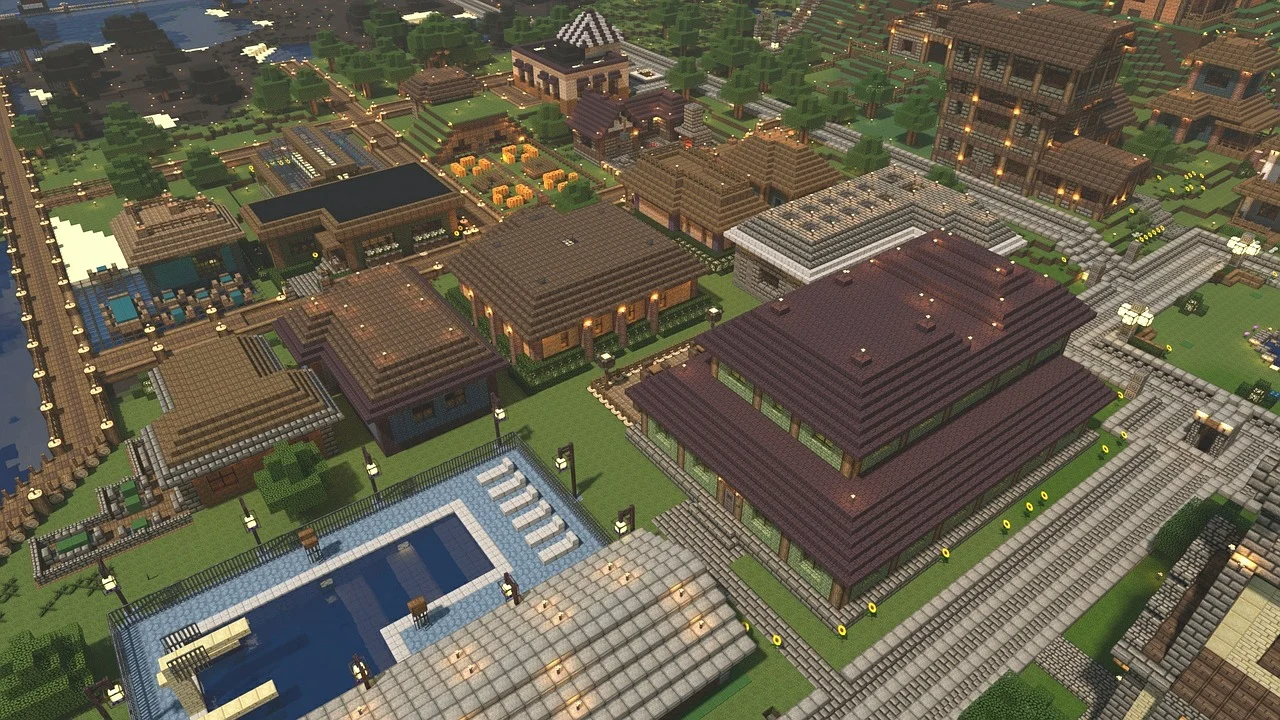
Some Minecraft tutorials have that perfect overhead shot. But how did they get that? It’s called the freecam mod Minecraft players use. It detaches the camera from the player’s body. The character stays put, but the view goes anywhere. Although it’s a simple concept, not every server tolerates it. Let’s see how you can set it up, and where troubles might find you.
The builder’s secret weapon
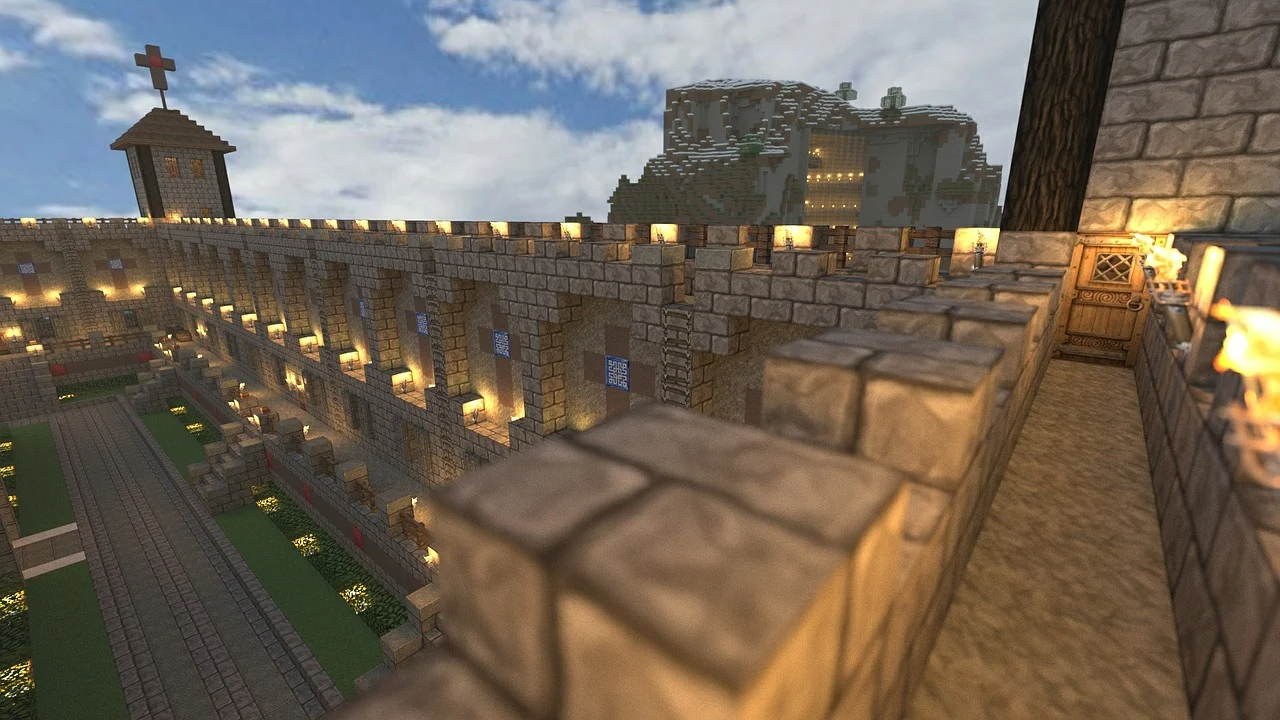
The Minecraft freecam mod allows you to orbit your project from any angle. You can check symmetry from above and spot misplaced blocks. Thoreau once said, “It’s not what you look at that matters, it’s what you see.” Remember Gothic cathedrals? Players spend weeks on those. With the mod, you float up, look down, and adjust.
However, it works only if the hardware can keep up. When the camera’s flying around loaded areas, it eats CPU and RAM.
When you’re recording on a multiplayer server, performance is a whole new issue. Lag spikes, chunk loading hiccups, random stutters — all of that can ruin a take. So if you’re picking a host for a modded series or a group recording project, a Minecraft hosting review can help you compare providers before you start shooting.
Server rules
Servers and the freecam mod Minecraft have complicated relationships. Survival servers usually ban freecam without a second thought. Because you can peek around corners in PvP or spot hidden bases. That’s simply unfair.
But some servers allow you to use the freecam Minecraft mod. You can use it for building, but not in combat. Others use anti-cheat plugins. So they can spot the unusual client behavior. Anyway, you should check the rules before you enable the Minecraft freecam mod.
What about modded servers? Mixed bag. Some explicitly allow it. Others consider it a gray area. And if you’re hosting a heavily modded world yourself, choosing the best setup for modded Minecraft hosting matters more than freecam alone. The full modpack, player count, view distance, and world generation can all affect server performance.
How to install freecam
Most people use Fabric or Forge:
- Pick your loader — Fabric works best. Forge has options too.
- Download the right version — match your Minecraft version. Don’t mix them.
- Drop the JAR into the mods folder.
- Launch the game and check controls. Usually binds to “F” or “G”.
- Test in single-player first. Learn the controls before joining servers.
When freecam backfires
Freecam Minecraft mod can break immersion. Spend hours building something, then fly around it and notice it looks terrible from above. Suddenly, all that work feels off.
Some mods don’t handle water or lava rendering well. The camera clips through blocks sometimes. Not game-breaking, but annoying.
And there’s the social side. If anyone sees you floating around weirdly, they’re going to think that you’re cheating. Even if you’re just framing a nice shot. Perception matters. Explain yourself early or risk getting reported.
As the old Spider-Man line goes, “With great power comes great responsibility.” The freecam mod Minecraft gives you plenty of the first — just remember that server admins may have something to say about the second.
Final thoughts
Minecraft freecam mod fits three use cases: building smarter, recording better, scouting faster. Not a cheat in PvE or creative worlds. It’s a tool. On competitive servers, it’s a liability. Know where you’re playing. Know what’s allowed. Test the freecam Minecraft mod offline first.
Treat the mod like any utility. Use it where it helps. Disable it where it doesn’t. If running a modded server, the best setup isn’t just about hardware. You also need clear rules for your community. A good hosting review is like a cheat code — it points you to providers that actually know what they’re doing with modded servers.
Freecam won’t teach you how to build. It’ll just show you what you’ve already put down. And sometimes, that’s all you’re really after.