When you use one browser for creative work and personal browsing, it is easy to comment from the wrong account or show personal tabs during a presentation. Separate profiles and a quick account check can reduce those mistakes.
Give each kind of browsing its own window
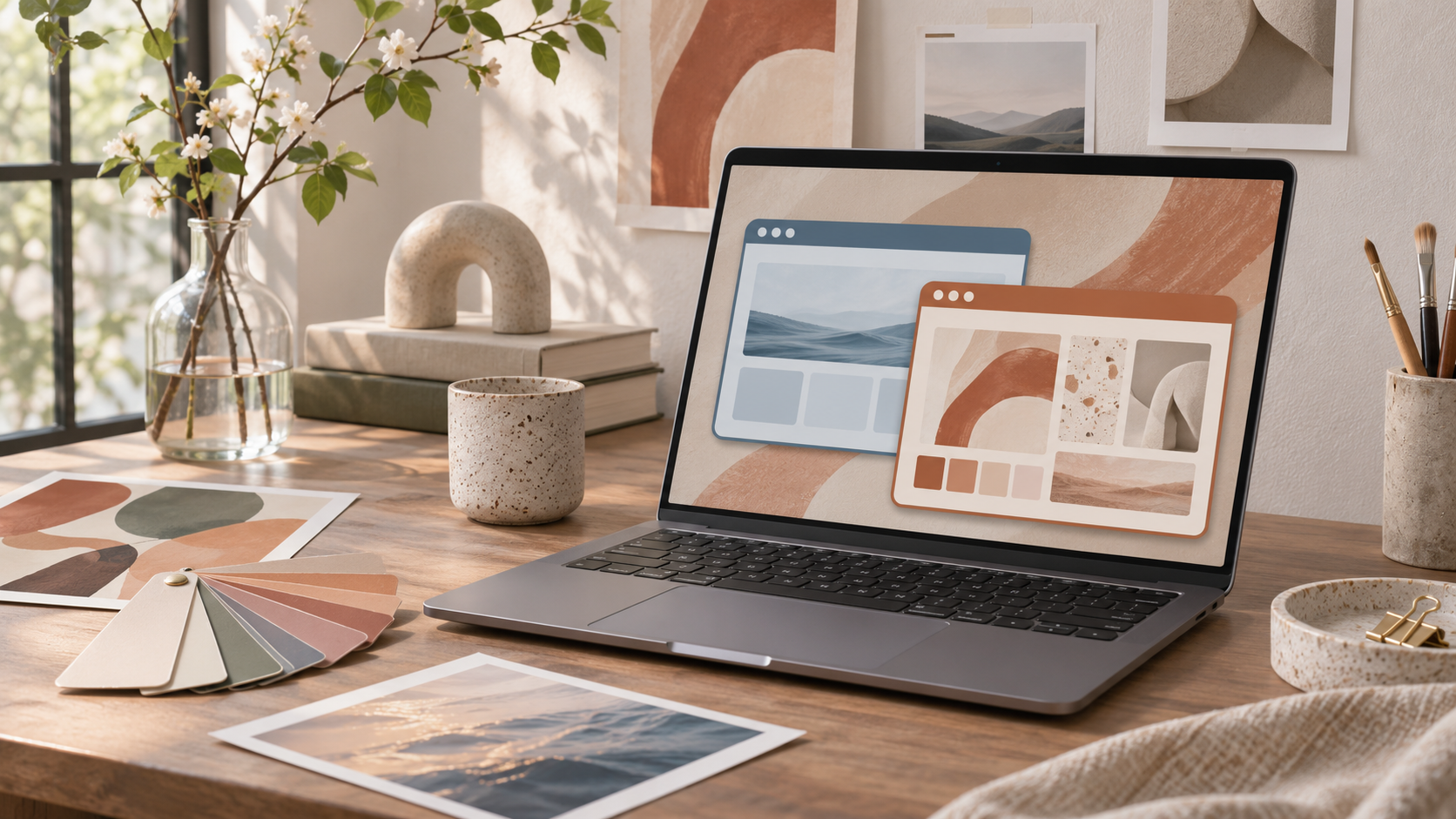
On a computer, create a browser profile for creative work and another for personal use. Chrome profiles can keep history, bookmarks and settings separate. Safari profiles also separate history and website data, with their own favorites folders. Give the profiles obvious names and different colors so you can recognize them before you start typing.
Open your portfolio, project email and studio accounts in the work profile. Keep personal accounts in the other.
Connection privacy is a separate choice. If you use a free VPN while working away from home, its role is to encrypt traffic routed through it between your device and the VPN server. It does not choose your posting account or keep personal bookmarks out of a work window.
Check the account before the action
A clear window color helps, but the account shown inside the website is what matters when you interact. Before commenting, uploading or sending a message, glance at the site’s avatar or account name. If you manage several artists or projects, check the selected page as well.
When a project link arrives in a personal message, check the account on the page it opens before requesting access or leaving feedback. If it is the wrong account, switch to the intended one before continuing. Otherwise, a collaborator may receive an access request from your personal address and have no idea who sent it.
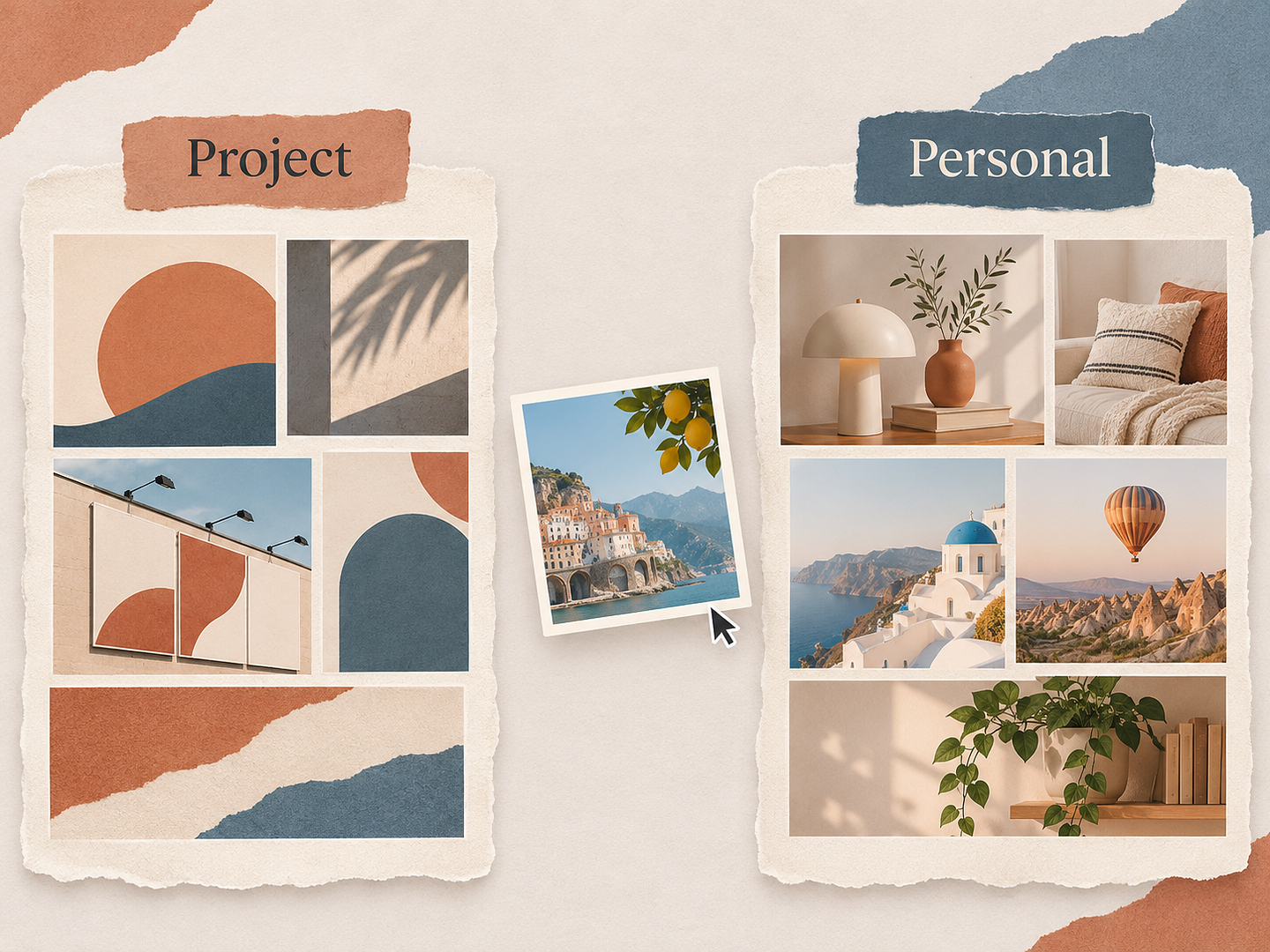
Before saving an image, check the destination: your personal collection, a public board or a shared project.
Make frequently used work destinations easy to recognize. Name a shared folder after the project rather than calling it “Ideas.” Put your personal reading list somewhere you will not confuse with the team’s research. These small choices reduce how much you need to remember when a deadline is close.
Decide what should follow you to another device
Check which account the browser itself uses, as well as the accounts open in individual tabs. In Chrome, information saved to your Google Account can be available on other devices using that account. History and open tabs have their own sync setting. Review what is saved before connecting a new work machine.
Sync can make project bookmarks available across your own computers. On a shared studio computer, check what personal information would become available before signing into the browser.
Before presenting a mood board or portfolio, open just the material you intend to show. If the meeting tool lets you share one window, select that window and check the preview. A tidy work profile makes this easier, but it is still worth checking what the audience will actually see.
Match the privacy tool to the situation
Browser profiles separate local browsing information; a VPN protects traffic routed between your device and its server. This guide explains how a VPN works and the limits of that protection.
A website can still associate activity with the account you are signed into while a VPN is connected. Likewise, creating a personal browser profile does not promise that websites cannot connect your activity. Treat the setup as a practical way to organize browsing and reduce mistakes, rather than a guarantee of anonymity.
Hand over the project, not your whole browser
Browser profiles are not locks. Someone with access to your unlocked computer may be able to switch profiles and see what is there. If another person regularly uses the machine, use separate computer user accounts where available, and lock your session when you step away. On a borrowed device, sign out of your accounts when finished.
When a collaborator needs project files, give them access to the relevant folder or workspace through their own account where the service supports it. Check what that access includes. An editor reviewing a single shoot should not need your entire archive, personal inbox or a browser already signed into everything.
Before commenting, saving or presenting, check the account, destination and window you are about to share.