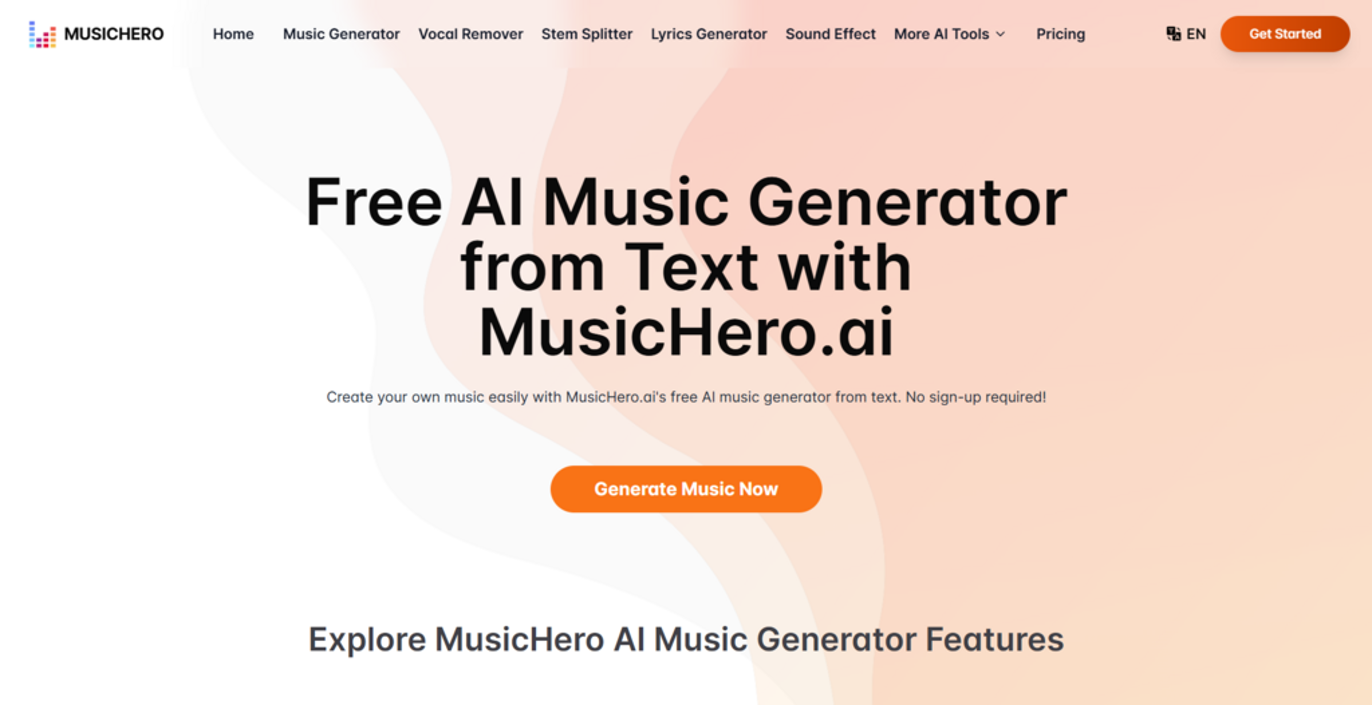
Music has always played a quiet but powerful role in shaping how we experience digital content — from films to interactive design. Yet for many creators, producing original music remains one of the most inaccessible parts of the creative process.
As artificial intelligence continues to influence creative industries, new tools are emerging that challenge traditional ideas of music production. MusicHero.ai is one of them, offering a way to turn simple ideas into original sound without technical barriers.
Below, we explore six creative ways AI music is being used across digital projects, revealing how technology is opening the door to more personal, flexible, and expressive soundscapes.
Creative 6 Ways to Use MusicHero.ai for Digital Projects
Cinematic Soundtracks for Short Films and YouTube Videos
Filmmakers and content creators often seek high-quality cinematic music that matches their visuals, but without the hefty price tag. MusicHero.ai simplifies this process by generating custom orchestral or electronic tracks with just a few inputs. Whether it’s for an emotional climax or a dramatic intro, the platform allows users to craft professional music that enhances storytelling.
How to Get Started:
Input details about the mood and genre of your project, such as “dramatic orchestral” or “uplifting electronic beats.” Use the following prompt to generate your track:
MusicHero.ai Prompt:
“Generate an orchestral cinematic soundtrack inspired by adventure and triumph. The track should feature swelling strings, deep brass, and a powerful percussion build-up, evoking a sense of heroism. Ensure the track is loopable for easy integration into editing software like Adobe Premiere.”
Focus-Boosting Study Music for E-Learning Platforms
For e-learning content creators, finding music that enhances focus while remaining unobtrusive can be a challenge. MusicHero.ai helps generate study music tailored for specific learning environments. From math tutorials to language lessons, users can create instrumental tracks that support concentration and productivity.
How to Get Started:
Provide a brief description of your course or lesson, such as “calm background music for science lessons.” Use this prompt to get started:
MusicHero.ai Prompt:
“Generate a calming, minimalist study track featuring soft piano chords and subtle ambient pads. The tempo should be slow, promoting focus and relaxation, ideal for a language lesson or tutorial. Ensure the track is loopable and fades out gently at the end.”
Unique Sound Effects for Mobile Games
Indie game developers can turn to MusicHero.ai to create unique sound effects that give their games a distinct, polished feel. From button clicks to level-up chimes, the AI music generator from text can create engaging sound effects tailored to each game’s needs.
How to Get Started:
Describe the specific action or mood for the sound effect, such as “a celebratory chime for level completion.” Use the following prompt:
MusicHero.ai Prompt:
“Generate a bright, cheerful sound effect for a mobile game level-up, inspired by retro arcade games. The sound should have a rising pitch and a satisfying ‘ping’ to signal progression. Ensure it is clear and crisp for use in mobile environments, and exportable as a WAV file for Unity or Godot.”
Emotional Love Songs for Social Media Content
Love songs resonate deeply with audiences, making them perfect for social media campaigns. MusicHero.ai’s AI song generator can help content creators produce emotional love songs that connect with their followers, whether for weddings, product promotions, or social media campaigns.
How to Get Started:
Describe the romantic theme or mood, like “a song for a wedding video” or “love song for a product launch.” Then use the following prompt:
MusicHero.ai Prompt:
“Generate a romantic pop ballad with soft acoustic guitar and uplifting vocals. The song should convey the theme of eternal love, inspired by the mood of Ed Sheeran’s ‘Perfect.’ Ensure the song is catchy yet emotionally engaging, perfect for a wedding-themed Instagram Reel.”
Personalized Birthday Songs for Customer Engagement
Small businesses can use MusicHero.ai to create personalized birthday songs for their customers. This thoughtful touch can help build stronger relationships and increase customer loyalty, especially in email or social media campaigns.
How to Get Started:
Provide details about your brand’s tone and the audience you’re targeting, like “fun and celebratory” for a bakery or “warm and friendly” for a boutique. Then, use this prompt:
MusicHero.ai Prompt:
“Generate a cheerful birthday song in a country music style, with an upbeat acoustic guitar and a twangy vocal melody. The song should include the phrase ‘Happy Birthday from [Your Brand],’ and have a warm, celebratory feel. Ensure the track is royalty-free for commercial use.”
Professional Intros and Outros for Podcasts
Podcast creators often need custom intros and outros to set the tone for their episodes. With MusicHero.ai, creating polished classical or cinematic intros and outros is simple and quick. Whether you’re working on a true-crime series or a wellness podcast, custom music helps elevate the professionalism of the show.
How to Get Started:
Describe your podcast’s theme, such as “mindfulness” or “crime investigation,” and let the AI generate a fitting intro. Use the following prompt:
MusicHero.ai Prompt:
“Generate a calming classical music intro for a mindfulness podcast, featuring soothing violin and cello with a gentle piano background. The mood should be peaceful and introspective, ideal for a wellness-themed show. Ensure the track is royalty-free, with a smooth fade-out for seamless transitions.”
How to Use MusicHero.ai: A Simple 3-Step Guide
Step 1: Visit MusicHero.ai and Sign Up
To get started, visit the MusicHero.ai website and create a free account. The platform is easy to navigate, and no prior musical experience is required. Once signed in, you’ll have full access to the AI music generator, where you can create royalty-free music tailored to your specific needs, such as AI music from text or AI song generator features.
Step 2: Enter Your Song Description or Lyrics
Next, input a brief description of the music you want to create or, if you prefer, you can upload your own lyrics. You can describe the mood, genre, or specific style you’re looking for, such as “relaxing instrumental for study” or “emotional love song for social media.” The AI music generator from text will use your input to create a custom, high-quality track in minutes.
Step 3: Download and Share Your Custom Track
Once the AI has generated your track, you can preview it and make adjustments if necessary. Afterward, simply download your music in your preferred format, such as MP3, WAV, or MP4. You can then share your track on platforms like YouTube, TikTok, or use it for commercial purposes with the appropriate licensing.
The Future of The AI Music Generator in a Digital World
As digital storytelling continues to evolve, music is no longer just an added layer — it has become a core element of how audiences connect with content. From short films and podcasts to social media campaigns and interactive experiences, sound plays a defining role in shaping emotion, pacing, and identity.
Tools like MusicHero.ai reflect a broader shift in creative culture, where technology lowers traditional barriers and gives more people the freedom to experiment with sound. By transforming simple ideas into original, royalty-free music, AI-powered platforms enable creators to focus less on technical limitations and more on expression, narrative, and impact.