Some players move on to other games. Others install a few addons and find a reason to keep playing Minecraft.
What Are Minecraft Addons
A lot of them focus on small changes. Others add enough content to make the world feel completely fresh.
They’re a Bedrock thing. Java has mods, which work differently. If you’re on PC Java Edition, you’re looking for mods, not addons. If you’re on Bedrock — mobile, Xbox, Switch, Windows 10/11 — addons are your tool.
Addons come in two parts:
- Behavior packs — change how things act. Mob AI, crafting recipes, item stats.
- Resource packs — change how things look. Textures, sounds, animations.
You can use one without the other. Most addon packages bundle both.
Best Minecraft Addons Worth Trying
Some addons throw random content into the game for no reason. Others actually improve the experience. New mobs make the outside world more interesting. Furniture addons give you more ways to improve what you build indoors.
If you build houses and hate how empty interiors look, this fills the gap vanilla never did.
Lucky Blocks — a classic. Punch a lucky block, something random happens. Good or bad. Great for servers where people want a bit of chaos.
Dungeons addon packs — adds harder dungeons with actual loot tables. Closer to a mini RPG experience layered on top of survival.
Better Nether / Better End addons — Bedrock versions of what Java modders have had for years. More biomes, more structures, more reasons to go there.
None of these break the core game. You can still play vanilla-style with any of them on.
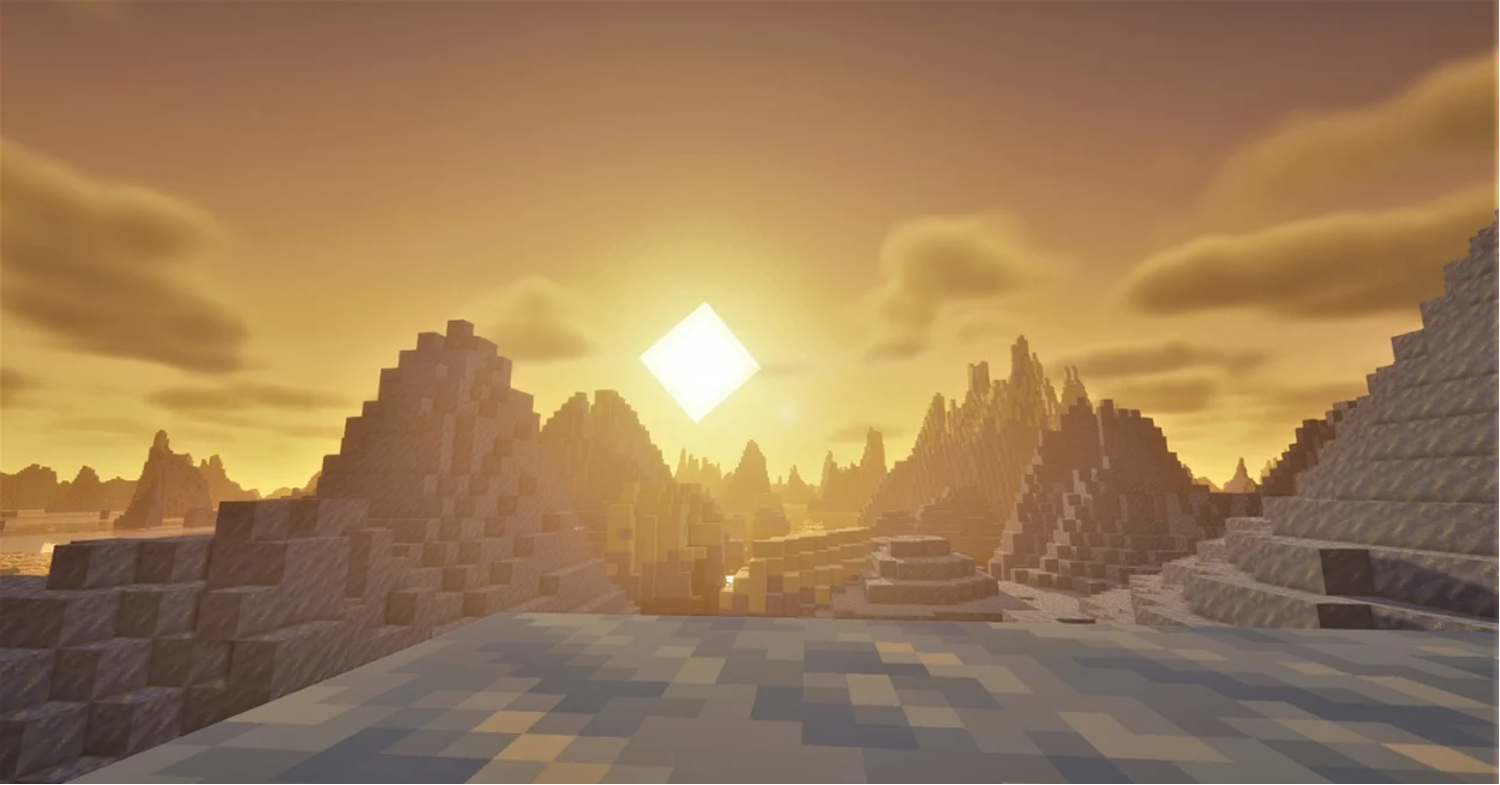
https://pixabay.com/illustrations/minecraft-shaders-beautiful-6917341
Minecraft Education Addons — A Different Category
Education addons are a bit different from the addons most players talk about. They’re designed for schools and learning activities rather than survival gameplay. They’re built around learning goals:
- Chemistry addon — lets players combine elements to make real compounds. Actually teaches periodic table logic.
- Code Builder — runs coding exercises inside the game. Kids write code, blocks move.
- History and geography packs — recreated maps of ancient cities, ecosystems, historical events.
If you’re a teacher or a parent using Minecraft Education, these are built specifically for that. They won’t work in regular Bedrock — you need the Education Edition app, which is a separate install usually licensed through schools.
But if you’re a parent at home trying to make Minecraft educational, some of the geography and science resource packs from the regular Marketplace work in standard Bedrock too.
How to Add Addons to Minecraft
A few years ago this took more effort. These days, adding addons to Bedrock is usually quick and painless.
From the Marketplace (easiest):
1. Open Minecraft.
2. Open the Marketplace.
3. Browse or search for what you want.
4. Download the addon.
5. Apply it when creating or editing a world.
That’s it. No files to move, no folders to find.
After downloading the addon, open the file and wait for Minecraft to finish importing everything. Then enable the pack in your world.
On Android specifically:
Sometimes Minecraft acts like the file doesn’t exist. Placing it directly into the proper pack folder can solve that. Then restart Minecraft.
Common Problems When Installing Addons
A few things that catch people out:
The addon doesn’t show up in world settings. Usually means the file didn’t import properly. Try opening it again or moving it manually to the right folder.
Game crashes after enabling an addon. This often happens when you stack too many behavior packs. They can conflict. Disable them one by one to find the problem.
Addon works but textures look broken. Resource pack isn’t applied, only the behavior pack is. Go back to world settings and make sure both are active.
Addon stopped working after a Minecraft update. This happens. Bedrock updates sometimes break older addons. Check if the creator released an updated version.
Using Addons on Multiplayer Servers
This is the point where things stop being completely straightforward. On most public servers, you can’t just install whatever addon you want.
The server controls what runs.
But if you’re running your own world for friends, you can set addons up when you create the world. Everyone who joins gets the resource pack pushed to them automatically (they’ll be asked to accept it).
For behavior packs, everyone in the world runs the same behavior pack — it’s server-side. So if you add a new mob addon, everyone sees those mobs.
If you’re running a dedicated server rather than a Realm, behavior pack setup requires editing the server config files. It’s a bit more technical. Most decent minecraft server hosting providers have guides for this, and some let you manage packs through a control panel without touching files directly.
Addons vs Mods — Quick Clarification
People mix these up constantly.
| Addons | Mods | |
| Edition | Bedrock only | Java only |
| Install | In-game or file import | Mod loader (Forge, Fabric) |
| Complexity | Easier to install | More powerful, more complex |
| Mobile/Console | Yes | No |
If someone tells you to “just install a mod” and you’re on Switch or mobile — that advice doesn’t apply. You need an addon.
Where to Find Addons
- Minecraft Marketplace — official, safe, some are paid
- MCPEDL.com — free community uploads, huge selection, quality varies
- CurseForge (Bedrock section) — growing library, generally reliable
- Planet Minecraft — mix of Java and Bedrock, filter by edition
One thing you should always check is the version number. An addon made years ago won’t necessarily behave nicely on a much newer release.
Short Checklist
- Know your edition — Bedrock for addons, Java for mods.
- For the easiest install, use the in-game Marketplace.
- For free packs, use MCPEDL or CurseForge and import the file.
- Check that both behavior and resource packs are active in world settings.
- In multiplayer, behavior packs need to be set up when the world is first created.
Addons are a low-effort way to get a noticeably different experience without anything complicated. Pick one area — new mobs, new furniture, harder dungeons — and start there.