Most AI image generator reviews I read focus on first impressions. A single prompt, a single render, a screenshot of a beautiful result, and then a verdict. That approach captures what a platform can do in showcase conditions but misses what happens on a Tuesday afternoon when a creator has already generated thirty versions of a hero image and still needs six more variations for different placements. I have spent enough hours inside these tools to know that the tenth prompt teaches you more than the first, and the hundredth teaches you more than the tenth. So I built a structured repeat-use test around one platform I kept hearing about in creator communities: AI Image Maker. I put it alongside Midjourney, Leonardo AI, Adobe Firefly, and Canva AI, and ran a combined 200 prompts through them with the specific goal of measuring what changes when you stop evaluating and start producing.
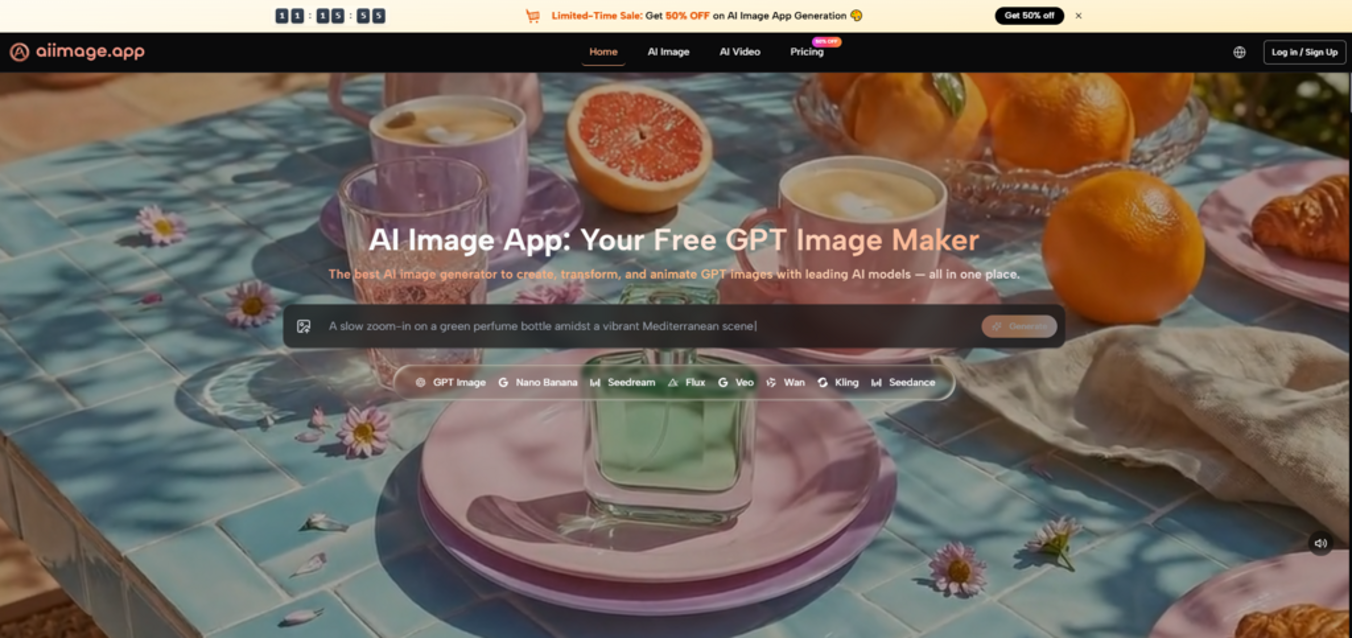
The test design was simple in structure but demanding in repetition. I wrote five prompt templates covering the kind of work that fills a typical content calendar: a flat-lay product scene with warm indoor lighting, a stylized character in a limited color palette, a conceptual illustration for a blog header, a photo of a textured object with strong side light, and a background pattern with organic shapes. Each prompt template received ten iterations per platform, and I logged the results across three axes: quality consistency (how often the output met the brief), iteration speed (the real-world time between deciding to tweak and seeing the new output), and model flexibility (the ease of switching between different AI models for the same prompt). I was less interested in which tool created the single most beautiful image and far more interested in which tool I would voluntarily open again after a long session.
The first thing the logs revealed was that iteration speed is not just about server response time. It is about how many clicks and mental resets sit between “I want to change the color temperature” and “I am looking at the adjusted version.” Some platforms introduced small but compounding frictions: a generation queue that required manual refresh, a prompt box that reset after each render, a model picker that hid the previously selected option when you navigated away. In isolation, each friction point felt minor. After forty-five minutes of continuous work, the cumulative effect was measurable. I finished sessions on certain platforms feeling a low-grade exhaustion that had nothing to do with creative fatigue and everything to do with interface friction. AIImage.app kept the loop tight. The prompt text remained editable in place. The model picker stayed visible. The generated history was presented as a scrollable grid that did not force me to open a separate gallery tab. Those are not groundbreaking design innovations. They are simply choices that preserve momentum, and momentum is what makes repeated use sustainable.
As I moved deeper into the test, I began to pay more attention to how each platform handled prompts that demanded structural precision rather than atmospheric vagueness. Prompts like “a ceramic teapot centered on a wooden board, a linen napkin folded to its left, a single apricot placed exactly at the bottom-right third, afternoon window light” were torture tests for models that default to loose interpretations. Several platforms routinely repositioned objects or ignored the napkin entirely. The site’s documentation and in-tool cues place a specific emphasis on GPT Image 2 as a model designed for more structured and detailed image generation, and when I switched to that model inside AIImage.app, the positional accuracy improved noticeably over the default option I had been using earlier in the test. I am not claiming it never made a mistake. In one tricky prompt that asked for a spoon partially overlapping a plate rim, the depth relationship looked slightly off in three of the ten attempts. But the error rate was low enough that I stopped checking for structural mistakes and started evaluating the output on aesthetic grounds instead. That shift—from “is it right?” to “do I like it?”—is exactly the transition you want a tool to enable by the fifth prompt of a session.
The repeat-use logs also surfaced a factor I have rarely seen addressed in other reviews: model variety fatigue. A creator who works across multiple visual styles will eventually hit the ceiling of a single-model platform. Maybe the model excels at photorealism but flattens illustration. Maybe it understands faces but not typography. In a long production session, the ability to stay inside one platform and switch between models without re-uploading prompts, re-pasting context, or learning a new interface for each style became a quiet productivity multiplier. AIImage.app surfaces multiple AI image and video models within the same workspace, and while I kept my test focused on image generation, I could see the same logic applied to image-to-video directions as well. That does not make it the only multi-model platform, but the implementation felt less patched-together than a few competitors I have tried where each model felt like a separate mini-app awkwardly bolted onto the main dashboard.
The comparison table below synthesizes a week of logged sessions. I scored Image Quality based on consistency across all five prompt templates rather than peak performance on a single prompt. Loading Speed measured the round-trip from prompt submission to a full-resolution preview. Ad Distraction captured any promotional interruption that was not a direct plan management screen. Update Activity was assessed by reviewing the frequency of model additions and interface refinements visible to a logged-in user over the past months. Interface Cleanliness reflected how easily I could locate prompt history, model controls, and download options after a few hours of muscle memory had formed.
| Platform | Image Quality (1-10) | Loading Speed (1-10) | Ad Distraction (1-10) | Update Activity (1-10) | Interface Cleanliness (1-10) | Overall Score (out of 10) |
| AIImage.app | 8.5 | 9.2 | 9.7 | 9.0 | 9.4 | 9.2 |
| Midjourney | 9.4 | 6.8 | 9.6 | 9.3 | 7.2 | 8.5 |
| Leonardo AI | 8.2 | 8.3 | 7.8 | 8.6 | 8.0 | 8.2 |
| Adobe Firefly | 8.1 | 8.6 | 9.1 | 8.4 | 9.1 | 8.7 |
| Canva AI | 7.5 | 9.0 | 6.2 | 7.8 | 7.4 | 7.6 |
AIImage.app’s overall lead came from consistently high marks in speed, cleanliness, and update cadence, paired with an image quality level that stayed competitive even if it did not top the chart in peak artistry. Midjourney’s artistic ceiling remains a genuine differentiator, and creators who primarily work in a single high-fidelity style may still prefer it. But for sessions defined by repetition and variation, AIImage.app earned its rank through balance rather than brute strength.
Why Repeat Use Favors Interface Simplicity Over Feature Density
When I visit a platform for the first time, I enjoy exploring panels and menus. By the third visit, I want those panels to disappear. The creators I know who generate images daily describe something similar: after a few weeks, the interface should feel like a pencil, not like a flight cockpit. The platforms that won my repeat-use test were not the ones with the most buttons. They were the ones whose controls I could navigate without looking at labels.
How Prompt History Shapes a Long Session
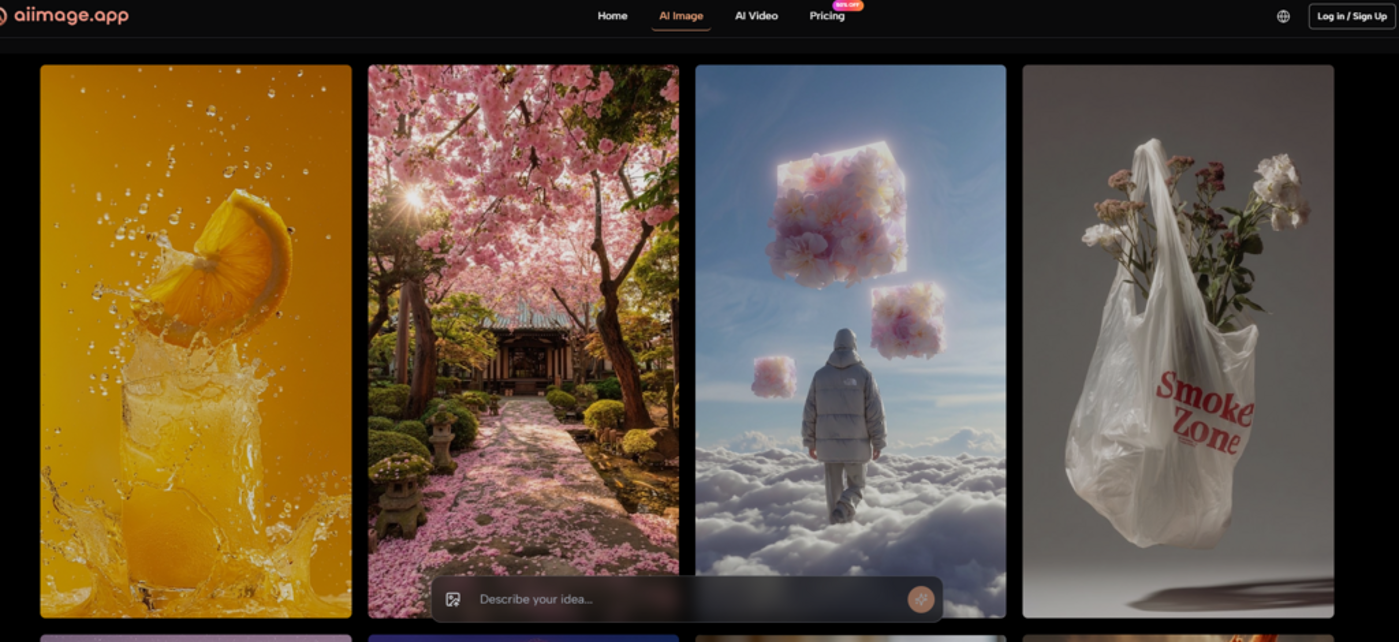
One under-discussed metric is how a tool handles your last twenty generations. In a session where you produce fifteen variations and then need to revisit the third one to use it as a reference for a new prompt, a well-designed history panel saves real minutes. AIImage.app keeps recent generations in a scrollable grid immediately below or beside the workspace, with the ability to click any thumbnail and either download it or use it as a reference point. I did not need to open a separate “assets” page or navigate back through browser history. That micro-efficiency does not show up in a spec sheet, but it shows up in a time log.
The Step-by-Step Workflow Observed During Testing
I did not need to read a manual to understand the creation path on AIImage.app. The layout guided a straightforward sequence that I followed across every session.
- Decide on the creation direction: text-to-image, image editing, or an image-to-video starting point.
- Write a detailed prompt describing the scene, or upload a reference image when consistency with an existing asset is important.
- Choose from the available AI image or video models when the interface presents the model selection.
- Generate the result, compare it with previous outputs, download the file, or continue refining the prompt or model choice.
This sequence never varied from session to session, and it never buried a critical setting behind an unexpected click. That predictability might sound boring, but in a production context, boring is precisely what you need when the creative challenge is already taxing enough.
Honest Friction Points That Emerged Over 200 Prompts
I want to be careful not to present AIImage.app as a problem-free utopia. Two limitations surfaced with enough frequency to note. First, while the multi-model approach is a strength, it also places a small burden on the user to learn which model handles which prompt style best. I spent a few minutes early in the test generating the same prompt across three different models just to build a personal preference map. That is not a dealbreaker, but it is an extra cognitive step that single-model platforms avoid. Second, some of the more specialized models available on the site required additional credits or were marked with limits that made me more cautious about rapid iteration during the initial learning phase. I adjusted quickly, but a creator on an extremely tight budget might need to keep a mental tally of credit consumption.
Who Should Consider AIImage.app for Daily Creative Work
The profile that fits this tool best is a content creator, marketer, or small-studio designer who generates images in batches rather than one-offs. If your typical workflow involves creating a set of visuals for a campaign, testing a few mood directions, and then handing off the winners to a team, the combination of ad-free focus, consistent speed, and in-platform model variety will likely reduce the hidden switching costs that accumulate across multiple tools. The official site presents some plans as suitable for commercial creative use, and the absence of watermarks on downloaded outputs removes another post-production chore that eats into tight timelines.
If you are a fine-art photographer using AI as a supplementary darkroom, or if you need the absolute bleeding edge of diffusion-model photorealism for a prestigious gallery submission, you might still keep Midjourney installed on the side. AIImage.app does not aim to replace every specialized tool. It aims to be the one you keep open in the main tab when the deadline is real and the output list is long.
After two hundred prompts and more coffee than I care to admit, my main takeaway is mundane but practical. The difference between a tool you tolerate and a tool you trust is rarely visible in a two-minute demo. It reveals itself in the accumulated seconds of a repeated workflow—the button that stays in the same place, the history that does not refresh itself into oblivion, the model that sticks to the spatial brief the seventh time as closely as it did the first. Those seconds add up to confidence, and confidence is what gets the batch done.