
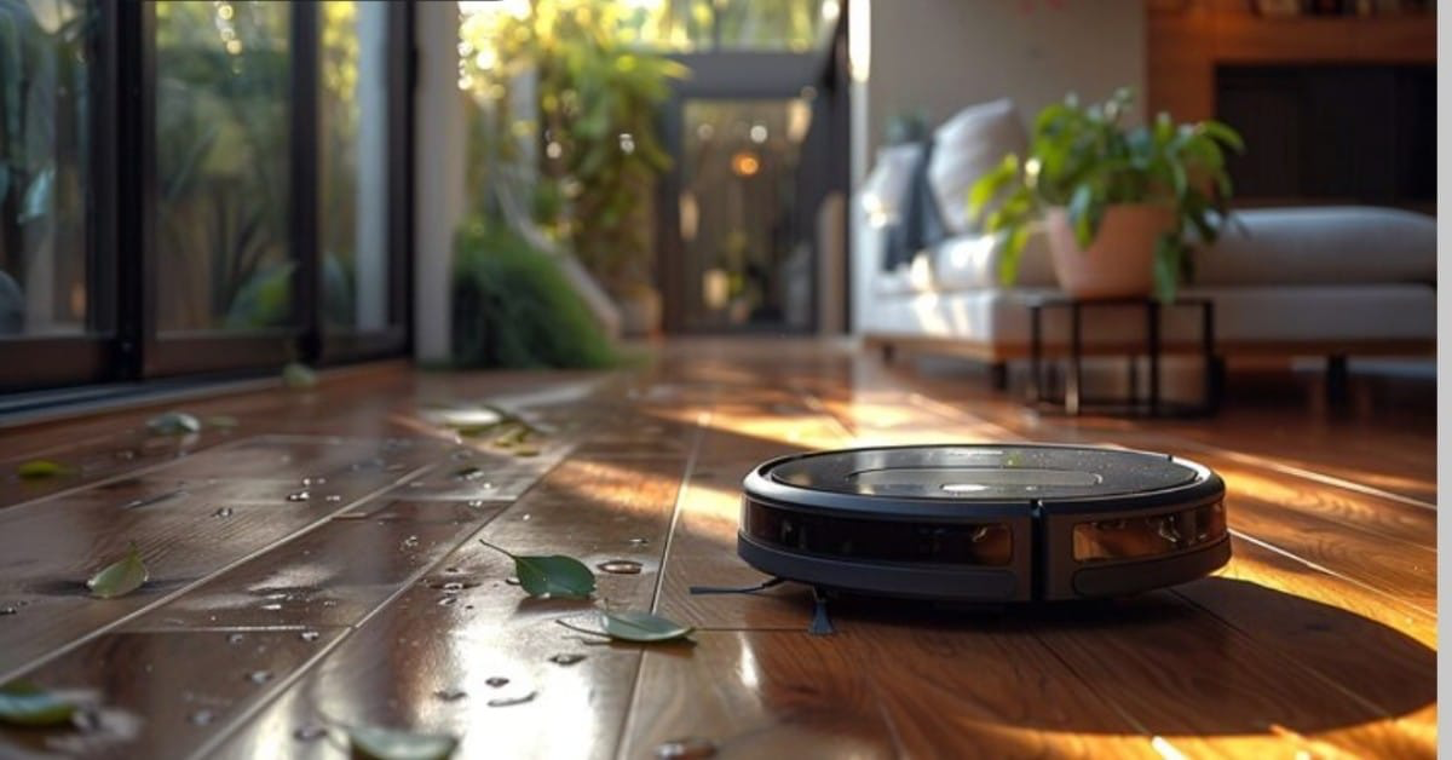
The robot crosses the room, slows near a shoe, and takes a wider turn. That looks reassuring until the same machine meets a black sock on a dark rug or a phone charger lying almost flat. Robot vacuum obstacle avoidance is useful, but it is not a promise that every object will be seen in every room.
The practical question is narrower: which obstacles can the system detect or recognize, under what conditions, and what should still be removed before a cleaning run? That distinction matters whether you are comparing the best robot vacuum with obstacle avoidance or simply looking for a robot vacuum that avoids obstacles in a busy home.
Detection Is Not the Same as Recognition
Obstacle avoidance combines several jobs that are easy to blur together. A sensor may notice that something is in front of the robot without knowing whether it is a shoe, a sock, or a fragile object. Recognition adds classification, which can influence how much space the robot leaves around it.
For a useful comparison, separate two outcomes: did the robot avoid the object, and did anyone need to intervene? A repeatable room, the same objects, and the same lighting make observations easier to compare, but results still describe that setup rather than every home.
The phrase “AI camera” is too broad to guide a purchase. Searches for robot vacuum object detection often hide the same distinction, and an AI obstacle avoidance robot vacuum still needs hardware that fits the room. Check the sensor mix and operating conditions.
What Each Sensor Contributes
The front of the robot usually does the looking ahead. A camera or structured-light system builds an image or depth estimate of nearby objects; LEDs can help when the room is dim. A time-of-flight sensor measures distance by timing reflected light. LIDAR, when present, is excellent for mapping and distance, but a mapping laser is not automatically an object-recognition camera.
Side and near-field sensors cover a different slice of the problem. They help the robot follow walls, judge a close gap, or notice an object as the chassis turns. A bumper remains a physical fallback on many models. Contact means the system has reached its backup response, not that it successfully identified the object in advance.
Cliff sensors look down rather than forward. They are meant to detect a drop at stairs or a ledge, so they should not be counted as protection from cords, toys, or liquid. A robot can have strong drop detection and still struggle with a thin cable across a flat floor.
Why the Same Object Can Produce Different Results
Recognition depends on more than object type. Size, height, color contrast, surface texture, viewing angle, and movement all change the visual signal. A white sneaker on a wooden floor is an easier target than a dark sock on a charcoal carpet. A transparent bowl may show a weak edge, while a shiny metal leg can create reflections that confuse depth estimates.
Distance matters too. A low object may sit below the camera’s useful field of view until the robot is close. A chair leg viewed straight on presents a narrow profile; the same leg at an angle may be easier to see. If a pet or a child moves an object while the robot is turning, the prediction becomes harder again.
Low light deserves its own check. Some systems add illumination, but a light-assisted camera still has a limited range and angle. Shadows under a sofa, glare from a patio door, and a dark rug at night can change the result. The safest assumption is conditional: a sensor may perform well in the lighting and layout used for its design or test, not in every corner of the home.
A Practical Difficulty Guide
Use this table as a quick reference for common obstacle difficulty and recommended household fixes.
| Object or condition | Why it can be difficult | Sensible household response |
| Cables and chargers | Thin, low, and easy for a brush to catch; loose coils change shape | Route or lift them before a run |
| Socks and small toys | Low profile, soft edges, and frequent movement | Use a quick pickup routine |
| Transparent or reflective items | Edges and depth can be faint or distorted by glare | Keep them outside the route or add a physical barrier |
| Black objects on dark flooring | Low contrast reduces the visual signal | Test in the actual room and use a no-go zone if needed |
| Furniture legs | Narrow profiles and awkward approach angles | Check clearance and watch the first passes |
| Liquid or wet debris | It may spread, damage parts, or create a hygiene problem even if detected | Clean it manually; do not use liquid as a test object |
| Pet accidents | Shape, color, lighting, and floor texture vary; the cost of contact is high | Inspect the floor and block the area when uncertain |
Obstacle avoidance should reduce rescues, not remove floor preparation. A thin cable that is missed once can be enough to stop a cleaning job.
Turning Obstacle Risks Into Buying Criteria
Before comparing a best robot vacuum with obstacle avoidance, look for five details in the model’s published information: the named sensors, whether the front view has its own illumination, the smallest object size stated, results on both hard floor and carpet, and the maker’s advice for dark, reflective, or low-clearance areas. A long list of recognized objects is less useful if the operating conditions are missing.
For a broader comparison, the eufy robot vacuums lineup lets you review more details.
How to Run a Safe Home Check
An at-home check can reveal more than a showroom demonstration, provided it stays controlled. Remove valuables, medication, small electronics, and loose cords, and do not use knives, glass, liquids, live pets, or real pet waste as test objects. Work in a small, open area where someone can watch the run; start with a shoe, soft toy, or folded towel well away from stairs, and keep the app and firmware current.
Run the same route in normal daylight, then under the lighting used when the robot is usually scheduled. Observe whether it slows, detours, touches, or becomes stuck. Record the object, floor, approach direction, and light condition rather than writing a single score such as “good AI.”
Once the basic pass is understood, change one variable at a time. Put the shoe on carpet, turn it sideways, or move it closer to a chair leg. Try a dark object on a light floor, then a light object on a dark floor. Keep the test supervised and stop if the robot begins pulling fabric into the brush.
The notes can be simple:
- Object and approximate size.
- Floor type and color contrast.
- Daylight or artificial light.
- Robot response: avoided, touched, dragged, or needed help.
- Whether the result changed after cleaning the sensors or updating firmware.
This is not a laboratory benchmark. It is a way to learn the failure modes that matter in one home before enabling an unattended schedule.
Maps and No-Go Zones Are a Second Layer
Maps tell the robot where it may travel; they do not prove that it can identify every item on that route. Use a no-go zone for a cable nest, water bowl, fragile display, or room where objects change daily, and keep the boundary wider than a movable hazard. A dog can push a bowl or a chair can shift, so close the door or add a physical barrier in high-risk areas.
Keep Pet Areas Physically Separate
Pet households have moving obstacles and a higher cost of error: a pet can nudge a familiar object into shadow, tip a reflective bowl, or push a toy beneath furniture. Before a scheduled run, inspect the floor as if the robot had no camera, remove fresh accidents, loose food, strings, and chew toys, keep the route away from feeding and litter areas, and keep animals away during early supervised runs if they chase or block the robot.
No obstacle avoidance system can be relied on to consistently avoid pet waste. If an accident is possible, physical separation and a pre-run check are safer than relying on object recognition. A clean test floor is not proof of performance around a moving pet.
A Multi-Sensor Example in Practice
The eufy Robot Vacuum Omni S2 is a concrete example of a multi-sensor approach. Its 3D MatrixEye™ 2.0 system is specified to detect obstacles over 1 cm and recognize more than 200 types, including cables and shoes. The product guidance also refers to a front camera, side laser, and floor sensors, each serving a different part of the cleaning route.
Our guidance is simple: clear small items, set no-go zones for difficult areas, wipe the front camera, side laser, and floor sensors, and keep the app and firmware updated. Because firmware and specifications can change, verify the current version and stated test conditions at publication. Dark or reflective materials, transparent surfaces, low furniture, and thick carpets may still need a boundary or a change in setup.
Conclusion
Robot vacuum obstacle avoidance is best judged by conditions, not by an AI label. Forward cameras, depth or time-of-flight sensors, side proximity hardware, bumpers, and cliff sensors each cover a different part of the route. Their results shift with size, contrast, material, angle, light, and motion.
Run a supervised check in a small area, record what the robot actually does, and add no-go zones or physical barriers where the cost of a miss is high. The goal is a predictable routine. A robot that avoids many everyday objects can still need a cleared floor, especially around cables, liquids, and pets.