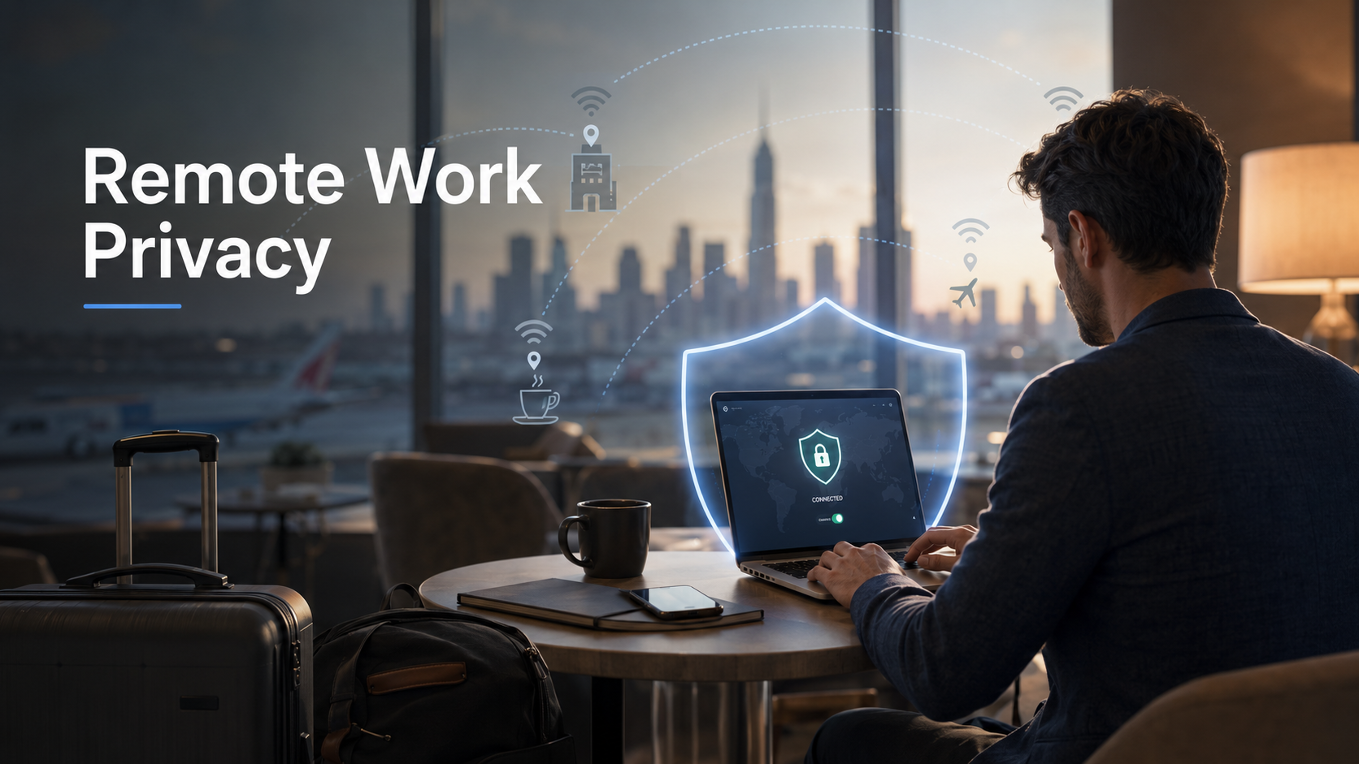
The pitch for remote work sounds straightforward: your laptop, a decent connection, and you can work from anywhere. A hotel in Tokyo, a café in Lisbon, a coworking space in Montreal. The work gets done. The location is flexible. What’s not to think about?
Quite a bit, as it turns out — specifically about the networks those locations put you on, and what those networks can see.
Most remote workers think about this rarely, if at all. The connection works, the video call goes through, the files upload. The invisible infrastructure behind all of that — who owns the network, what passes through it, who else is on it — doesn’t feel relevant until something goes wrong. And by then, caring about it doesn’t help much.
The Network You Didn’t Choose
When you work from an office, you’re on a network that a company’s IT team has configured, monitored, and secured. There are firewalls, access controls, and someone whose job it is to notice when something unusual happens.
When you work from a hotel, you’re on a network configured for hospitality, not security. The priority is getting guests connected quickly and reliably. Encryption between your device and the router is often minimal. Anyone else on the same network — other guests, staff, someone sitting in the lobby who isn’t actually a guest — is connected to the same shared infrastructure.
The same applies to café Wi-Fi, airport lounges, coworking spaces with shared public networks, and any other connection you didn’t set up and don’t control. These networks are convenient. They’re not private.
What’s visible on an unsecured shared network varies depending on the specific setup, but can include: which websites you’re connecting to, unencrypted traffic passing between your device and those sites, and identifying information like your device name and IP address. For someone checking social media, this is low-stakes. For someone logging into work systems, reviewing contracts, or handling client data, the stakes are higher.
The Country Factor
For people who travel internationally for work, there’s an additional layer worth knowing about — though it applies more to some destinations than others.
Internet traffic in certain countries is monitored at the infrastructure level, by governments or state-owned telecommunications companies. This is documented and publicly acknowledged, not speculation. A traveller connecting to the internet in those countries should be aware that their traffic may be observed at the network level regardless of which Wi-Fi network they use — hotel, café, or otherwise.
For most business travellers, the practical concern is straightforward: client information, contracts, negotiation details, and work communications are the kind of things that cross a laptop during a trip. Whether the audience is a competitor, a curious network operator, or someone specifically looking for it, keeping that traffic encrypted is a reasonable precaution — not a paranoid one.
None of this means international travel and productive work are incompatible. It means it’s worth thinking about before you land, not after.
What a VPN Addresses in This Context
Understanding how a VPN works in this specific context makes its value clear. When you connect to a VPN before joining any network — hotel, café, airport — your traffic is encrypted before it leaves your device. The hotel network sees encrypted data going to a VPN server. That’s all. The sites you’re visiting, the files you’re uploading, the calls you’re on — none of that is visible in the clear.
For international travel specifically, a VPN also shifts where your traffic appears to originate. If you’re connecting through a server in your home country, the traffic that reaches its destination looks like it came from there, not from wherever you’re physically located. For people accessing sensitive systems that are geographically restricted — corporate intranets, financial platforms, government portals — this also solves a practical access problem alongside the privacy one.
There are limits. A VPN encrypts traffic between your device and the VPN server; what happens after the server is a separate question. And in countries with aggressive internet controls, VPN use itself may be restricted or monitored. These are real considerations for high-risk situations. For the more common scenario — a consultant working from hotel Wi-Fi in a business travel destination — a VPN is a straightforward and effective addition to a mobile work setup.
Building It Into the Routine Before You Travel
The practical problem with security measures is that people think about them after something has gone wrong, not before. The hotel network is already logged into, the sensitive email is already sent, and the VPN only comes to mind on the flight home.
The most effective approach is to set it up before you leave — not in the airport, not in the hotel room on the first night. Install the application, connect through a few different server locations, and confirm it works with the services you’ll need to access. VPN performance varies by your network and your distance from the server, so what works well for someone else may not be ideal for your setup. Testing at home takes fifteen minutes and removes all uncertainty before it matters.
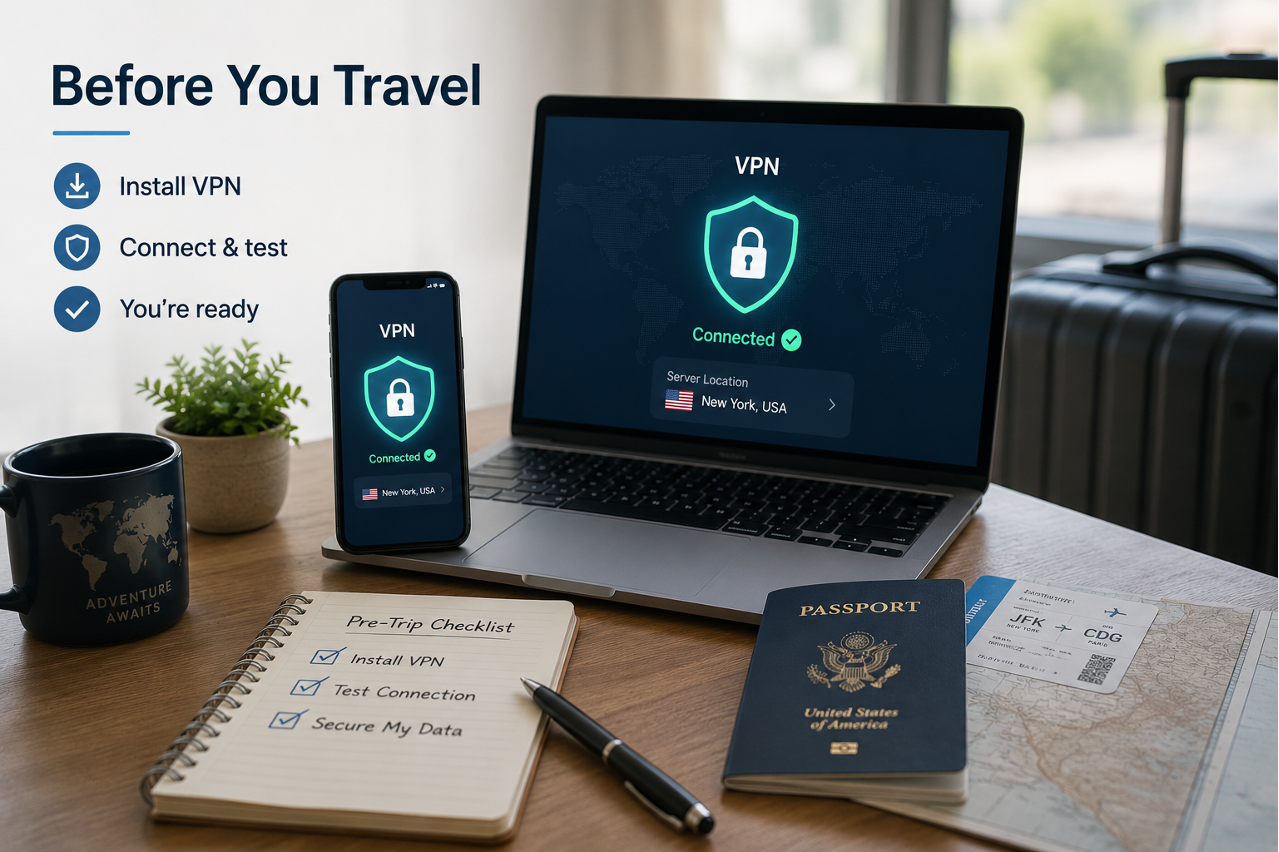
A 7-day VPN trial is enough time to do this properly. X-VPN’s trial includes full premium access with no upfront payment, so the testing window isn’t artificially limited. Once you’ve confirmed it works, the habit is simple: connect before joining any unfamiliar network, and leave it running while you work.
The Gap Worth Closing
Remote work has expanded the definition of “the office” to include everywhere — which is genuinely useful and genuinely convenient. What it hasn’t done is extend the security of the office to cover everywhere too.
Hotel networks, airport lounges, and café Wi-Fi are not equivalent to a secured corporate connection. The gap between them is real, and it’s easy to close: one application, one extra step before joining an unfamiliar network. The flexibility that makes remote work possible doesn’t have to come with the exposure that unfamiliar networks create — it just requires thinking about it before the trip, rather than after.