
A budget entry-level plan with a single gigabyte of memory and a heavy modded ATM10 server serve completely different purposes, even if they are sold under the same label. In this top Minecraft server hosting 2026 breakdown, we ranked five hosting providers and highlighted where each excels and where each falls short.
#1. Godlike.Host — Best Overall / Best Value
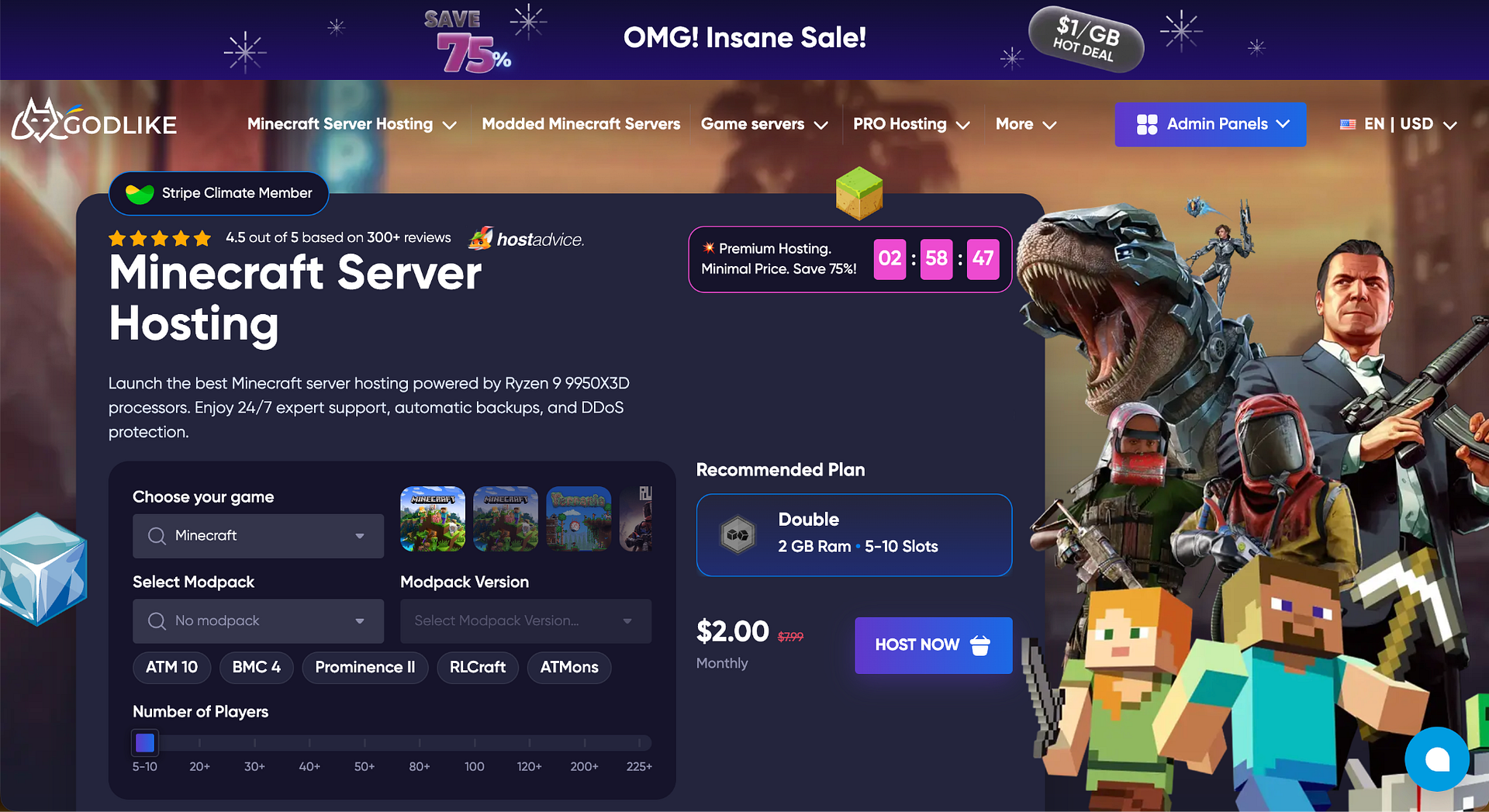
Godlike avoids renting third-party infrastructure and installs its own bare-metal hardware: Ryzen 9 9950X3D, DDR5-4800, and NVMe Samsung 990 PRO on PCIe 4.0. Pricing starts at $3.19 for the first month, paired with a fully
functional free plan, while user ratings hold steady around 4.9 out of 5. Here is what stands behind these numbers at the node level:
| Node component | Specification |
| Server platform | ASRock Rack 2U1G-B650/AQUA |
| Memory | 4 × 48 GB Crucial Pro DDR5, 192 GB total |
| Storage | 2 × 2 TB Samsung 990 PRO, 4 TB raw NVMe |
| Network port | 10 Gbps with 1 Gbps guaranteed |
| Bandwidth | Unmetered |
These allocations reflect the capacity of the entire node rather than a single plan. However, this node overhead explains why RAM upgrades require no downtime.
Pros:
- Forge, Fabric, Spigot, Paper, Bukkit, RLCraft and ATM10 presets;
- Pterodactyl-based panel and full SFTP access;
- Automated backups up to three times a day;
- Server management via Discord;
- Live 24/7/365 support.
Cons:
- The free plan is time-limited;
- Premium plans cost more than budget alternatives;
- No hourly billing available.
Best for: Beginners, modders, and growing communities.
#2. Shockbyte — Best for Budget Managed Hosting
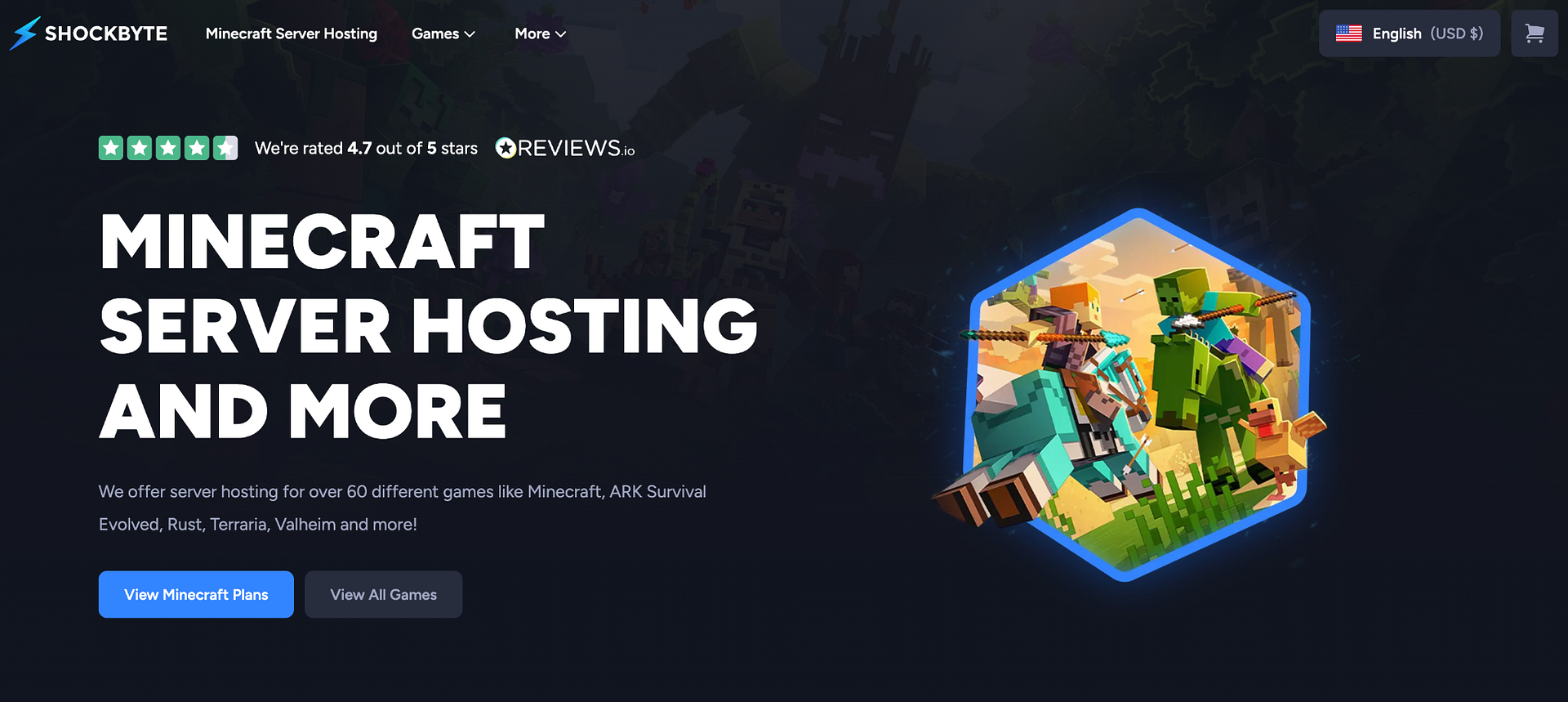
Shockbyte has been around since 2013, and their entry price is low: budget plans begin at $1.99 per month. Java and Bedrock are fully supported natively, with no manual hassle in installing the server software and modpacks.
Pros:
- Java and Bedrock support;
- One-click modpack installation;
- DDoS protection included on all plans.
Cons:
- Entry-level tiers struggle with heavy modpacks;
- Resource allocations must be verified for specific plans;
- Billing tickets sometimes linger for days.
Best for: Small groups of friends.
#3. GGServers — Best Budget Entry
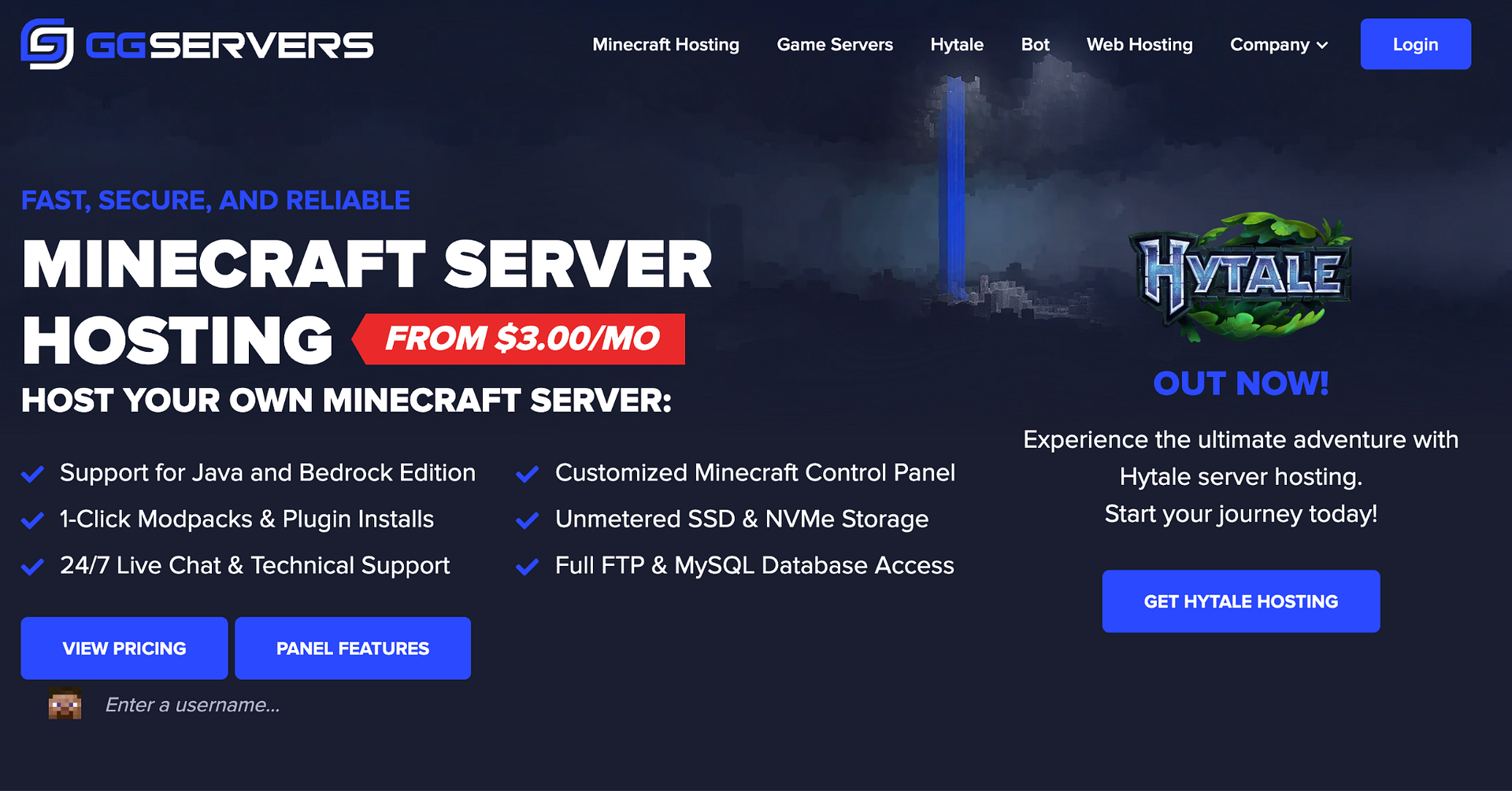
On its Standard tier, GGServers offers $3 per gigabyte of memory, with Premium memory being double the price but also providing NVMe storage and clock speeds up to 5 GHz. Also, users can test the ping to any datacenter location directly from the game before they pay for it.
Pros:
- Custom Pterodactyl-based control panel;
- Free server migration from another host;
- Free subdomain included;
- Trustpilot rating around 4.5 across 3400+ reviews.
Cons:
- Standard plans on DDR4 and SSD lag under modded workloads;
- Refund policy is limited to 24 hours and first orders only;
- Default backups should be manually duplicated for safety.
Best for: Small servers running without heavy modpacks.
#4. PebbleHost — Best for Budget Flexibility
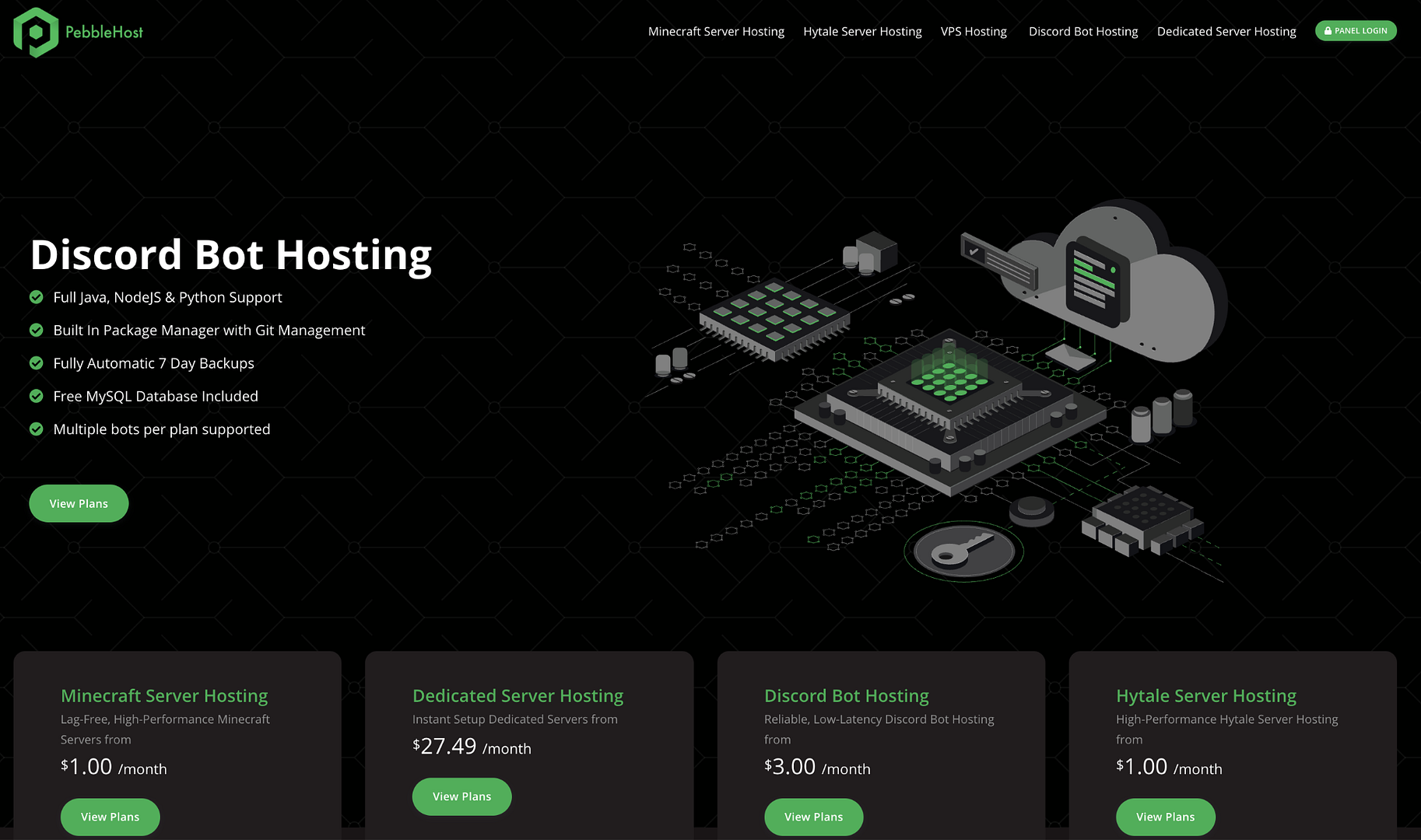
Pebble splits its lineup into two: Budget starts at $1 per gigabyte running on Ryzen 5700X and i9-9900K, while Premium costs around two dollars on Ryzen 9 9900X with DDR5. Furthermore, Premium includes daily backups and an installer with over 12,000 modpacks.
Pros:
- Two separate product lines for varying budgets;
- NVMe storage;
- DDR5 memory and one-click modpacks on Premium.
Cons:
- Hardware and feature sets depend on the selected plan;
- Budget tiers rely on previous-generation processors;
- Backup retention terms should be clarified in advance.
Best for: Budget-conscious owners seeking flexible configurations.
#5. ScalaCube — Best for Beginners & Modpack Variety
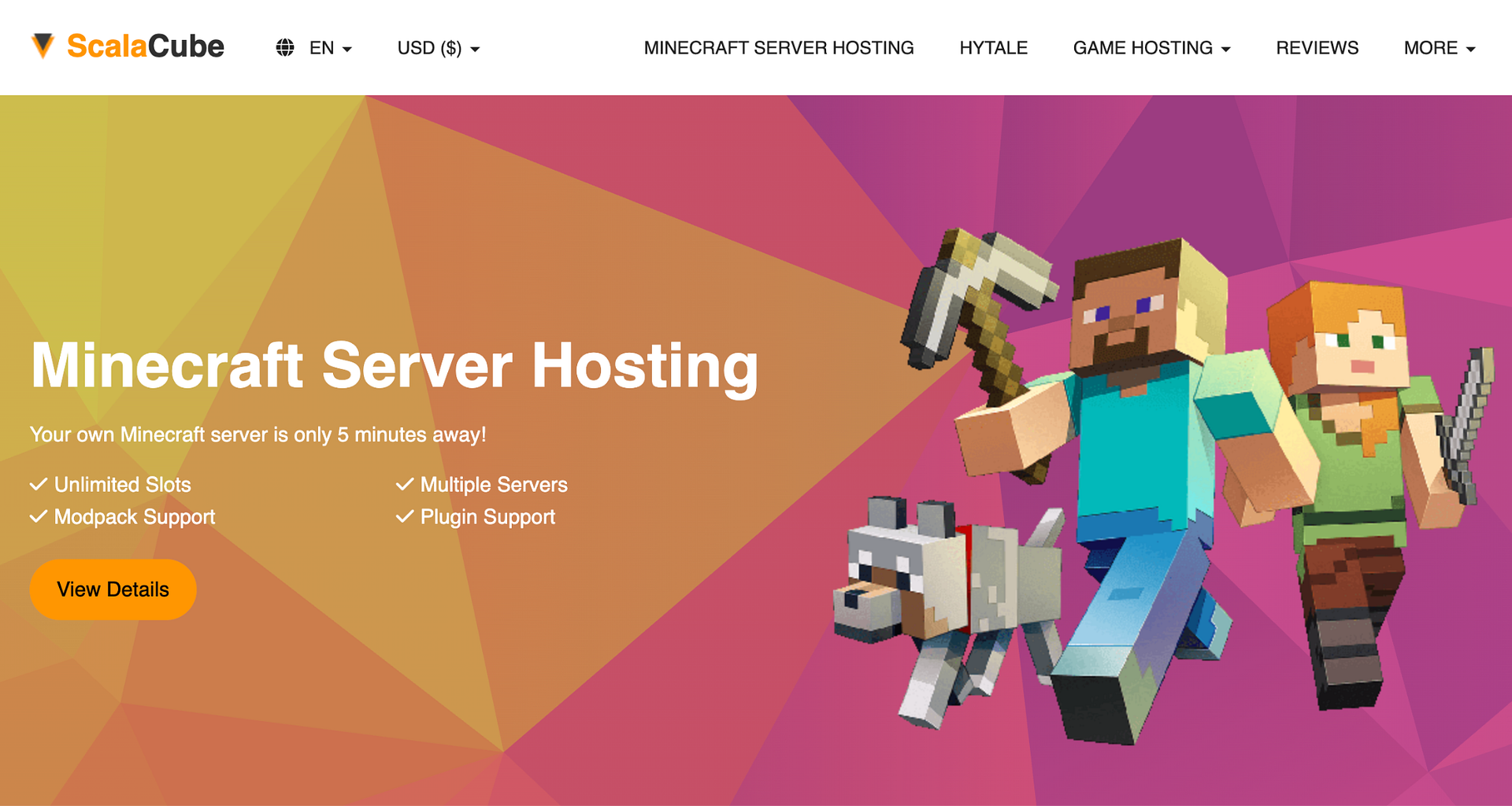
ScalaCube prioritizes simplicity: over 3,000 modpacks install in a single click, and the first billing cycle carries a 50% discount. Entry starts at $2 per month, though the initial 768 MB memory allocation is suited only for vanilla gameplay with a couple of players.
Pros:
- Massive modpack library;
- Instant setup with an intuitive interface;
- Automated backups and DDoS protection;
- Free trial period.
Cons:
- Low RAM allocation on the starter tier;
- Performance dips under high player counts or heavy mods;
- Not built for large-scale servers.
Best for: Beginners and small groups.