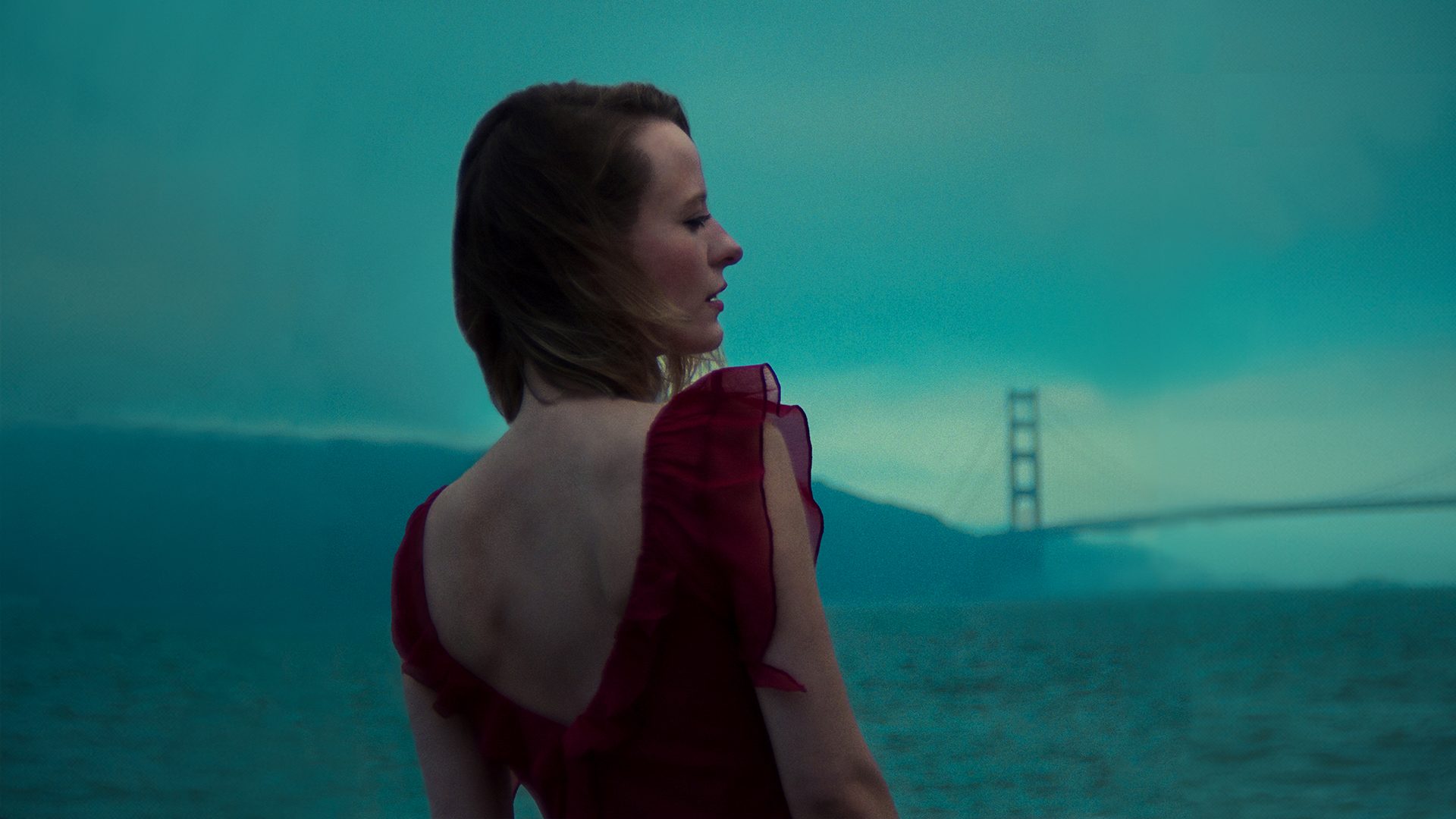
I have watched a lot of AI music videos this year that look impressive for ten seconds and then fall apart. Dream Relic’s Time is a Limited Allowance is the opposite kind of video, and that is why it is a useful model to learn from — not to copy, but to study.
On October 21, 2026, Dream Relic won Best Visual Style at the first Sound & Screen AI Music Video Awards for Time is a Limited Allowance. The same video was also nominated for Viewers’ Choice, and by November 2 it had passed 316,000 views on YouTube, making it the most-watched of the seven winning videos. The award was not for the most photorealistic video, or the most expensive-looking one. According to the awards coverage, Best Visual Style rewards art direction judged against what the video is trying to be, and the winning video was described as having the strongest look — one you would recognise from a single frame.
That is the part I want to focus on here. You cannot prompt your way to a Dream Relic video by typing “make it dreamy.” You can, however, borrow the discipline behind it — one story, one visual world, consistent characters, and editing that serves the song — and run that discipline through a tool built for song-to-video work. The tool I would use for that is Enkio, because its AI Music Video Generator is designed around exactly that sequence: song first, visual direction second, scenes last.
What “like Dream Relic” actually means
The Sound & Screen judges scored videos on six criteria: story, vision, cinematography, character and world consistency, technical execution, and song service. That list is a better brief than any single prompt.
Translated into a working plan, it becomes:
- One sentence, one story. Not “a collection of beautiful scenes,” but a premise with a beginning, a change, and an ending. For example: “A singer walks through memories that disappear whenever she touches them.”
- One visual rule. One primary style, one colour system, one recurring symbol, one camera-movement rule. If a beautiful shot breaks that rule, it does not make the cut.
- One world that stays put. The same face, wardrobe, locations, and visual rules from the first frame to the last. This is where most AI videos lose people.
- Camera decisions, not camera drift. Wide shots to establish the world, close-ups for emotion, tracking shots for momentum — each with a purpose.
- Editing for the song, not just on the beat. Map the intro, verses, choruses, and bridge first, then decide where a shot should hold, where it should change, and where it should arrive just before the downbeat.
If you skip those decisions, no generator will save the video. If you make them first, the generator becomes a production crew instead of a slot machine.
The workflow: song to visual world in Enkio
Enkio’s AI Music Video Generator follows five steps, and they map neatly onto the plan above. Here is how I would use them for a Dream Relic-style video.
1. Start with a song you own
Upload an MP3 or WAV file between 15 seconds and 5 minutes long. That length limit matters for planning: this workflow is built for a single song, not an album-length piece, so pick the track you actually want to visualise.
If you do not have a finished song yet, Enkio can also generate the music first with AI Music Generator— describe the song, choose a vocal style, and generate it in the same platform — then bring the exported audio back into the video workflow. Either way, use music you own or have permission to use. An AI video built on someone else’s track is not a shortcut worth taking.
2. Lock the visual world before you generate anything
This is the Dream Relic step, and it is the one most people rush.
Choose AI Music Video Agent, add one reference image. That image is your visual starting point: it can set the protagonist, the mood, or the world the video lives in. Then add an optional prompt that states the world in plain language, not in adjectives alone.
A starter prompt I would adapt — not copy word for word — looks like this:
“A dreamlike, nostalgic world where time feels like it is slipping away. One protagonist in the same coat throughout, soft low light, slow tracking shots, quiet streets and open skies. Keep the same character, palette, and atmosphere in every scene.”
Notice what the prompt does: it names a feeling (nostalgic, time slipping away), a consistency rule (same protagonist, same coat), a camera rule (slow tracking shots), and a lighting rule (soft, low light). It does not ask for “a cool video.” The more specific your rules, the more recognisable your video becomes.
Enkio also lets you choose a style direction — performance, dance, narrative, anime, fantasy, abstract, fashion, and others are listed on its product page — so pick the one your song actually belongs to. A fantasy treatment will not fix a song that wants to be an intimate performance piece, and vice versa.
3. Let Enkio map the song
Once you upload the song and reference image, Enkio analyses the track: lyric timecodes, rhythmic changes, and emotional shifts. It identifies the intro, verses, choruses, and key moments, then creates a creative outline and a scene-by-scene plan.
This is where the “song service” criterion comes in. Before you generate a single scene, look at that outline and ask: does the visual intensity move with the music? Does the chorus get the central image, and does the bridge break the pattern instead of repeating it? If the outline feels flat, revise the direction now. It is much cheaper than regenerating twenty clips later.
4. Confirm the characters and the world
Before scene production begins, Enkio generates the main visual assets and character references. Review them. Edit the descriptions or regenerate anything that does not match your intended look.
Treat this as a consistency test: the same character in different shots, different framings, and different emotional states. If the face, wardrobe, or world drifts here, it will drift everywhere. Fix it here.
5. Generate scene by scene, and redo only what is wrong
Now generate the scenes. Each scene has its own image and video description, so you can adjust the action, framing, camera movement, or atmosphere for one clip without rebuilding the whole video.
When you review, do one pass with the sound off. That is the fastest way to catch what the judges penalise: morphing faces, changing objects between adjacent clips, broken transitions, hands and text that fall apart on a pause. Repair, shorten, mask, crop, or replace the problem shot. Do not keep a broken clip because one second of it looks extraordinary.
Then watch with the sound on, and check the emotional structure: does a shot arrive before the downbeat to create anticipation, or hold through a musical change to feel grounded? A video that only cuts on the drum hit can feel mechanical. A video that breathes with the song feels directed.
6. Assemble, preview, and export for where it will be seen
Enkio assembles the completed clips into one continuous music video. Preview the full video, review scenes individually, and save the final cut once the pacing and visuals feel right.
Choose your export with the platform in mind. Enkio supports 720p or 1080p, and five aspect ratios: 9:16, 1:1, 3:4, 4:3, and 16:9. For a Dream Relic-style release, I would export the full 16:9 video for YouTube and a 9:16 cut for TikTok and Reels — ideally a short vertical hook that works without context, not just a cropped version of the full video.
What Enkio does well here — and where it will not do the work for you
What I like about this workflow is that it is a complete song-to-video pipeline, not a clip generator. Song analysis, visual direction, character references, shot-level revisions, and final assembly live in one place, and the ability to regenerate a single scene is the feature I would use most. In a Dream Relic-style video, where consistency is the whole point, rebuilding everything because one shot drifted would be a deal-breaker.
The honest limitation is the same as with any AI video tool: Enkio will follow your direction, but it will not invent it. If your reference image is vague, your prompt is just “dreamy,” and your outline has no story, you will get a polished-looking video that nobody remembers. The award Dream Relic won was for visual style as a series of choices, not for a single generation. Expect to spend most of your time on the treatment, the visual rules, and the edit — and to throw away shots that do not fit, even if they look good on their own.
Check your plan and credits before a long generation run, and keep the locally saved final file as your permanent copy.
Who this approach is for
This is for you if you already have a song and a feeling for its world, and you want a video that looks like it belongs to that song — a release teaser, a lyric visual, a full music video for YouTube, or a vertical cut for social.
It is not for you if you want an exact replica of Time is a Limited Allowance. That video belongs to Dream Relic, and copying its frames, character, or artwork would miss the point. The useful thing to take from it is the method: one story, one world, one set of rules, applied consistently until the video is recognisable from a single frame.
FAQ
Did Dream Relic use Enkio to make Time is a Limited Allowance?
Not that I have seen stated publicly. This guide uses Dream Relic’s award-winning video as a craft reference for visual style, and Enkio as the tool for applying that craft to your own song.
Do I need video editing experience to try this?
No. The Enkio workflow is prompt- and reference-led: upload the song and image, confirm the direction and characters, generate scenes, and revise individual shots. The editing skill that matters most here is judgement — knowing which shots fit your visual rules and which ones to cut.
Can I use any song I like as the starting point?
Only if you own it or have permission to use it. Use your own track, a track you generated, or a licensed track. The same applies to reference images.
How long does a video like this take?
That depends on the song length, the number of scenes, and how many revisions you do. Plan for the treatment and visual rules to take as long as the generation itself — that is where the style is actually made.
References
- VerseCove, “First AI Music Video Awards: 8 Lessons From the Winners,” November 2, 2026 — the six judging criteria and the production workflow behind the winning videos. https://www.versecove.net/blog-post/first-ai-music-video-awards-winner-lessons
- The AI Musicpreneur, “AI Music Video Awards 2026 Winners,” November 2026 — Dream Relic’s Best Visual Style win for Time is a Limited Allowance, with more than 316,000 YouTube views by November 2, 2026. https://www.aimusicpreneur.com/ai-music-news/sound-and-screen-ai-music-video-awards-2026-winners/
- Enkio, “AI Music Video Generator Online” — the five-step workflow, input requirements (MP3/WAV, 15 seconds to 5 minutes, one reference image), output options (720p/1080p; 9:16, 1:1, 3:4, 4:3, 16:9), and supported styles, accessed November 5, 2026. https://enkiomv.ai/en/ai-music-video-agent
Disclosure: The author works with the Enkio team. Dream Relic’s “Time is a Limited Allowance” is discussed here as an independent award-winning reference for visual style; there is no claim that Dream Relic used Enkio. Enkio workflow details are based on Enkio’s official product page, accessed November 5, 2026.