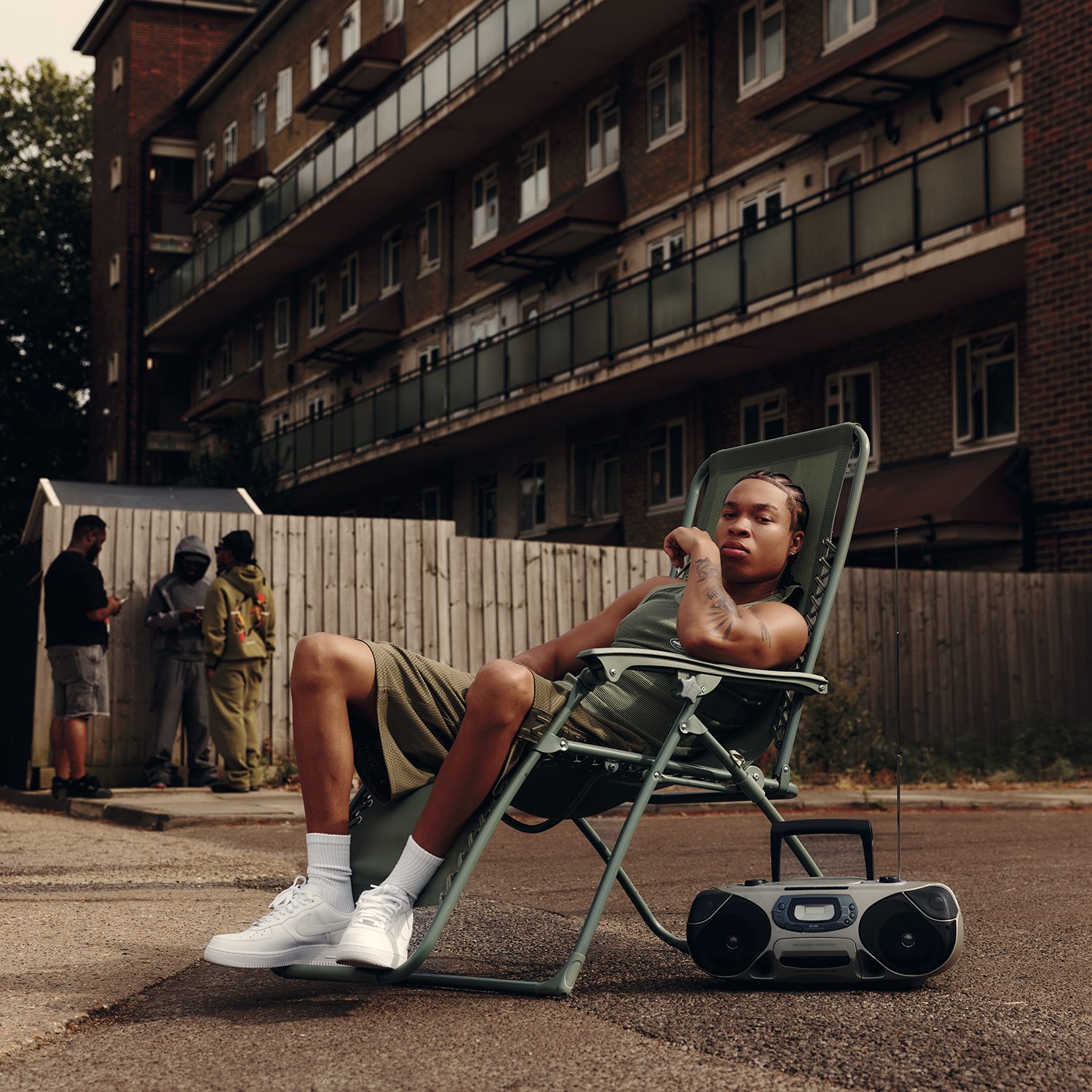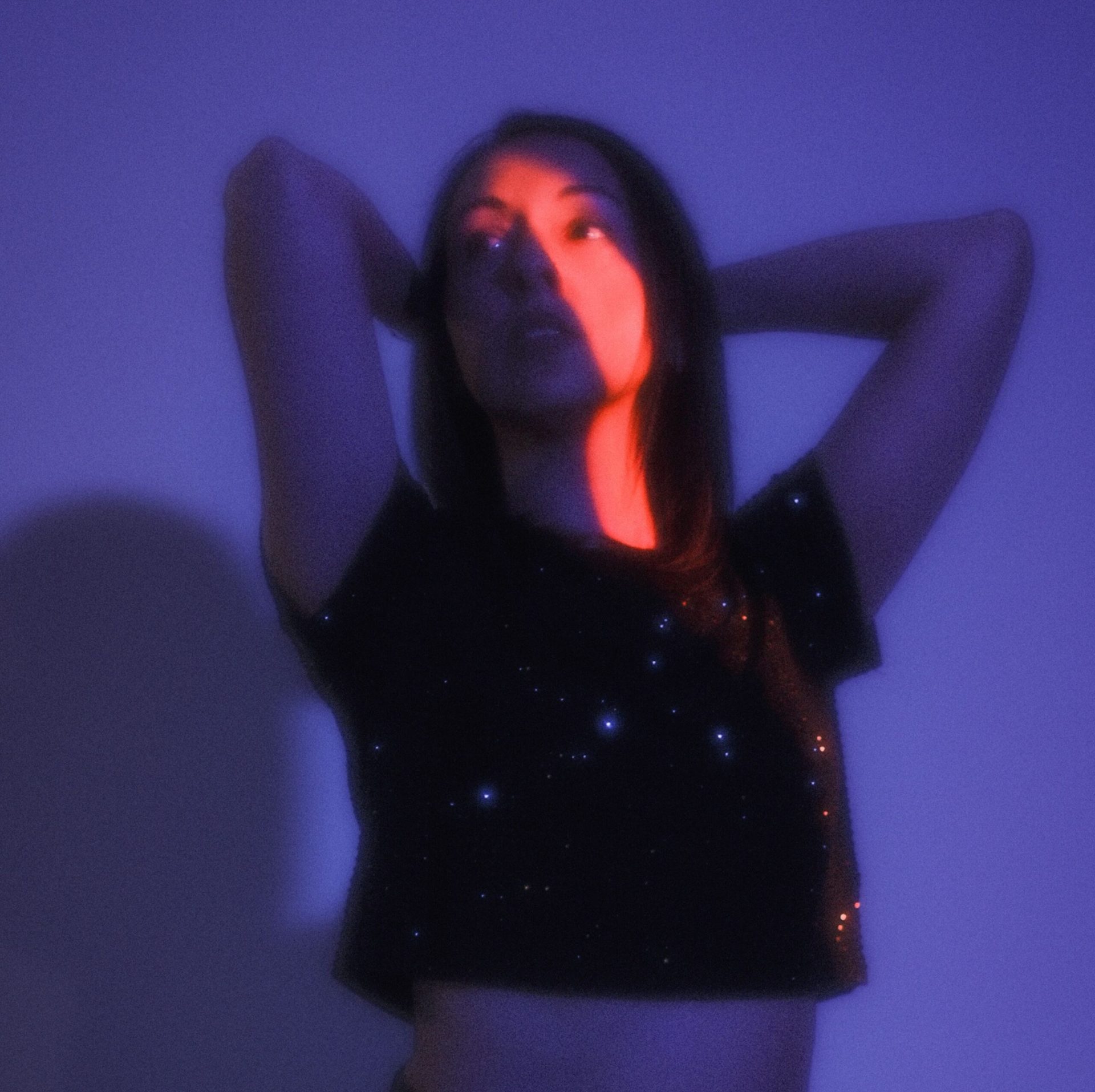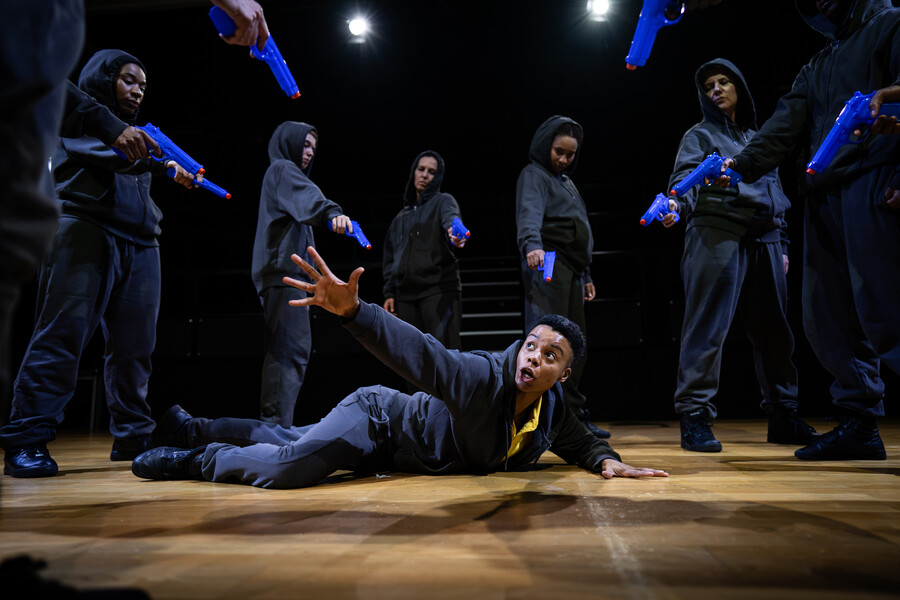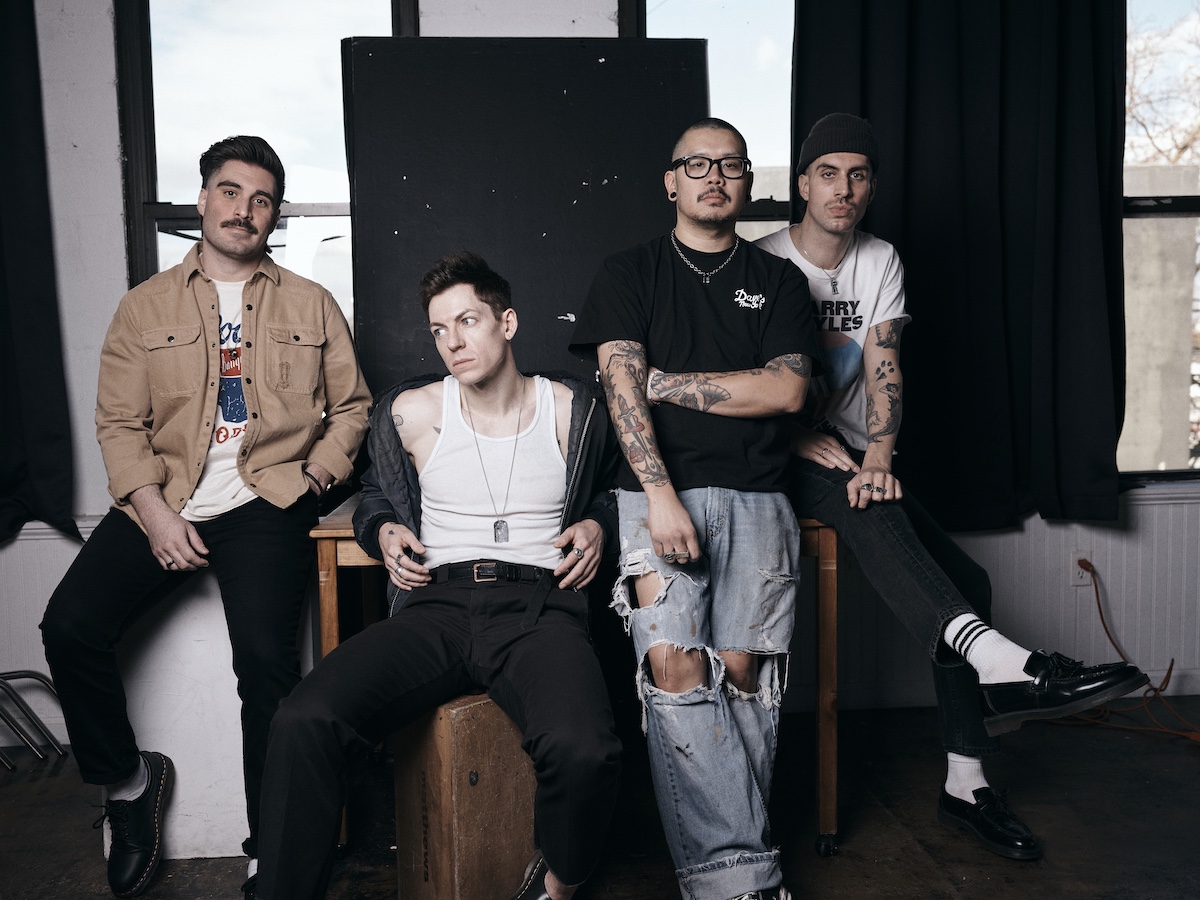
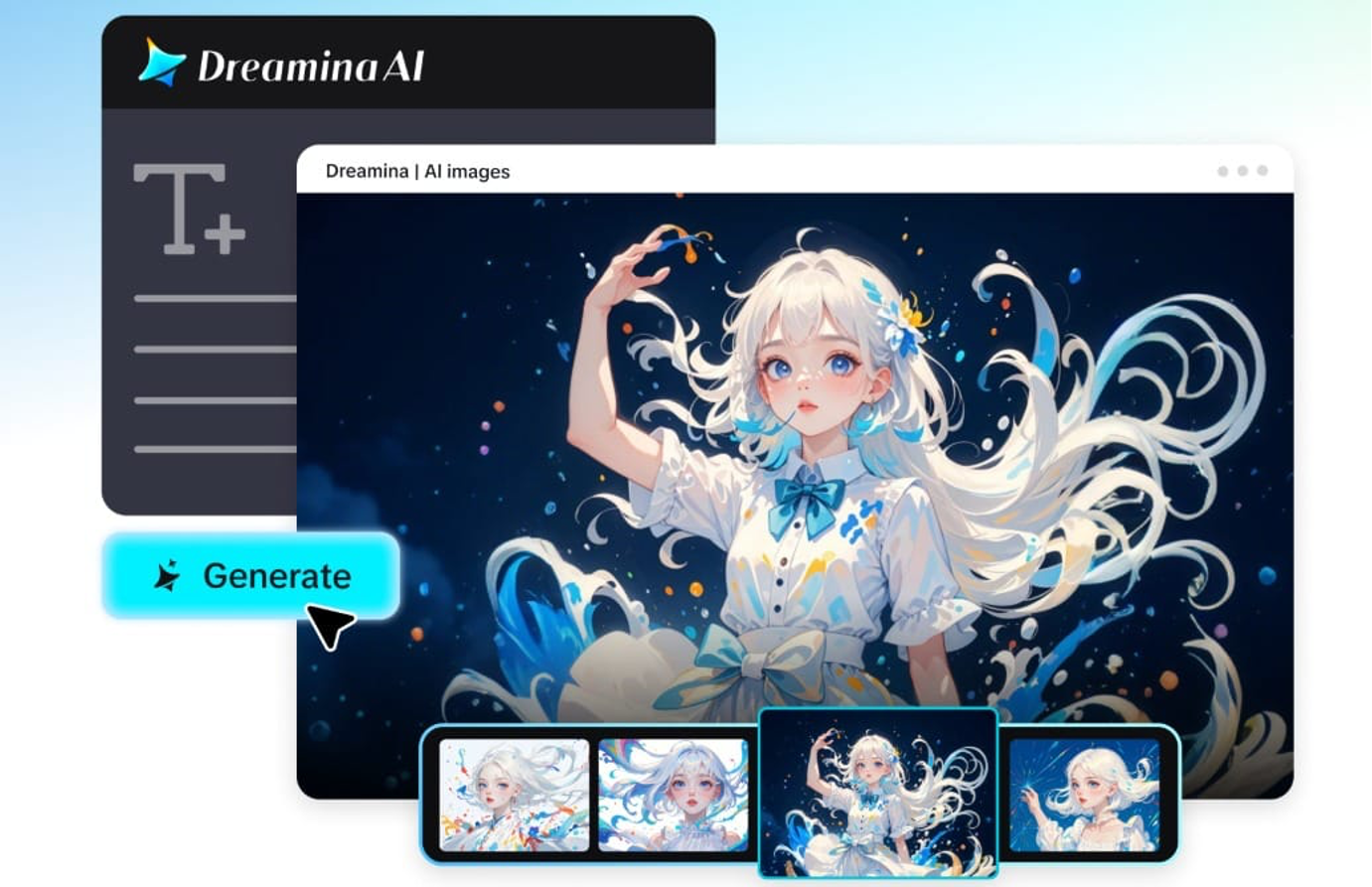
Although all creative endeavors tell a story, connecting on specific elements of that story through the use of photos may not be easy to accomplish. Photos have warm lighting in some and different colors in others, have different characters across photos, etc. Consistency in creative efforts has always been one of the biggest challenges to the success of a project/effort. With Dreamina powered by Seedream 5.0 pro, creating visually consistent images throughout the life cycle of a project/effort has become easier than before.
Seedream 5.0 Pro has allowed for the creation of an underlying visual style across all things related to a campaign: the brand’s storybook picture book illustrations, social media postings, future animation preparation materials, etc. These polished images will serve as a point of reference for developing seedances and then for creating video cd’s from those images. The videos will contain the same characters, colors and artistic styles as those shown in the initial creation of branched/artistic activities during phase 2 of Seedream 5.0.
Do you think consistency is important?
While beautiful images are crucial, a set of images must also have a certain sense of belonging.
Think about making a fantasy story with a main character who changes appearance on each illustration or drawing a product campaign with slightly different packaging on each of the ads. These incongruities draw the audience’s attention away and impair the impact of the message.
Seedream 5.0 Pro allows creators to ensure that all images within a project have a consistent style and tone, giving it a cohesive and polished appearance.
The same creative vision throughout all of the scenes
Consistency doesn’t mean every image is the same. It’s about maintaining the elements that make up your project so that each visual can convey a different part of the story.
For instance, you can have a maintained:
- Appearance and clothing of the character
- Light palette and lighting style
- Background atmosphere
- The composition and artistic direction
- Identification of the brand on promotional materials
Seedream 5.0 Pro does not require you to start from scratch each time, but still allows you to explore new scenes and ideas, while keeping your creative vision alive.
Creative projects are easier to expand upon
After developing a visual consistency, generating more content will be easier.
One set of pictures can be used to back up the following:
- Marketing campaigns
- Storybooks and comics
- Product presentations
- Educational content
- Social media series
With Seedream 5.0 Pro, visual alignment is maintained so that all new images sit next to the old ones naturally. You can also use the produced art as a solid foundation for Seedance 5.0 Pro, guaranteeing that subsequent AI-generated videos feel closely related to its designs.
How to utilize Seedream 5.0 Pro?
With this knowledge of Seedream 5.0 pro’s ability to keep creative assets and images visually aligned in creative projects, let’s now dive in and see how to use Seedream 5.0 pro in Dreamina to create consistent, polished, and professional images throughout a creative project.
In Open Dreamina, write a detailed prompt describing your subject, clothes, environment, lighting, artistic style, mood, and camera composition. The more detailed your prompt, the easier it will be for the Seedream 5.0 Pro to provide similar images with the same visuals.
For instance: Realistic portrait of a young woman graphic designer wearing a beige blazer, white shirt, dark denims and white sneakers working in a modern and creative design studio with colorful design boards, digital tablet, ample natural light and devoid of heavy décor, cinematic composition, high quality editorial photos, realistic textures, soft depth of field and a warm creative atmosphere.
Step 2: Adjust the parameters and generate
Select Seedream 5.0 pro as the model, then choose the aspect ratio, image size, and output resolution 1K or 2K. When it’s all set, click on the generate icon on the Dreamina screen and let the model generate your professionally dressed-up image.
After creating your image, you can take it to a new level using Dreamina’s AI editing tools. Use Inpaint for editing selected parts of an image, Expand for extending a composition, Remove to remove unwanted elements, and Retouch to improve the quality of the final. When you’re happy with the result, click the Download icon to save your finished image.
Seedream 5.0 Pro helps maintain the consistency of the visual
One of the best features of Seedream 5.0 Pro is the facility to keep creation’s uniformity throughout a number of photos. The exact editing of the image makes it easy to change one part of an image without altering the remaining pieces, so that your edits are easy to complete without losing your original style. Layer based control also allows for easier management of various visual elements, allowing for a more streamlined and organized creative workflow.
As the model gets more detailed prompts, it carefully reads them and renders them, which helps to keep them consistent even in the more complex scenes. Its reference-grade outputs are perfect for use with Seedance 5.0 Pro, making still images reliable visual cues for future AI videos. Additionally, built-in online search helps users with projects that demand precise and fresh visual information on brands, trends or topical searches.
Developing applications once and using them everywhere
When the work is seen on multiple platforms, creative consistency is even more valuable.
The same logo can be applied to websites, graphics, presentations, advertising, brochures and video production. You don’t have to re-create each asset separately, but you still build on a good base of creativity.
This helps to make your brand or storytelling more efficient and effective.
Compose well-integrated creative projects using Dreamina
The consistency is what makes it into a memorable creative experience. With Dreamina powered by Seedream 5.0 Pro, creators can ensure a consistent visual style while also streamlining revisions and fostering long-term content creation.
From marketing campaigns, storytelling projects, brand assets and visuals for Seedance 5.0 Pro, Seedream 5.0 Pro has everything you need to craft professional, cohesive images from start to finish.