Why Travel Users Need a Different Mouse and Keyboard
If you’ve ever tried to unpack a full-size mechanical keyboard on an airplane tray table—or untangled a mouse cable from your headphones in the middle of a security line—you know this already. Gear that feels perfectly fine on a permanent desk can suddenly become a nuisance the moment you have to carry it.
The issue isn’t performance. It’s physics. Standard peripherals eat up bag space and add weight you’ll feel after a six-hour travel day. For a travel workflow, you need gear that subtracts rather than adds. Something that doesn’t announce itself the second you open your backpack.
Then there’s the switching nightmare. It’s common to jump from a laptop in the hotel room to a tablet in the lobby, then back again. If your mouse and keyboard force you to re-pair or fumble with dongles every time, you’re bleeding time. A good travel setup shouldn’t just fit in your bag—it should fit the rhythm of how you actually move between devices on the road.
What to Look for in a Travel Mouse
A travel mouse shouldn’t make you think about it. It just needs to disappear into your bag, connect without a fuss, and handle whatever you throw at it—from spreadsheets to a last-minute presentation edit in the hotel lobby.
Lightweight design
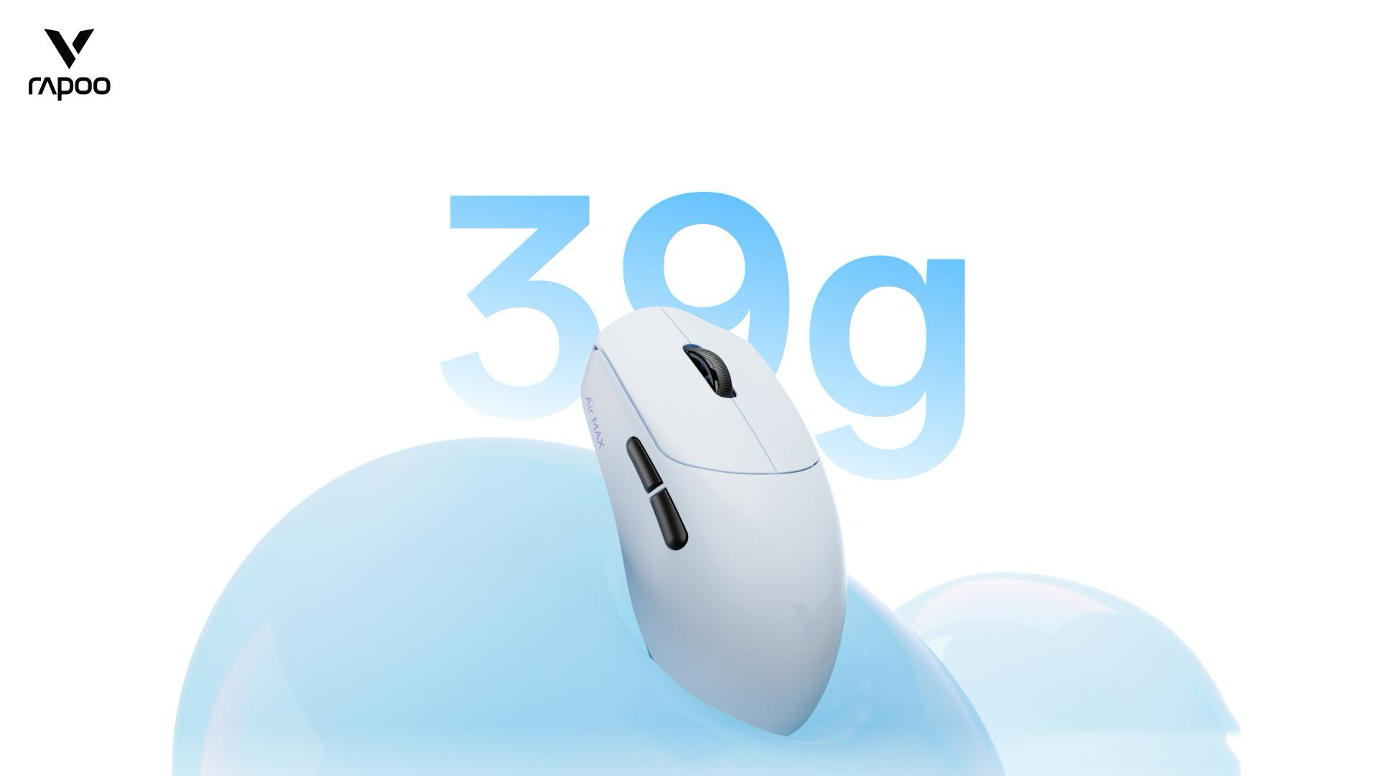
Weight is one of those things you don’t notice until it’s annoying. A heavier mouse has a way of making itself known after a few hours of hopping between gates or working from a tiny café table. The VT0 Air Max lightweight gaming mouse clocks in at 39g ± 3g—light enough that you’ll forget it’s there until you need it. And when you do need it, the anti-slip coating keeps it planted even if your makeshift desk isn’t perfectly level.
Wireless convenience
Travel is messy enough without adding cables to the mix. A wireless connection means one less thing to plug in, one less cord to snag on a coffee cup, and one less item to dig out of your bag. The Rapoo VT0 Air Max runs on 2.4GHz wireless—plug the dongle in once and you’re set for the rest of the trip. No pairing screens, no fiddling.
Easy everyday control
Compact doesn’t have to mean compromised. The VT0 Air Max packs eight programmable buttons and works across Windows and Mac via the A Hub software. That means you can map shortcuts for your actual workflow—not just the defaults someone else picked. Whether you’re flying through tabs or tweaking a deck at 35,000 feet, the mouse should keep up without getting in the way.
What to Look for in a Travel Keyboard
A travel keyboard has to pull off a tricky balancing act. It needs to be small enough to tuck into a backpack without a second thought, but not so cramped that your fingers feel like they’re typing on a calculator. And it needs to play nicely with whatever screen you happen to be staring at that hour.
Slim profile
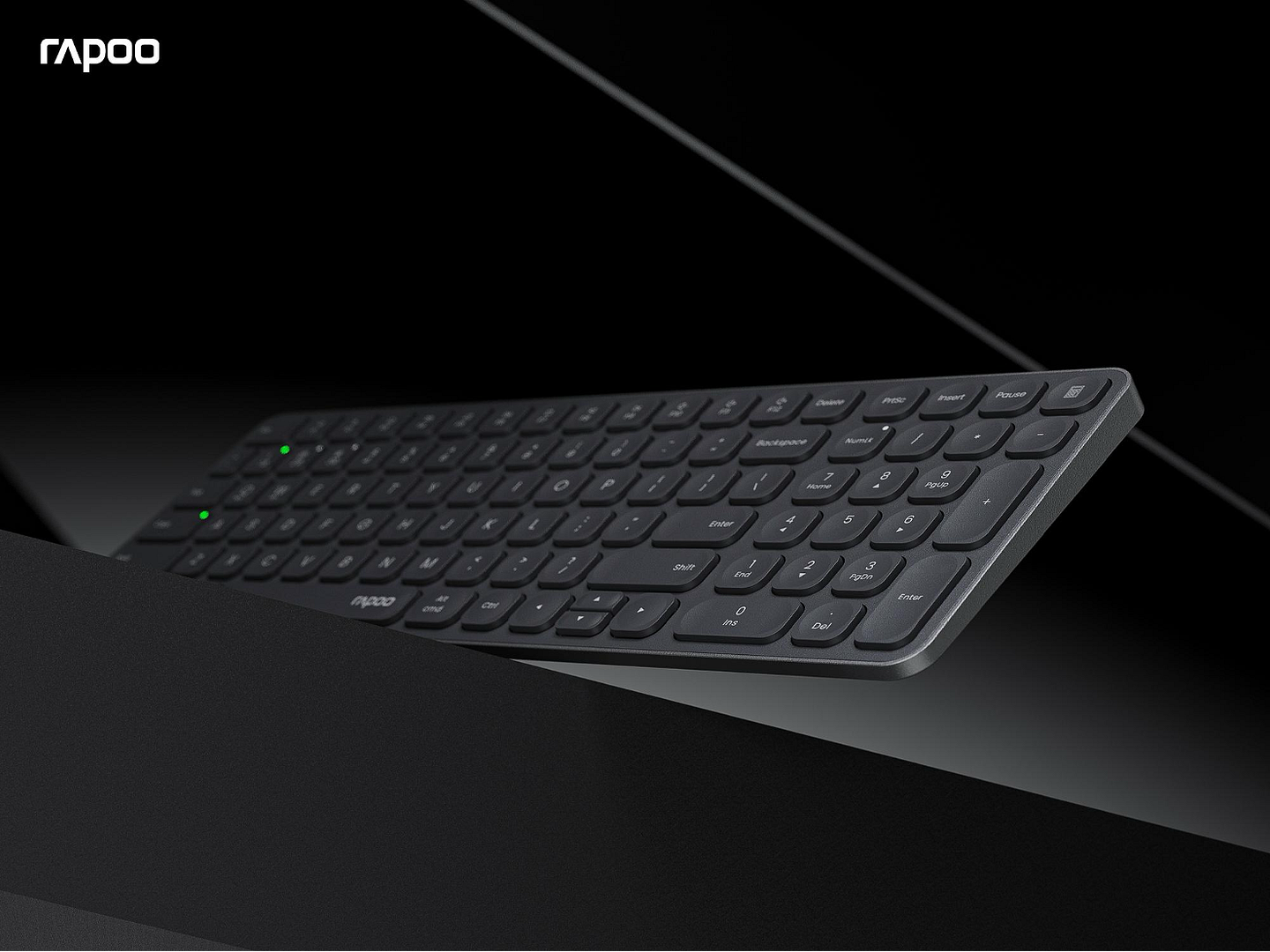
Thickness is the enemy of a good pack. A keyboard that’s half an inch thick might not sound like much on paper, but slide it into an already-stuffed laptop sleeve and you’ll feel the difference. The RAPOO E9050L comes in at just 0.2 inches—thin enough to forget it’s there until you pull it out. The E9350L shares that same low-profile DNA, keeping things quiet and low to the desk whether you’re in a shared workspace or a hotel room with paper-thin walls.
Compact layout
The E9050L goes with a 78-key layout that strips things down to the essentials. No numpad, no extra bulk—just the keys you actually use most of the day. It’s the kind of keyboard you can toss in a tote bag without rearranging everything else first. If you do need a numpad but don’t want to haul around a full-size board, the E9350L splits the difference with a 99-key layout. You get the number pad back without the footprint taking over the whole table.
Multi-device support
Travel workflows are rarely single-device anymore. Maybe you start the morning on a laptop, move to a tablet during a meeting, then answer messages on your phone. Both the E9050L and E9350L handle up to four paired devices—hit a button and you’re typing on something else. No repairing, no digging through Bluetooth menus. It’s the kind of friction-killing feature that sounds small until you don’t have it.
A Simple Travel Setup Recommendation
Pairing the right mouse and keyboard for travel isn’t complicated. The VT0 Air Max does the heavy lifting on the mouse side—39g ± 3g, wireless, and easy to forget about—so the real decision comes down to how much keyboard you actually want to carry.
Option 1: Lightest travel setup
VT0 Air Max + E9050L. If you’re counting every ounce, this is the combo. The E9050L strips down to 78 keys and barely adds thickness to your bag at 0.2 inches. It switches between four devices, so you can bounce from laptop to tablet without missing a beat. Toss both in a backpack and you’re set—this is about as lean as a functional travel workspace gets.
Option 2: Travel setup with a numpad
VT0 Air Max + E9350L. Sometimes you need a numpad but you don’t want to lug around a keyboard that feels like it belongs on a desktop. The E9350L sneaks 99 keys into a frame that’s still ultra-thin and still fits in a carry-on. Same four-device switching as its smaller sibling, just with more keys under your fingers when the work calls for numbers.
Option 3: Travel setup with full-size typing feel
VT0 Air Max + E9550L. For anyone who simply cannot work on a compact layout—no judgment—the E9550L delivers a full 110-key layout in the same slim chassis. You get the numpad, the arrow cluster, the dedicated function row, all of it. The trade-off is a slightly larger footprint, but if muscle memory matters more than saving a couple inches of bag space, this is the one.
| Product | Who it’s for | Why it travels well |
| VT0 Air Max | Anyone who hates heavy gear | ~39g ± 3g—light enough to forget it’s in your bag |
| E9050L | Minimalists and one-bag travelers | 78 keys, 0.2″ thin, fits anywhere a tablet does |
| E9350L | Spreadsheet users who still want to pack light | Numpad in a 99-key frame that doesn’t hog space |
| E9550L | Touch typists who refuse to compromise | Full 110 keys in the same ultra-slim body |
Final Thoughts
The best travel gear doesn’t ask for your attention. It just works when you need it and disappears when you don’t. A mouse under 40g and a keyboard you can slide behind a laptop sleeve won’t change your life—but they will make moving through airports, cafés, and hotel rooms a little less annoying. And on a long trip, that counts for more than you’d think.